Compatibility
Minecraft: Java Edition
Platforms
Supported environments
Links
Tags
Creators
Details

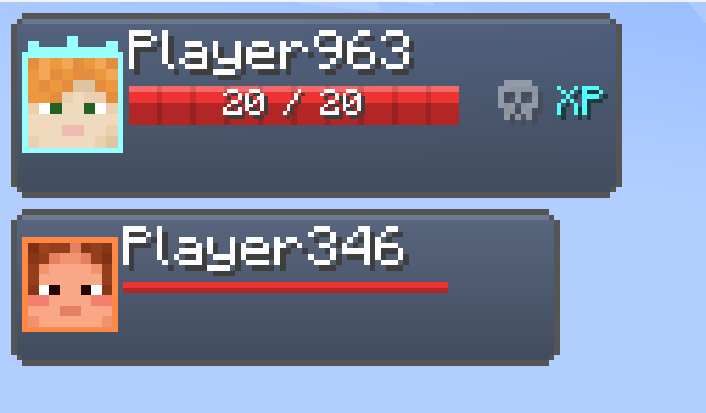
RPG Party HUD in action. (Glowing)
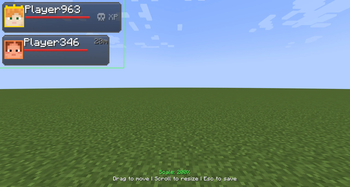
Clear visualization of your teammates' health, levels, and skins directly on your screen.

PvP Modes & Ally Highlighting
Shows active PvP and ally tracking. Left: Ally markers for a clean view. Right: Glowing outlines for high visibility. Visuals change based on PvP state, instantly revealing "Friendly Fire" status.

Leader Control Panel & HUD
Exclusive controls for the Party Leader: Skull Icon: Toggle Friendly Fire (PvP) on/off for the entire group. XP Icon: Configure Experience Sharing settings between members. Visuals: High-contrast health bars and player levels for real-time monitoring

Advanced XP Sharing System
Customizable XP distribution for the party. Leader: Toggle XP sharing and set custom percentages for each member via +/- buttons. Members: Real-time visibility of their experience share. Perfect for balancing leveling within the team.

Self-Management & Personalization
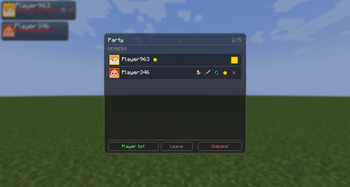
Click on your own HUD entry to manage your status: Color: Choose your unique team color. Leave/Disband: Easily exit the party or disband it (exclusive to the Leader). Personalized colors help distinguish members instantly in the game world and HUD.

Interaction & Member Management
Click a teammate's profile for quick actions: PM: Instant private messaging. Duel: Challenge friends to a 1v1. Kick: Remove members (Leader only). Fast social tools directly through the HUD.

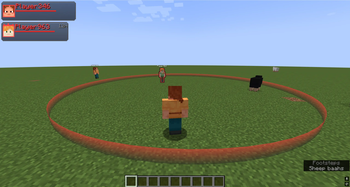
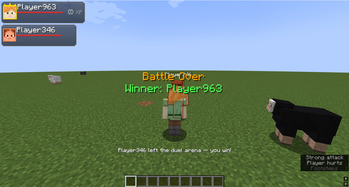
Smart 1v1 Duel System
Automatic 1v1 duels with countdown: Rules: Only duelists can fight; others can't interfere. No Death: Loser stays at 1 HP; winner is announced to the team. Visuals: Players turn red during fight for clear status.