
Compatibility
Minecraft: Java Edition
Platforms
Supported environments


Tags
Creators
Details
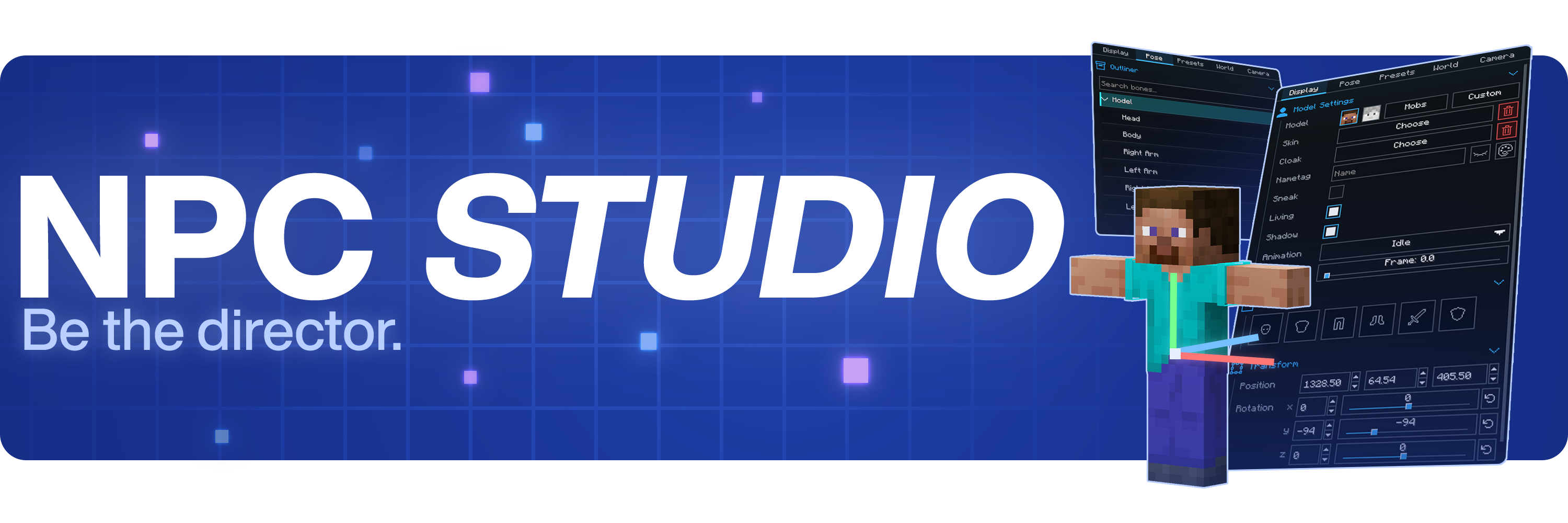

Be the director of your best thumbnail yet.
Stage the shot, pose the characters, control the world, and capture it all inside Minecraft.
Create with control
- Advanced character posing
- Custom mob & item support
- Detailed world and lighting control
- Powerful in-game camera tools
- Pose presets, scene saving, and more
Watch the full showcase
FAQ
Where can I report bugs or suggest features?
Join the Discord at discord.gg/mdh. For bug reports, include your Minecraft version, NPC Studio version, mod loader, what you expected to happen, what actually happened, and any useful logs or screenshots.
How do I import custom models?
Open the model picker, then use the import folder button. NPC Studio supports .bbmodel, .geo.json, and .jar files. For .bbmodel and .geo.json models, place the matching .png texture beside the model file and use the same file name.
How do I share presets?
Open the preset folder from the Presets tab, then share the preset .json file or the folder that contains it. The other person can place it in their config/npcstudio/presets folder and load it from the Presets tab.
How do I make batch screenshots automatically cut out the player?
Install Iris and a WEM cutout-compatible shaderpack, then enable WEM Cutout in the Batch Screenshots screen. If you have more than one compatible shaderpack installed, choose the one you want to use for the cutout pass before running the batch.