
Compatibility
Minecraft: Java Edition
Platforms
Supported environments


Links
Tags
Creators
Details

Customize Keybind
The menu key can be easily changed in the Minecraft settings (default B).
Flip Animation
PRIMORDIUM Animation
Anti-Tool-Break
Anti-Interact/Anti-Drop
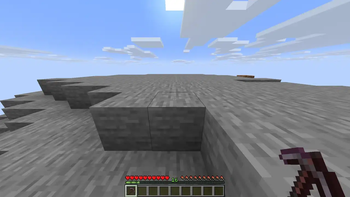
Anti-Tool-Break Warning
Stats Tracking
Disable Vanilla Animation
VORTEX-Animation
Item-Widget
Inventory Widget
Armor Widget
Resizable Hotbar
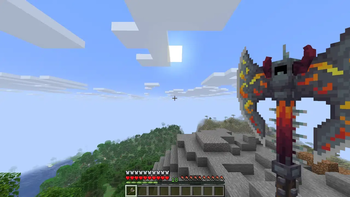
Hand Transformer
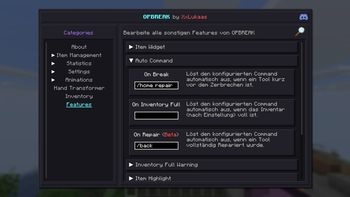
Auto Commands
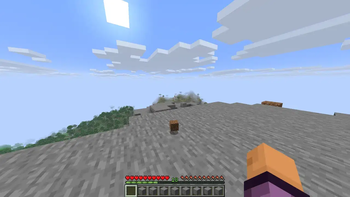
Auto Commands
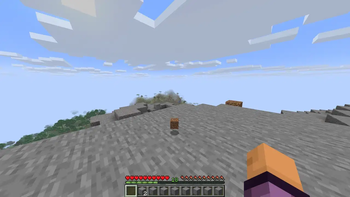
Inventory Full Warning
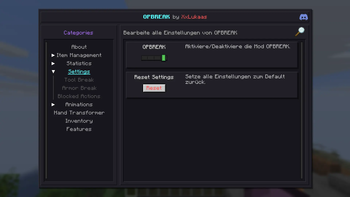
Settings
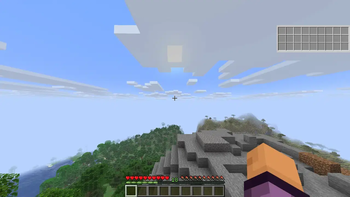
Widget Editor Menu
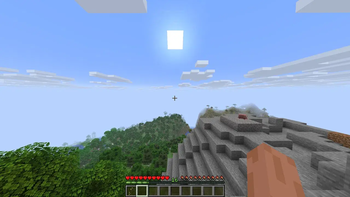
KURONAMI
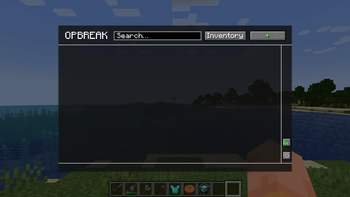
Clean GUI
All features and settings are completely customizable through a clean GUI.
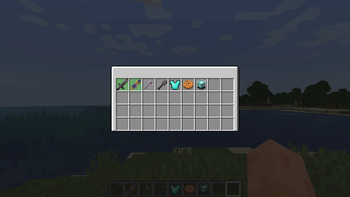
Easy Setup
Select items directly from your inventory for an easy and fast setup.
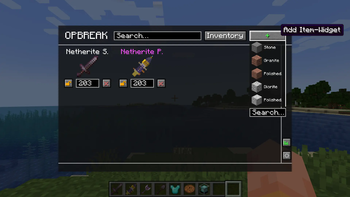
Advanced Setup
Select any Minecraft item through a dropdown to customize its features.
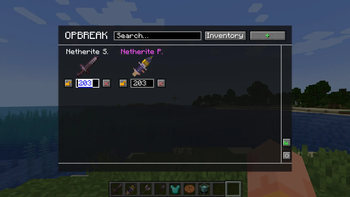
Anti-Tool-Break / Anti-Armor-Break
Enter a value at which the item should stop before breaking (default 10%).
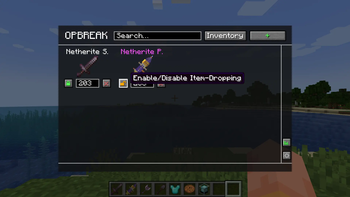
Item-Dropping
Enable or disable dropping for a specific item.
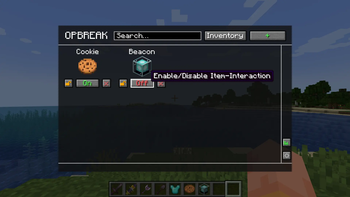
Item-Interaction
Enable or disable interaction for a specific item (only for non-damageable items).
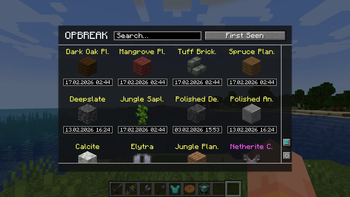
Statistics
Access all your tracked statistics.
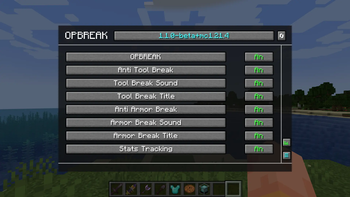
Settings
Fully customize all settings.
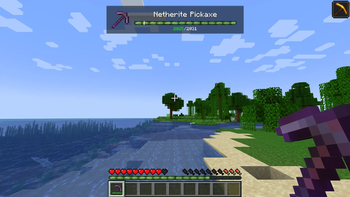
HUD Display
Enable/Disable HUD Display in the settings. The item widget is shown for items configured as Tool-Break or Armor-Break in OPBREAK.
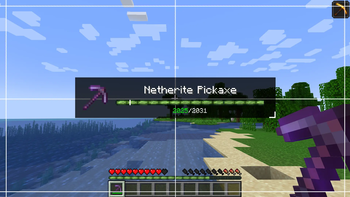
HUD Editor
Using the Widget Editor key, you can move, resize, reset (middle mouse click), and make the the HUD display transparent (right mouse click). The widget editor key can be easily changed in the Minecraft settings (default V).
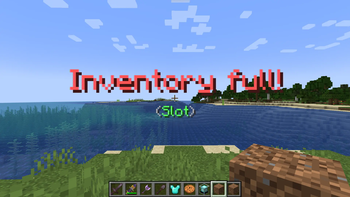
Inventory Full Warning
Enable/Disable Inventory Full Warning in the settings. Receive a notification when your inventory slots or item stacks are full.
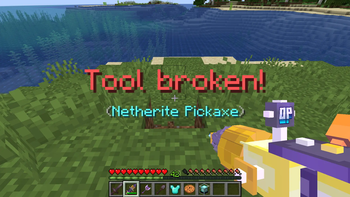
Tool-Break
Receive a warning notification before your tool breaks. Item interactions with the tool are fully disabled.
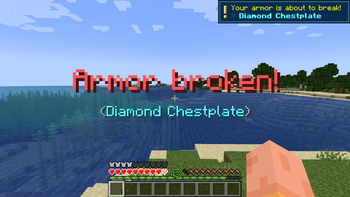
Armor-Break
Receive a warning notification before your armor breaks.
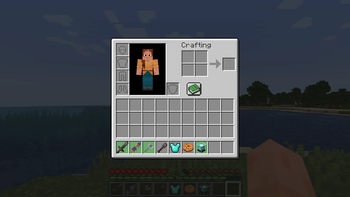
Item-Highlight
Enable/Disable Item-Hightlight in the settings. Items integrated in OPBREAK are highlighted.