
Compatibility
Minecraft: Java Edition
Platforms
Supported environments


Tags
Creators
Details
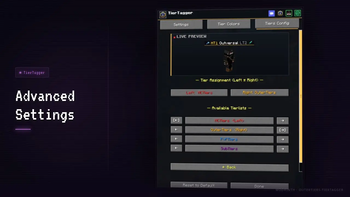
Advanced Settings
Configure which tier list appears on each badge side independently. Assign MCTiers to the left badge and OuterTiers to the right, or mix any combination of the four supported services.
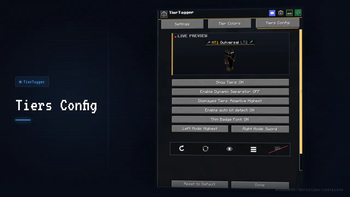
Tiers Config
Fine-tune tier display behavior per badge side: toggle Show Tiers, enable Dynamic Separator, set Displayed Tiers to Adaptive Highest, enable auto kit detection for sword/axe/pot, and switch on Thin Badge Font.
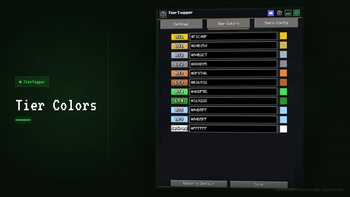
Tier Colors
Fully customize the color of every tier grade using hex codes. Covers all 11 tiers: HT1/LT1 through HT5/LT5 plus Retired. A live color swatch previews each code in real time.
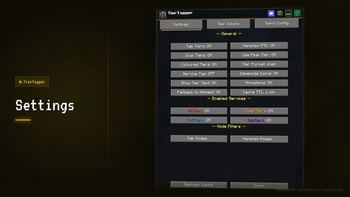
Settings
Main settings screen. Toggle Tab Tiers, Nametag, Dual Tiers, Peak Tier, Coloured Tiers, Animations and more. Enable or disable each of the four tier services (MCTiers, OuterTiers, PvPTiers, SubTiers) and access Tab and Nametag Mode Filters.
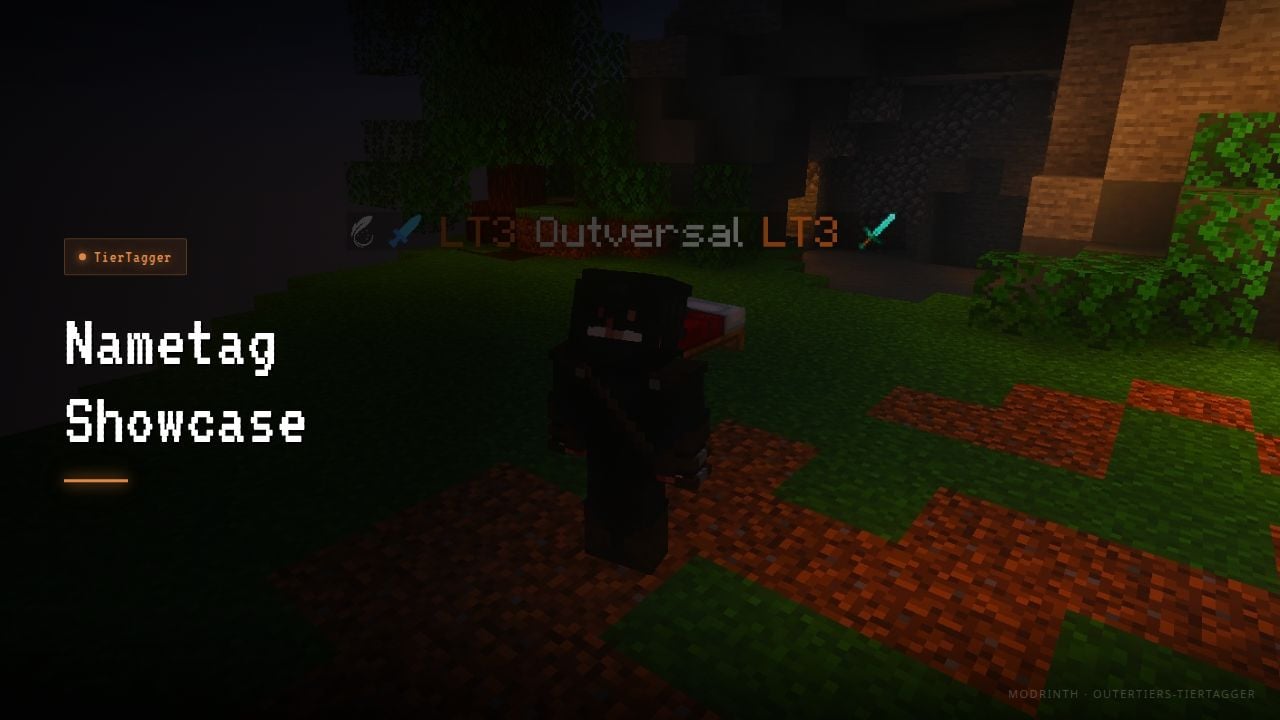
Nametag Showcase
Tier badges displayed above a player's head in the game world using the F5 nametag overlay. Shows both the left and right tier badges alongside the player name without needing to open the tab screen.
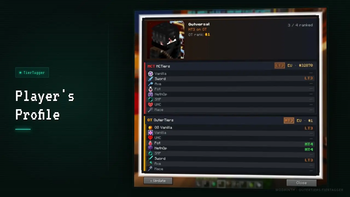
Player's Profile
Full tier breakdown for any player via the /tiertagger search command. Shows per-gamemode tiers for both MCTiers and OuterTiers, including EU and NA world rank and the number of ranked gamemodes.
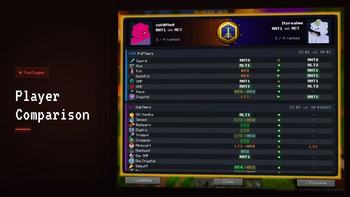
Player Comparison
Side-by-side tier comparison between two players via the /tiertagger compare command. Lists every gamemode across PvPTiers and SubTiers with arrows indicating which player leads each mode, plus EU and NA world ranks for each.