
Compatibility
Minecraft: Java Edition
Platforms
Supported environments


Tags
Creators
Details
A polished, claims-aware death-recovery system for Forge 1.20.1. Lose nothing, find everything, suit up in one motion.
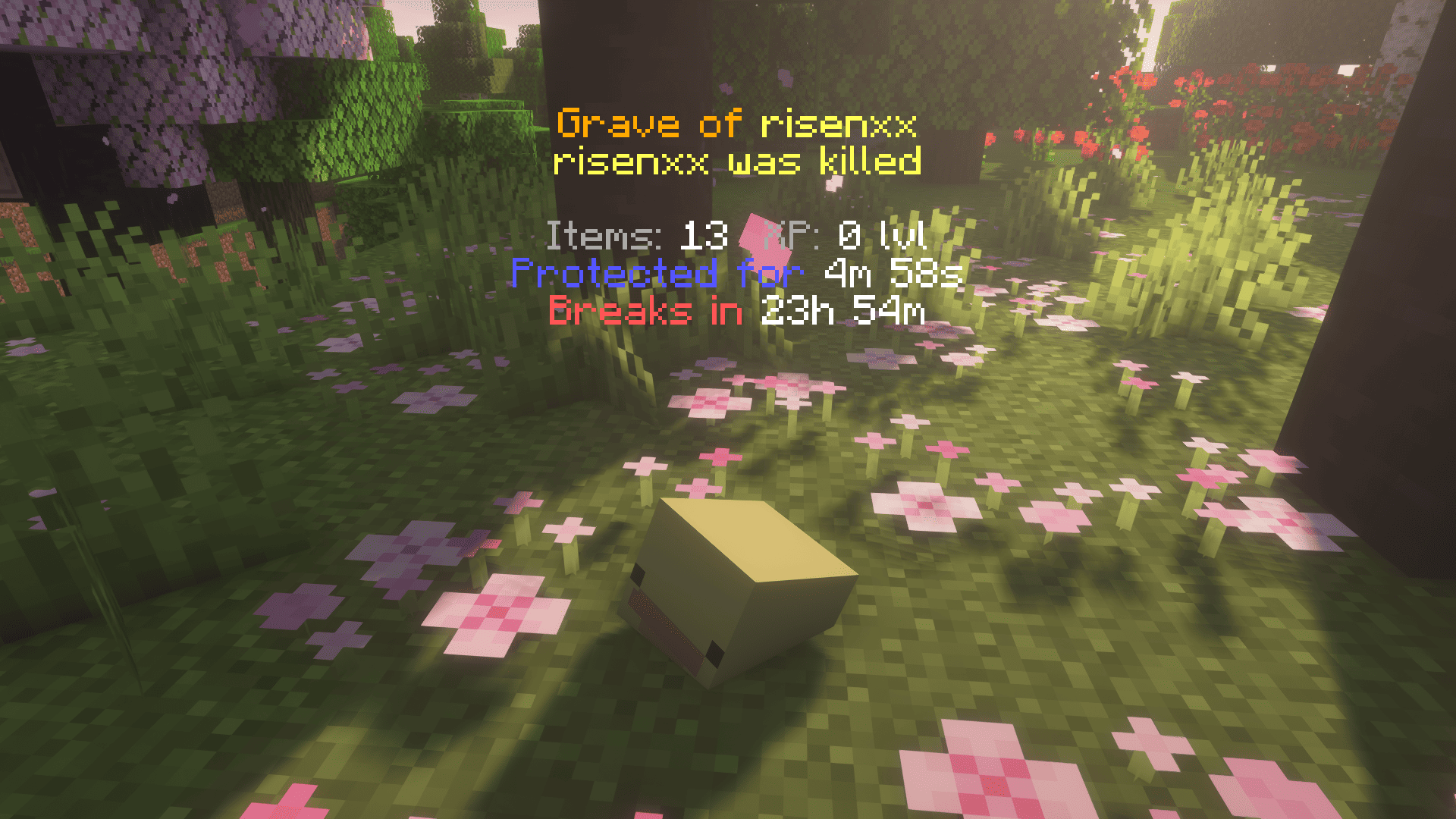
When you die in vanilla Minecraft, your items hit the floor on a five-minute timer and anyone within sprinting distance can sweep the lot. Perfect Graves replaces that scramble with a gravestone that knows where you fell, what you were wearing, and what else is going on with your server. Right-click your grave (or break it — both work) and your gear snaps back into the exact slots it was in: armor in armor slots, accessories in their Curios slots, sword on the bar, XP credited straight to your bar. No 47-orb chase. No inventory Tetris.
A 10-minute protection timer (configurable, paused while you're offline) keeps other players out of your stuff while you find your way back.
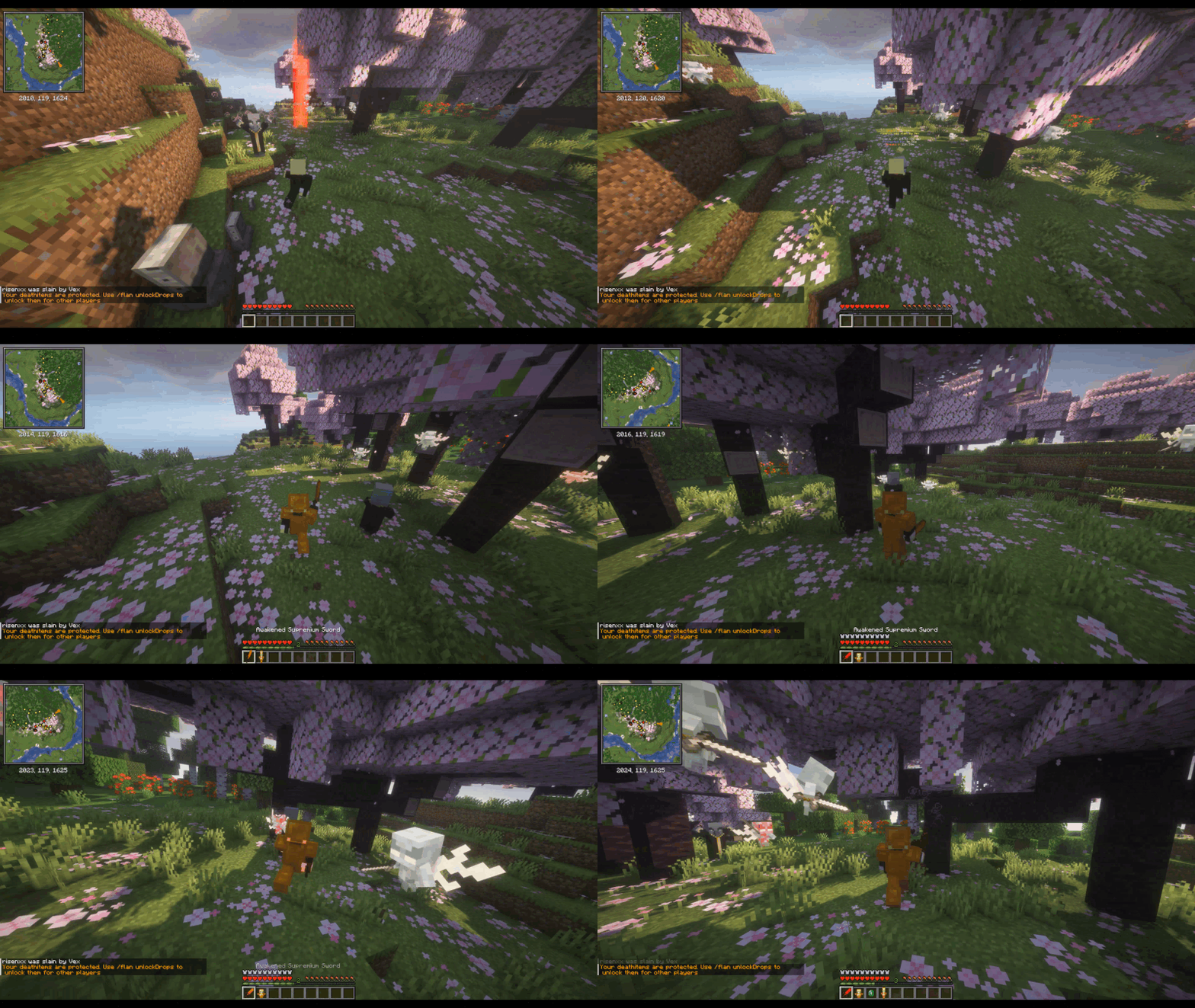
Death-proof in any biome
- Lava. 3×3 obsidian platform on the surface, grave on top.
- Void. Platform at your last safe ground (or a sane default Y).
- Underwater. Waterloggable — placed on the seafloor with the water column intact.
- Buried in stone. Nearest air spot, scanning up and down — even when you suffocate just under the Nether bedrock ceiling and the only air is below you.
- Bedrock-locked. When even that fails, your gear lands in a virtual vault you can pull back with
/grave list. Items are never silently lost.
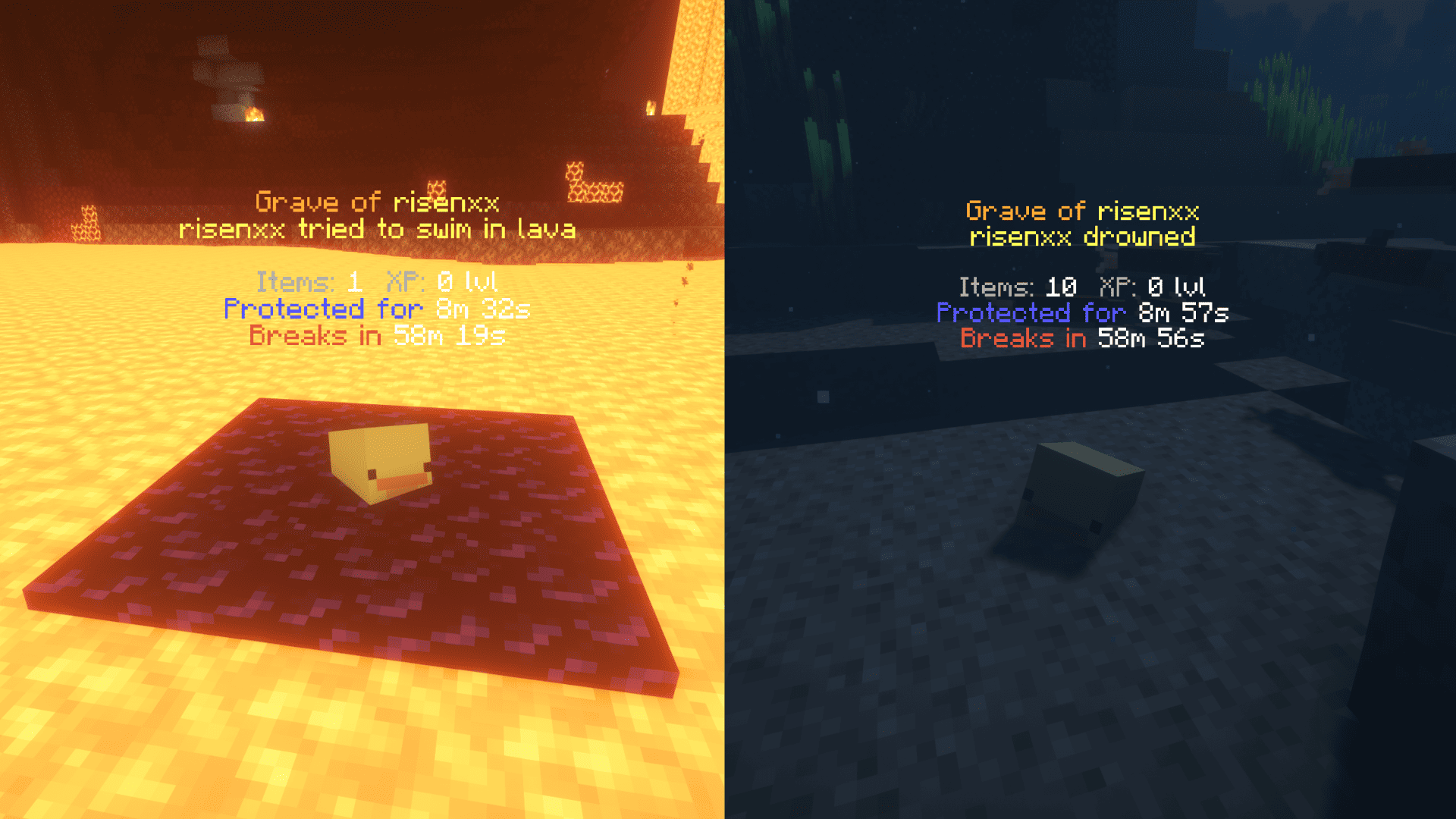
Find your way back
Up close: full hologram with name, item count, XP, protection timer. Step away: it crossfades into a smaller long-distance marker — ☠ <name> died 12m ago • 187m — readable from across an entire biome, out to 256 blocks by default. Markers are remembered across logouts and chunk unloads.
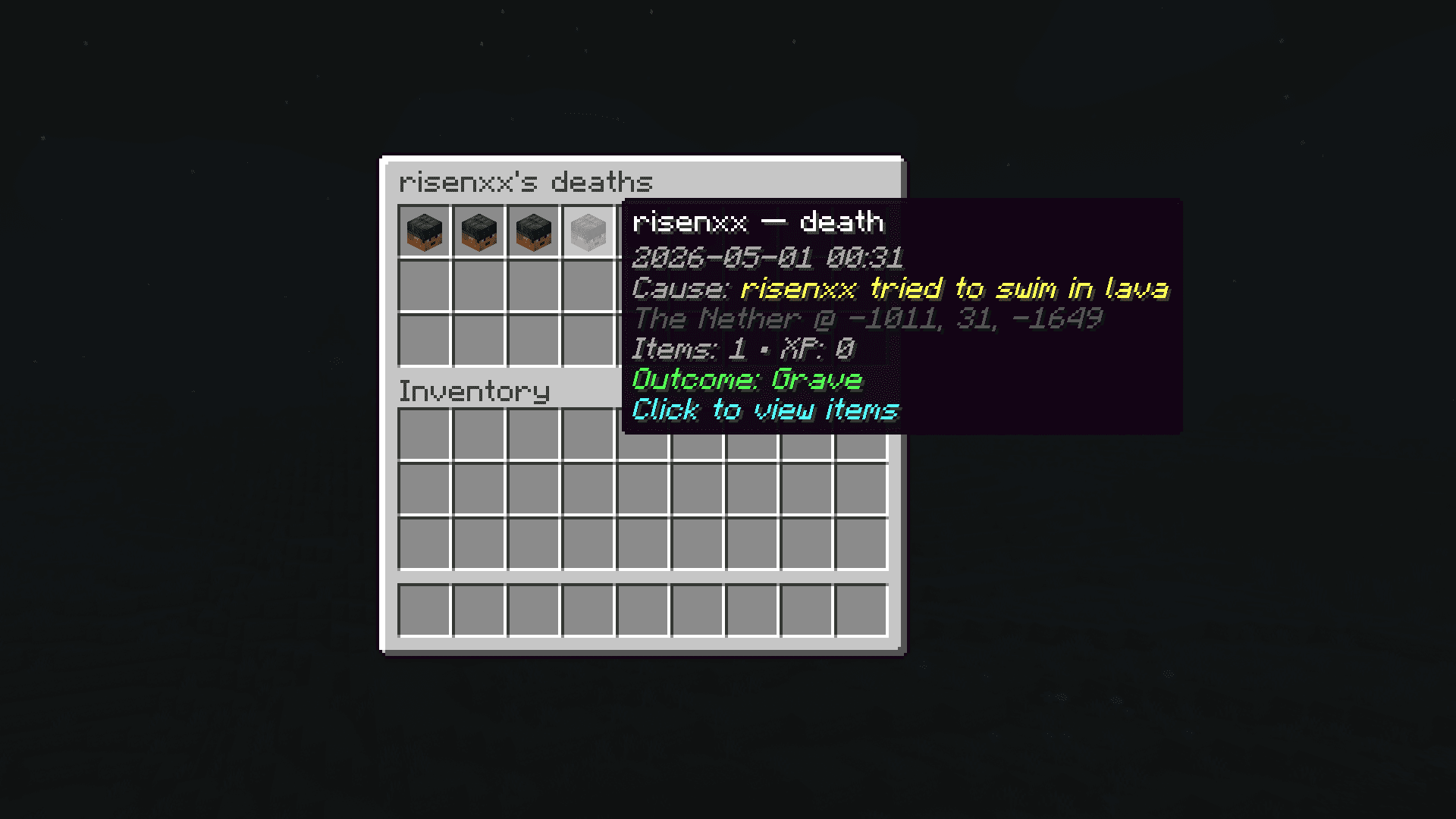
Every death is logged to a per-player history. /grave history opens a scrollable list — click any entry for read-only details: items at that moment, cause, dimension, exact coordinates.
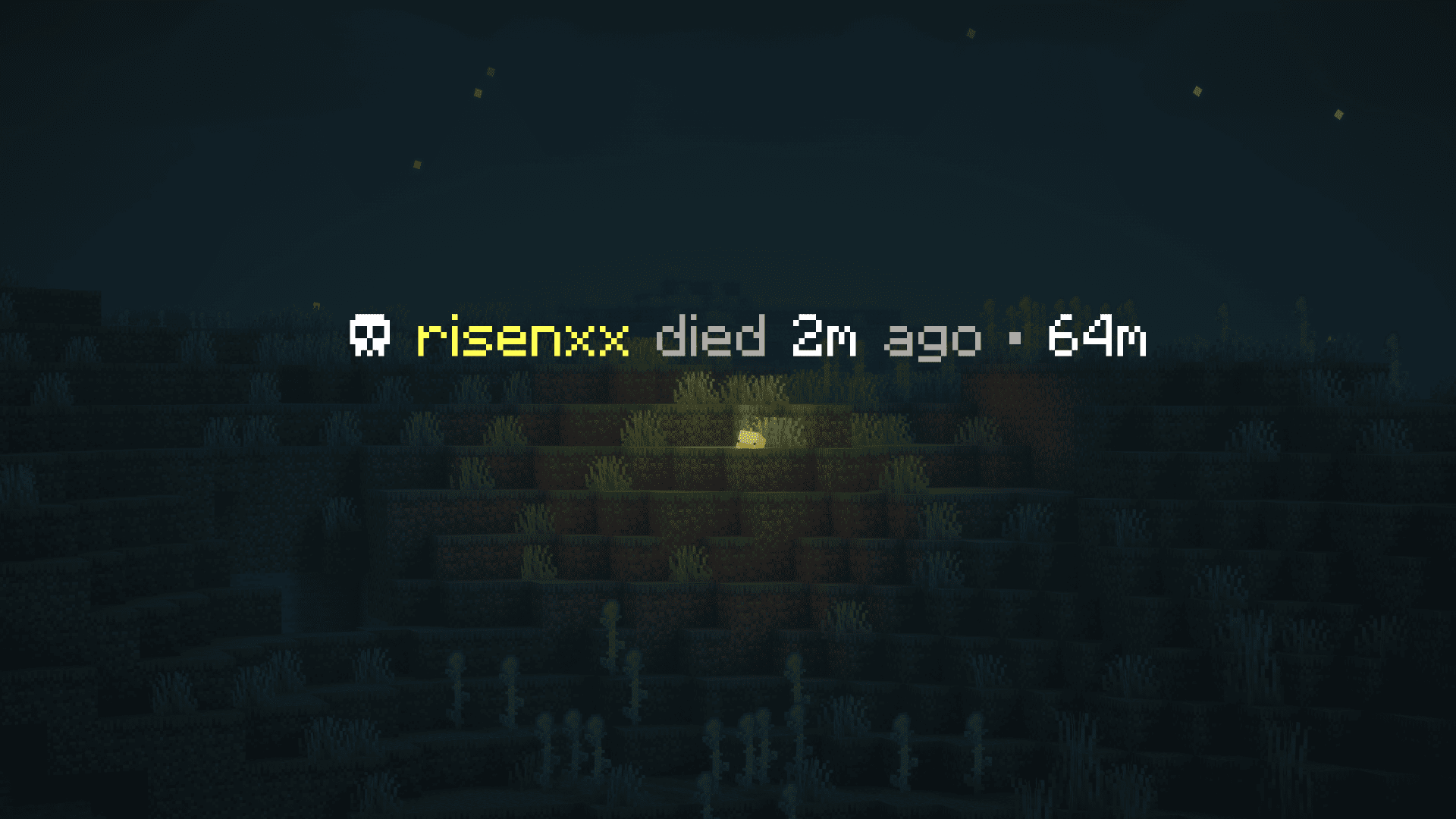
Designed for modpacks
- Claim mods. Graves never spawn inside someone else's claim. FTB Chunks, Open Parties and Claims, and Flan are recognized out of the box.
- Curios. Rings, amulets, charms, all custom slots — re-equipped to the same Curios slot they were in at death.
- Soulbound enchants. Items enchanted by Ender IO or Ars Elemental's soulbound stay with you across death — and if a third-party soulbound mod (Mystical Agriculture, etc.) returns your gear into the inventory grid, Perfect Graves automatically moves armor pieces back into their armor slots.
- Mod-added drops. Apotheosis affixes, Curios accessories, anything else that hooks
LivingDropsEvent— captured in the grave alongside vanilla items.
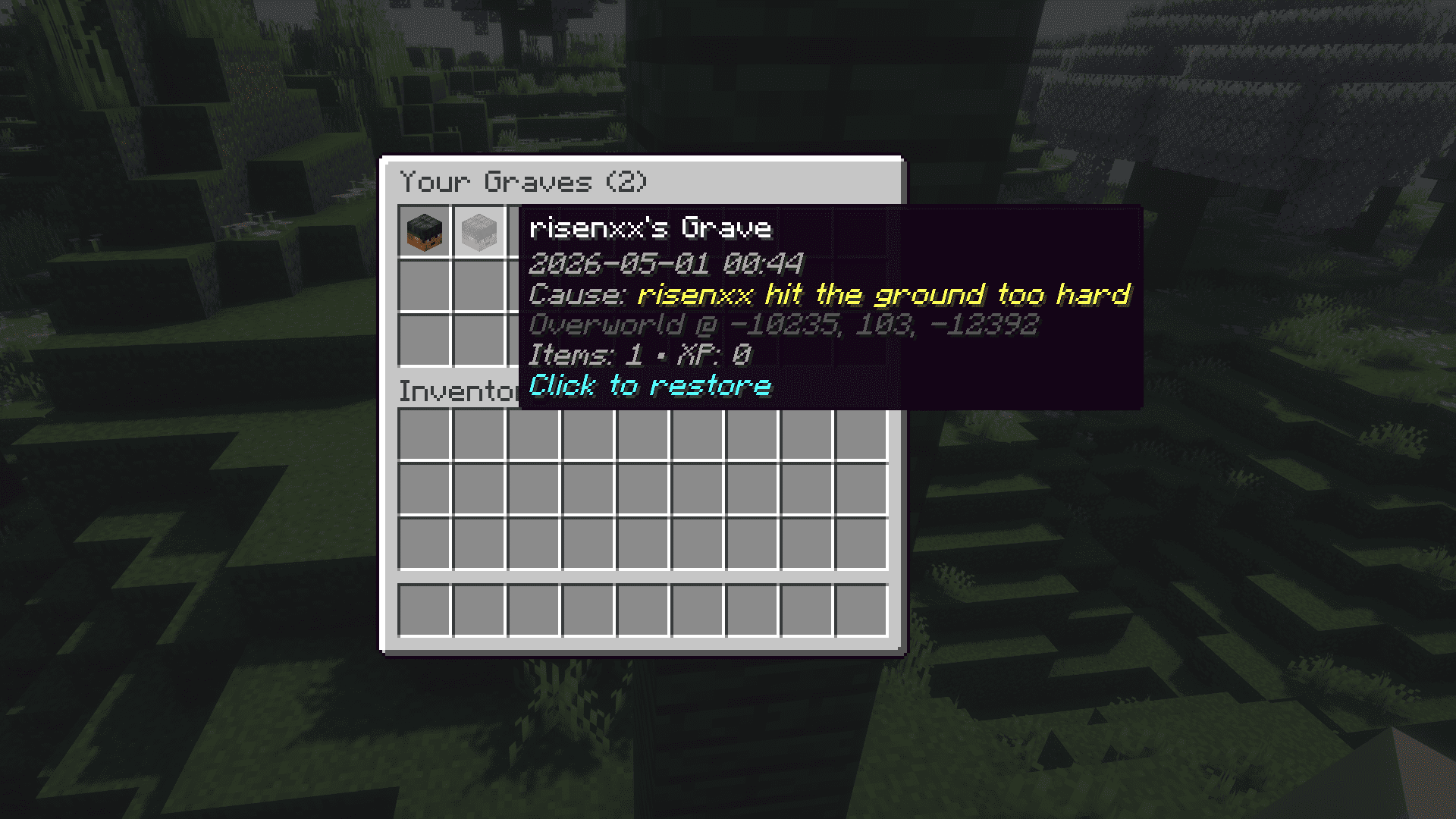
When no placement is possible — claim blocks every option, you died deep inside bedrock, the void won the day — your stuff goes into a virtual vault. The chat message you get has a clickable, gold-bold /grave list link: one click types it for you.
Commands
| Command | What it does | Who |
|---|---|---|
/grave list |
Opens a menu of your virtual graves | everyone |
/grave history |
Browse every recorded death — items, cause, position | everyone |
/grave restore <id> |
Pulls a virtual grave straight into your inventory | everyone |
/grave debug <player> |
Lists every virtual grave for the target player (UUID, items, position) | OPs |
/grave marker [...] |
Live-toggle long-distance marker visibility, own-only filter, dismiss radius, max distance | client-side, anyone |
For Server Admins
Designed not to wreck your TPS:
- Grave placement is time-boxed (default 10 ms wall-clock per death) and early-exits as soon as it finds enough candidates.
- Never force-loads chunks during placement.
- Failed placements fall through a cascade that ends in either a safe drop or a virtual grave — items are never silently lost unless you explicitly set
[fallback].mode = "VANILLA_DROP". - Intercepts
LivingDropsEventatLOWESTpriority, so mod-added drops (Apotheosis, etc.) land in the grave correctly.
Server-wide config lives at config/perfectgraves-common.toml. Per-dimension overrides supported. Per-client marker preferences live separately at config/perfectgraves-client.toml.
Full configuration reference, source code, and issue tracker on GitHub.
License: MIT. Source: github.com/risenxxx/perfect-graves Issues: github.com/risenxxx/perfect-graves/issues