
Compatibility
Minecraft: Java Edition
Platforms
Supported environments


Tags
Creators
Details
Licensed MIT
Published 3 months ago
Updated 3 months ago
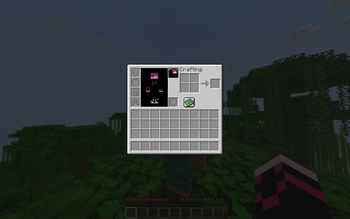
1.1.0 inventory button
button that opens skin painting menu now
July 15, 2026
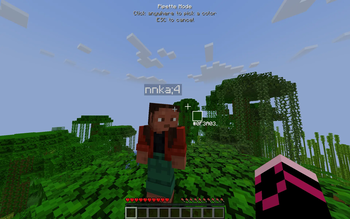
New Pipette
You click anywhere on the screen and then use that color to draw on your skin
July 15, 2026
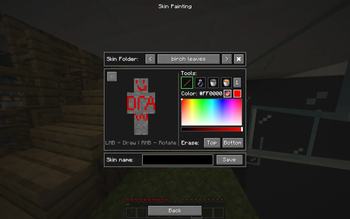
Main Menu
Here, you can paint, revert changes, and erase layers. You can also save, load, and delete skins directly in your skin folder right from this menu!
June 26, 2026
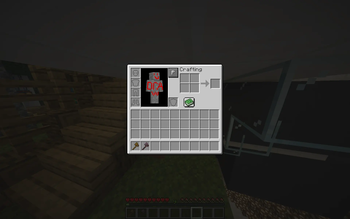
Paint button
The Paint button in your inventory opens the "Skin Painting" menu.
June 26, 2026
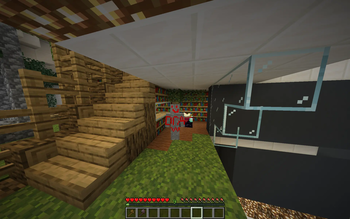
Skin in game
The skin I quickly drew for these screenshots.
June 26, 2026
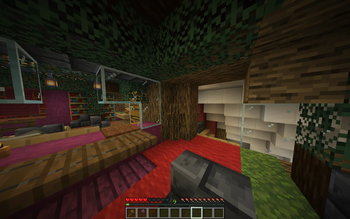
Hiding
Technically, better hide&seek games are now possible with this mod. You can change your skin to anything anytime!
June 26, 2026