
Compatibility
Minecraft: Java Edition
Platforms
Supported environments


Tags
Creators
Details
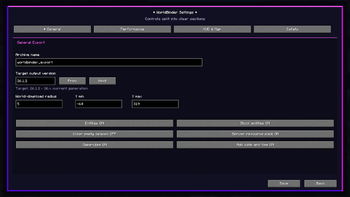
Responsive Settings Menu
WorldBinder introduces a fully redesigned settings interface with clear sections for general export options, performance, HUD/map behavior and safety controls.
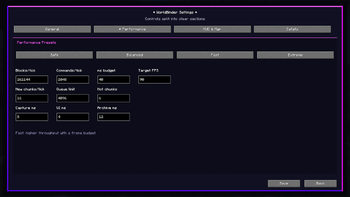
Performance Presets
WorldBinder includes configurable performance presets for balancing capture speed, frame budget and queue limits. Users can choose between Safe, Balanced, Fast and Extreme modes, or fine-tune advanced capture values manually for their setup.
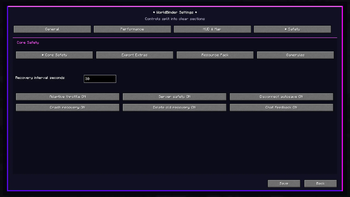
Safety and Recovery Controls
WorldBinder includes dedicated safety and recovery options for responsible world capturing. Configure autosaves, crash recovery, adaptive throttling, server safety checks, resource pack handling and gamerule export behavior from one clear menu
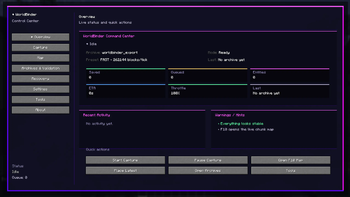
F9 Control Center
The WorldBinder Control Center gives quick access to capture status, archive progress, recent activity, warnings and core actions.
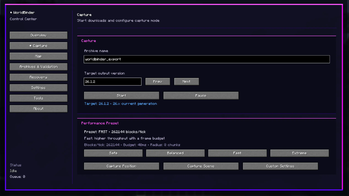
Capture Workflow
The Capture screen lets users start, pause and configure world downloads directly from the WorldBinder Control Center.
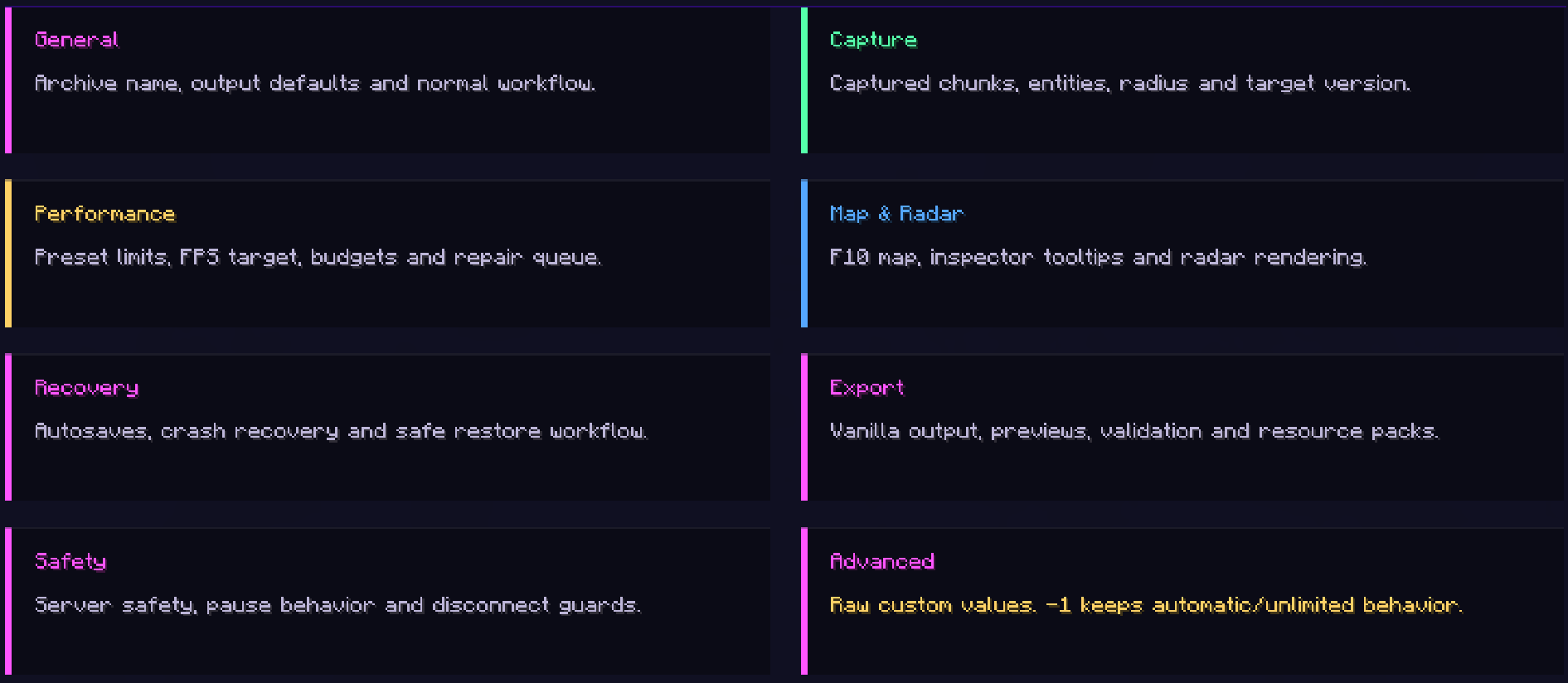
Configuration Overview
WorldBinder organizes its configuration into clear sections for general export settings, capture behavior, performance tuning, map/radar options, recovery, validation and advanced controls.
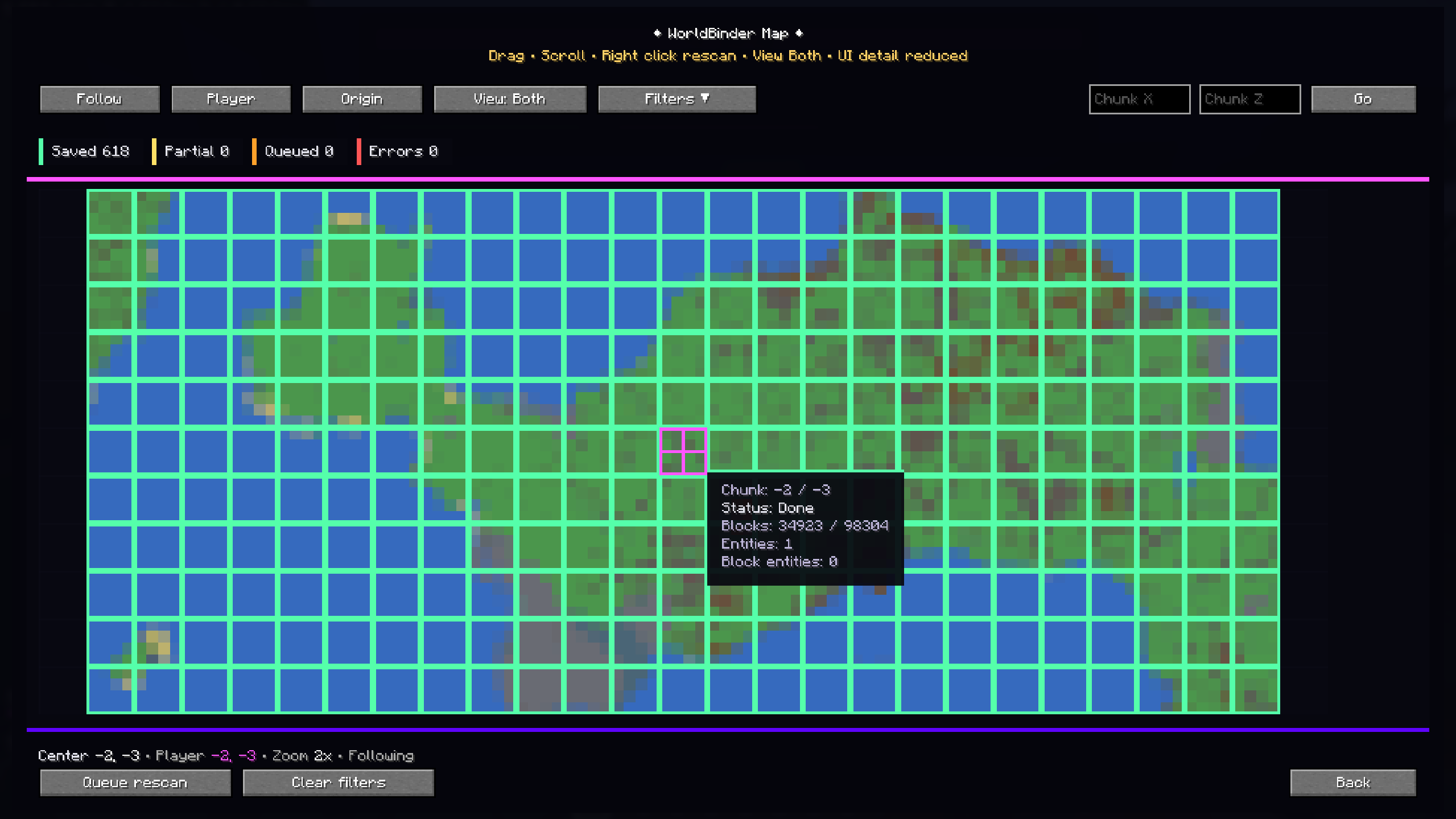
Live Chunk Map
The F10 WorldBinder Map shows captured, partial, queued and errored chunks in real time. Alpha V3 improves map readability with responsive scaling, chunk status colors, inspector tooltips, follow mode, filtering, manual chunk navigation and quick rescans.