Compatibility
Minecraft: Java Edition
Platforms
Supported environments
Tags
Creators
Details
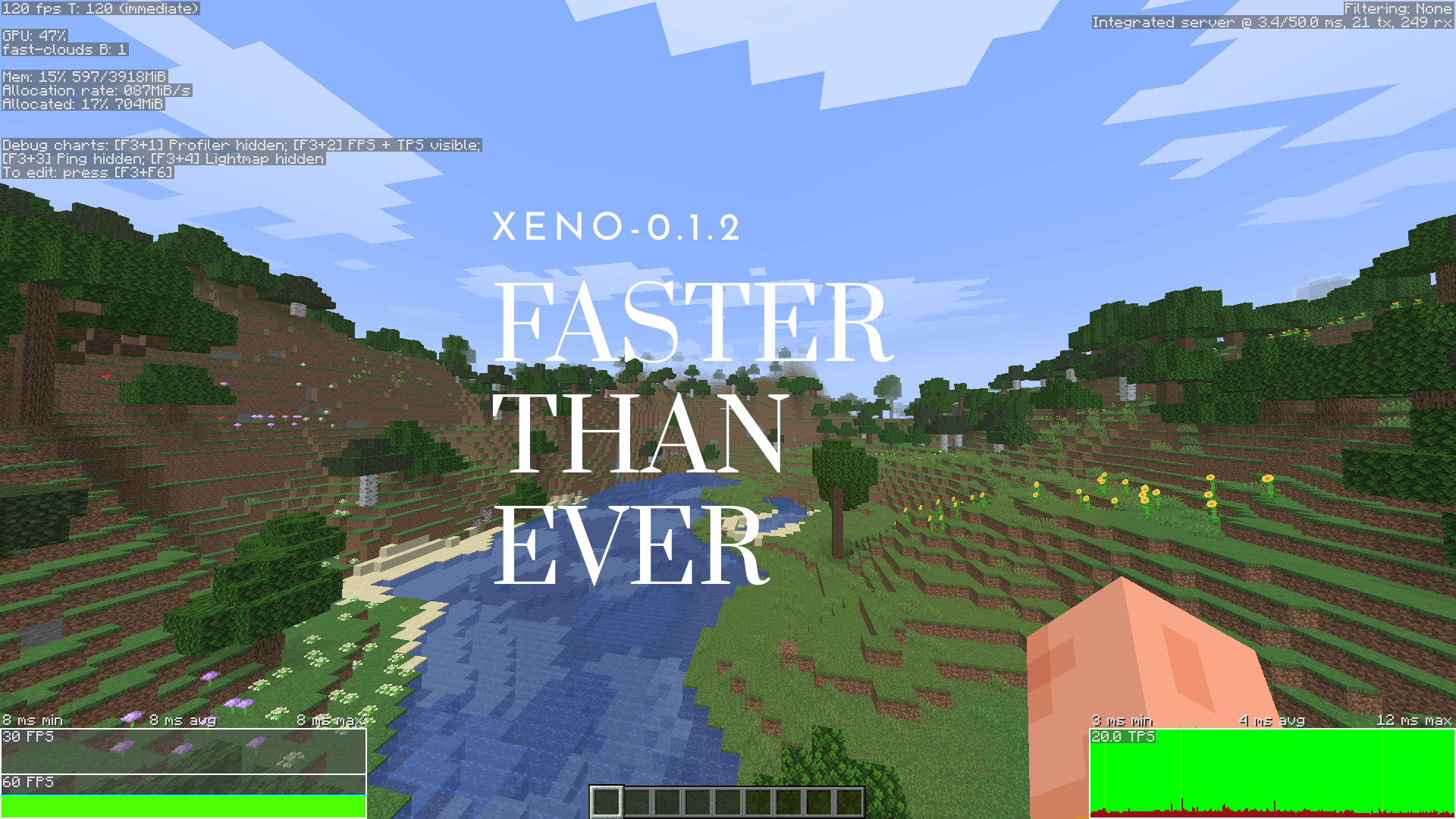
A custom Vulkan rendering Mod for Minecraft, forked from VulkanMod by XCollateral.
I originally forked this because the VulkanMod repository hasn't been super active lately , especially reactions/fixes to error reports. I wanted an actual community where we can pull in contributors, fix user errors faster, push out new compatibility patches, and focus heavily on performance. I ended up modifying somewhat half of the code to optimize things further, while leaving the rest of the original architecture intact and also added many micro optimizations.
Better Settings: Replaced the Vulkanmod video settings with a Purple themed one .
Updated: In the Second version 2.0.0 Entity Draw Call Batching was added instead of one by one entity draw call submission.
It might also have some performance issues on some machines since its stlll experimental , please report all issues of all sorts on my linked Issue tracker.
Xeno also has fixed many visual errors/bugs that caught my eye , Many of them are still not fixed as i did not get time to get into them.
What I'm working on
Greedy Meshing (WIP): Merging coplanar block faces to drastically cut down on vertex counts.
Compute Culling/GPU-Driven Renderer: Moving even more of the culling logic into compute shaders so the renderer is entirely GPU-driven.
Normal Packing: Caching packed normals for static model poses to save processing time.
Committed to Increasing Performance for users everyday.
Requirements: The only strict hardware requirement is a GPU that supports Vulkan 1.2 or higher. Just make sure your graphics drivers are up to date.
Also Fabric API is a Required Dependency.
License: LGPL 3.0.
Massive thanks to XCollateral and the original VulkanMod contributors for laying the foundation. The original license is included in the root folder.
Current Problems:
I have taken note that running the Mod outside Developer Environments result in major starting freezes the first time the mod is loading , currently I am working on a fix for it together with decreasing loading time when my mod is being used but until then the only fix i have seen that works is that immeadiately after joining turn down all video settings to lowest and turn them to normal again after walking around for a few seconds. 9/10 times that has fixed the issue for me. Sorry for the inconvenice , I am working on fixing it actively.
UPDATE: The problem has been majorly fixed in the mod release version Xeno-2.2.0+mc26.1.2.jar
As 26.2 Dropped when i was making this mod , It will take some time to port this mod to 26.2 as major rendering differences have been introduced in this update.
Stay Tuned for the Minecraft 26.2 Xeno Mod Version as soon as possible.