Compatibility
Minecraft: Java Edition
Platforms
Supported environments


Links
Tags
Creators
Details
Licensed CC-BY-NC-ND-4.0
Published last year
Updated 5 months ago
📥 How to Install
- Download and install a modern Minecraft launcher (like Prism, Modrinth, or CurseForge).
- Search for FPS+ in the modpack section.
- Click Install, allocate at least 2-4 GB of RAM, and enjoy your buttery-smooth gameplay!
🟩 FPS+ — Ultimate Performance Modpack
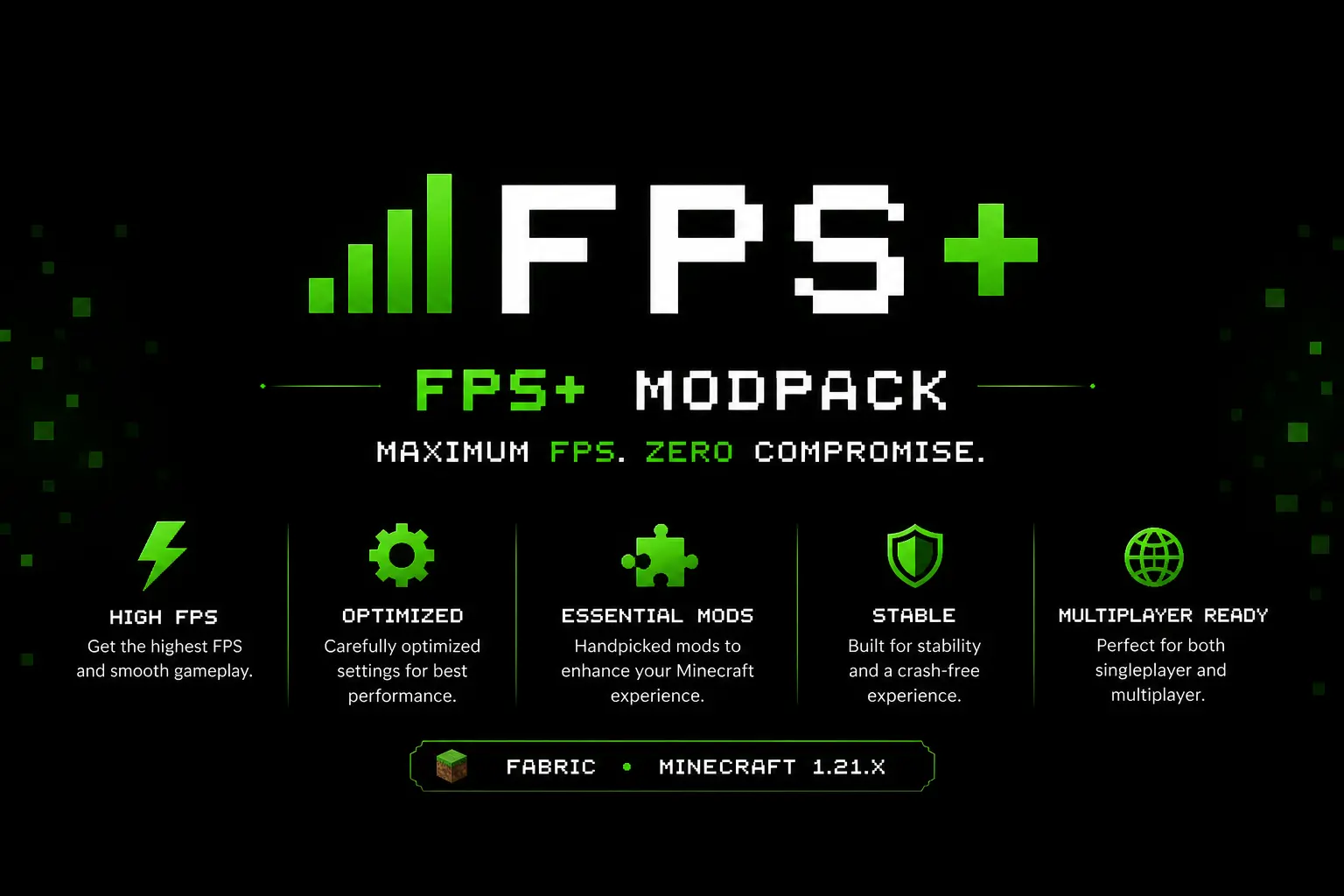
FPS+ is a lightweight, system-friendly Minecraft modpack specifically designed to maximize your frame rates and deliver the smoothest gameplay experience possible. Built on the ultra-fast Fabric API, it focuses purely on boosting performance, eliminating micro-stutters, and lowering memory usage without changing the vanilla game mechanics you love.
🛠️ Included Features & Optimizations
| Feature | Status |
|---|---|
| Litematica | ✅ Included |
| İtem İnfo | ✅ Included |
| Shulker İnfo | ✅ Included |
| Zoom | ✅ Included |
| Shaders | ✅ Included |
| Freecam | ✅ Included |
| Fullbright | ✅ Included |
| Dynamic Lights | ✅ Included |
| Smart Leaves | ✅ Included |
System Setup
⚙️Hardware and Software
| Component | Specification |
|---|---|
| OS | Windows 11 Home Single Language |
| CPU | 13th Gen Intel(R) Core(TM) i5-13500H (2.60 GHz) |
| GPU | NVIDIA GeForce RTX 3050 6GB Laptop GPU (6 GB) |
| RAM | 12 GB |
💬 Community & Support
Need help, want to report a bug, or follow updates? Join our community or check out our documentation: