Compatibility
Minecraft: Java Edition
Platforms


Tags
Creators
Details


Usage
- Download the plugin
- Upload the plugin to your Minecraft Server (make sure it has DiscordSRV)
- Make sure the port is open and not used
- Make sure the URL is valid
Setting up Discord values
Everything is being done within Discord application's settings > OAuth2
Values
Copy over the Client ID & Client Secret to the config. Then you would need to configure Redirects. It must be what you have in the config. An example is shown below

Setting up HTTPS
Please see at GitHub README
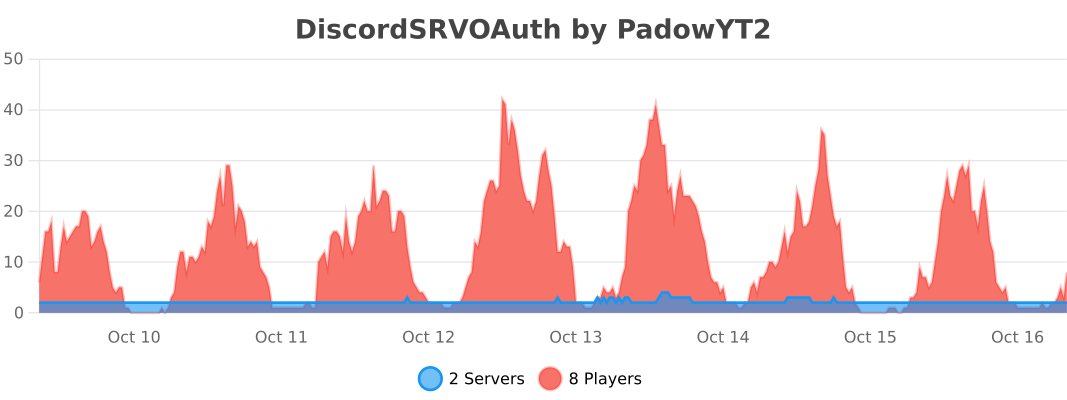
bStats