
Compatibility
Minecraft: Java Edition
Platforms


Tags
Creators
Details
With this Plugin, you can summon a bot/player on your server which follows you around and can talk with you with the help of Gemini (free to use)
First-Time Setup
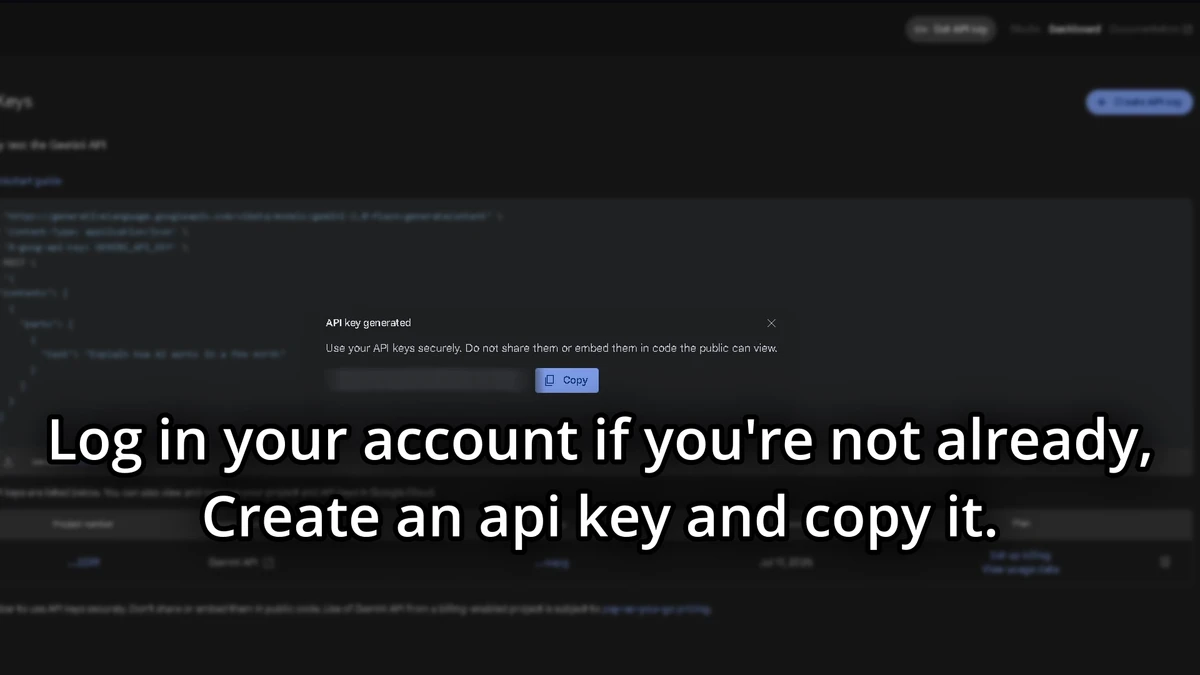
To use the plugin, after downloading and putting into server and getting in the game, you have to use your own token for the AI. The token needs to be from Google AI Studio. Please go to Google AI Studio API Keys
(https://cdn.modrinth.com/data/cached_images/2fef145b3fa348ac7123e8ee35961ac9c1e2a844.webp)
Copy the API Key you get after creating a project and adding whatever names you want.
In the game, use the command
/token (your token)]

You will need to do this every time you start the server so I recommend Saving The API Key.
After it validates the API Key, do
/summonai (Bot name)
(10 second cooldown on every message so the AI doesn't get overloaded)
If you want to delete the bot to maybe make a new one, use the command
/killai (Max one bot at a time)
This plugin is only server-side and doesn't need any mods.
It could be a cool party trick for your friends.
If you want anything added, join the discord server and I will definetly respond.
The plugin isn't finished and will get more features.
Works best on 1.21.x