
Compatibility
Minecraft: Java Edition
Platforms


Links
Tags
Creators
Details
Licensed ARR
Published last year
Updated last year
How it works?
This plugin adds the ability to feed your player by placing your consumable items within a UI, when running the command /afm open, you can place any food-related items inside, the plugin will automatically feed your player whenever the hunger bar decreases.
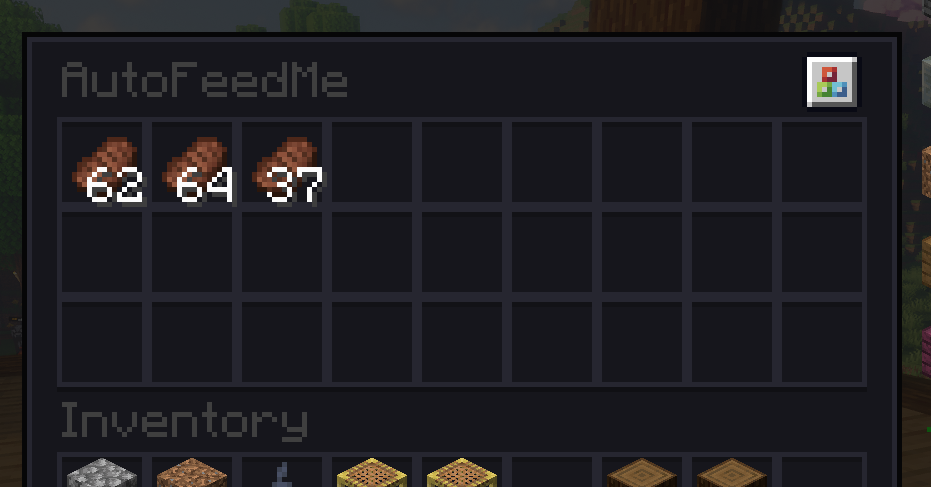 After adding some food items, you can enable the plugin by running /afm on or off.
This is extremely useful if you are more focused on building/pvp/exploring and want to forget completely about having to eat every time you get hungry or life decreases.
Features:
- Survivor-friendly.
- The auto-feed feature will be disabled by default on the first install. Each player has to manually enable it by running /afm on, only the first time.
- Automatically saves all the food items you store within the UI and also the toggle status. So when you leave and come back to the server dont need to re-enable the plugin.
- The UI will ONLY accept consumable items. If you place a non-consumable item inside, it will return it to your inventory on close, or will drop it to the ground.
Installation:
- Drop the .jar file into your plugins folder, restart the server.
Bye!
