Compatibility
Minecraft: Java Edition
Platforms


Tags
Creators
Details
Why Executable Items?
- Executable Items is a one of a kind plugin that is used to link Commands to Items
- Best for example Lobbys with Items that start a jump and run or open a server selector
- A wide span of features like clearing an item once you use it
Commands
Executable Items is managed with Commands. You can add,remove,copy and paste item data with the following Commands

Features
- Link a command to an item
- Save items with EI data
- Give saved Items with EI data to players
- Permission requirements: Only players with specific permissions can click specific items
- Execute commands as player or console using player or op mode
- Custom Cooldowns: Used for example as a Daily reward
- Placeholder: You can use %player% in op (console) commands for example /ei link add give %player% diamond_block
- Item Actions: Automatically remove, damage, or drop the item after use.
Permissions
executableitems.use- Players with this permission can use EI itemsexecutableitems.bypass.cooldown- Players with this permission can bypass the use cooldownexecutableitems.link- Add and remove linksexecutableitems.info- Use /ei infoexecutableitems.save- Save items with their EI dataexecutableitems.give- Give players saved EI items with their dataexecutableitems.reload- Reload the plugin and config.yml
Installation
- Step 1: Download the latest version of the plugin for your wanted Minecraft version
- Step 2: Go into your servers plugins folder and upload the JAR into there
- Step 3: Restart your server
- Step 4: Configure the plugin in the config.yml to fit your needs
- Step 5: Do /ei reload to reload the plugin and apply the changes made in the config.yml
Now you should be good to go and you can link and unlink items however you want
Compatability
- Server software: Paper and forks of it like Purpur
- Minecraft version: 1.21.x
- Java version: Java 21 or higher
Metrics
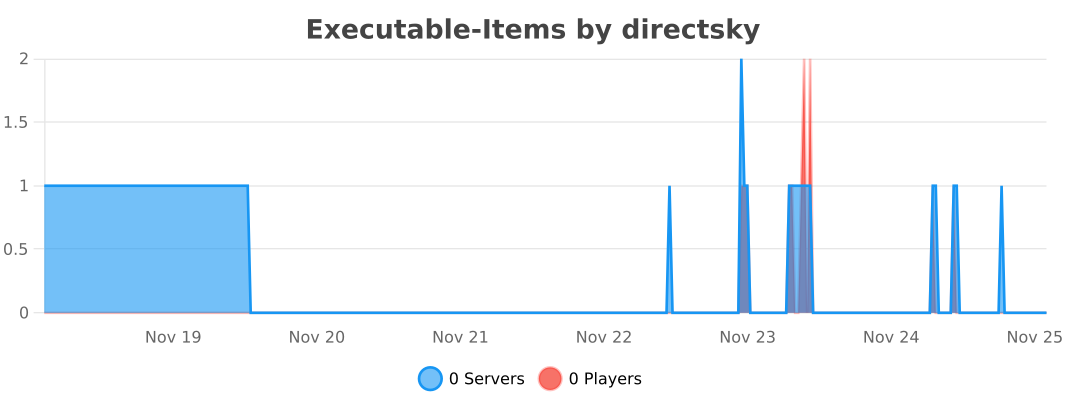
This plugin uses bStats to collect anonymous usage date (for example on how many servers is the plugin installed). If you dont want that you can disable bStats in the bStats folder in your plugins folder.