
Compatibility
Minecraft: Java Edition
Platforms


Links
Tags
Creators
Details
Licensed MIT
Published 5 months ago
Updated 5 months ago
LimsArea Guide
This plugin allows players to designate and protect their own private spaces from others. Within a protected area, unauthorized players are strictly prohibited from breaking or placing blocks and attacking entities.
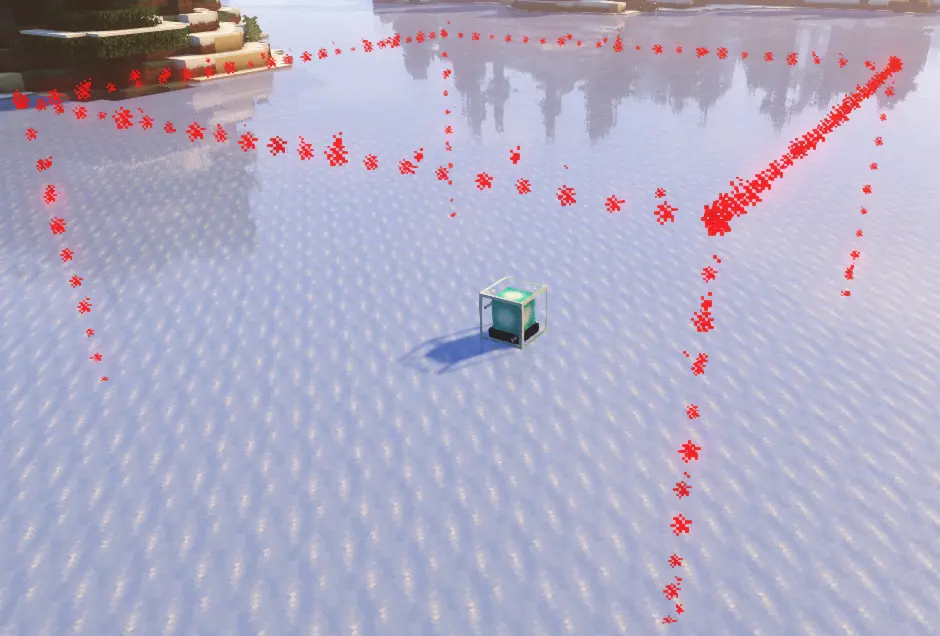
Key Features
Total Protection: Keep your blocks and valuable entities safe within your designated boundaries.
Customizable Dimensions: You can freely adjust the radius and height to set the area size as you wish. (Maximum size limits may apply based on server configurations.)
Convenient Management: Manage your areas intuitively through dedicated items or a GUI menu rather than complex manual commands.
How to Create an Area
- Admin Creation: Administrators can use commands to immediately establish an area at a specific location.
- Area Generator Item: By placing an 'Area Generator' item obtained from an admin, a protected zone is instantly created centered on the placement location.
Command Guide (Admin Only)
- /area check | Checks the owner of your current location and visually displays the area boundaries.
- /area manage | Opens the Management GUI to modify settings for the current area.
- /area reclaim | Removes your owned area and converts it back into an Area Generator item.
- /area delete | Immediately removes the area at your current location.
- /area give <radius> <height> | Grants yourself an Area Generator item with specific dimensions.
- /area create <radius> <height> | Instantly creates a protected area at your current location.