
Compatibility
Minecraft: Java Edition
Platforms


Links
Tags
Creators
Details
Licensed Apache-2.0
Published 5 months ago
Updated 5 months ago
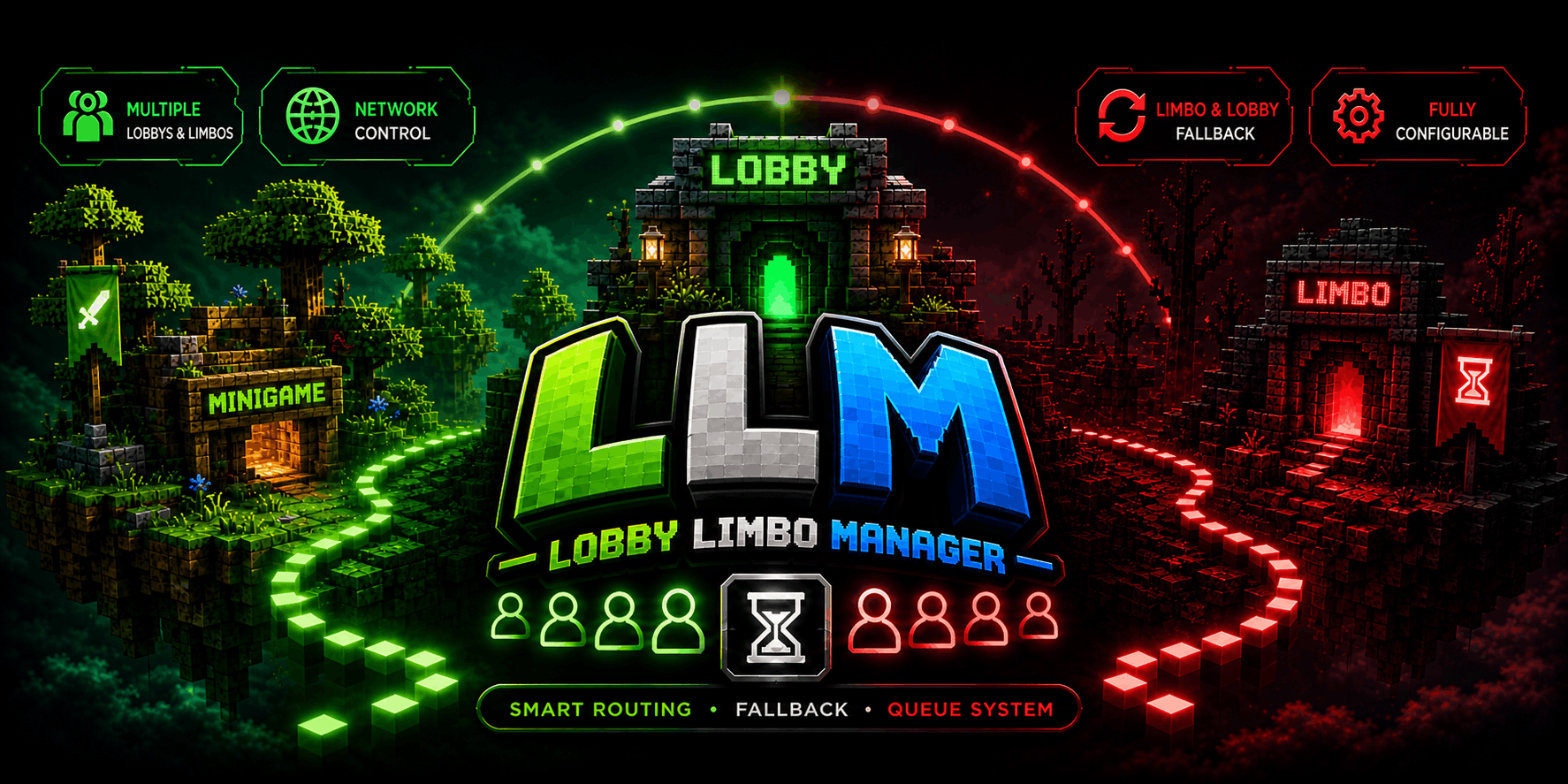
LobbyLimboManager
High-performance lobby and limbo management plugin for BungeeCord and Velocity networks.
Designed for scalability, reliability, and smooth player routing across multi-server environments.
Overview
LobbyLimboManager handles player distribution, fallback logic, and queue management at the proxy level.
- Automatically routes players to available lobbies
- Uses limbo servers to keep players connected when needed
- Includes a built-in queue system for full or unavailable lobbies
- Fully configurable behavior
- Works on both Velocity and BungeeCord
Features
Smart Routing
Automatically sends players to the most suitable lobby based on configurable strategies:
- Least players
- Random selection
- Round-robin distribution
Limbo & Fallback System
Prevents unnecessary disconnections when lobbies are not available.
- Sends players to limbo servers when needed
- Keeps players connected during downtime
- Smoothly redirects back to lobbies when available
Queue System
Handles full or unavailable lobbies efficiently.
- Automatic queue handling
- Sends players when space becomes available
- Prevents connection spam and failed joins
Multiple Servers Support
Built for flexible network setups.
- Multiple lobby servers
- Multiple limbo servers
- Dynamic routing between them
Fully Configurable
Customize behavior to fit your network.
- Routing modes
- Server limits
- Fallback behavior
- Queue system
Supports live reload with:
/llm reload
Commands
/lobby,/hub→ Sends the player to an available lobby/llm reload→ Reloads plugin configuration
Permissions
lobbylimbomanager.command.lobby→ Access to the /lobby and /hub commandslobbylimbomanager.admin→ Access to administrative commands
Installation
- Download the latest release
- Place the
.jarin your proxy plugins folder - Start your proxy
- Edit the generated configuration if needed
Compatibility
- Velocity
- BungeeCord
- Waterfall (Not tested, but expected to work)
Config.yaml Example
Spoiler
# ============================================================
# LobbyLimboManager Configuration
# ============================================================
# This file controls how players are routed between lobby and
# limbo servers on BungeeCord, Waterfall, and Velocity proxies.
#
# IMPORTANT: Server names listed below must match the names
# defined in your proxy configuration EXACTLY.
# They are NOT case-sensitive in this file, but must exist.
# ============================================================

# -----------------------------------------------------------
# Config Version
# -----------------------------------------------------------
# This value is managed by the plugin. Do not modify it.
# Changing it may reset your configuration on next reload.
config-version: 1

# ============================================================
# LOBBY SERVERS
# ============================================================
# List all lobby servers that players can be sent to.
# These are the main servers players join when logging in or
# being recovered from a kick.
#
# NOTE: Names MUST match the servers defined in your proxy
#       configuration (e.g. BungeeCord config.yml or Velocity
#       velocity.toml). The plugin looks up servers by these
#       names at runtime.
lobbies:
  servers:
    - lobby1
    - lobby2
    - lobby3

# ============================================================
# LIMBO SERVERS
# ============================================================
# Limbo servers are lightweight holding servers used when no
# lobbies are available or a player is queued.
#
# NOTE: A server listed here should NOT also be listed under
#       lobbies. The plugin will ignore overlapping names in
#       limbo selection.
limbos:
  servers:
    - limbo1
    - limbo2

# ============================================================
# SELECTION MODES
# ============================================================
# Controls how the plugin chooses which server to send a
# player to.
modes:

  # Lobby Selection Mode
  # --------------------
  # Determines how a lobby is chosen when a player needs one.
  #
  # Valid values:
  #   ROUND_ROBIN   - Cycles through lobbies in order.
  #                   Example: lobby1 -> lobby2 -> lobby3 -> lobby1
  #   RANDOM        - Picks a random available lobby.
  #   LEAST_PLAYERS - Picks the lobby with the lowest player
  #                   count at that moment.
  lobby-mode: ROUND_ROBIN

  # Limbo Selection Mode
  # --------------------
  # Determines how a limbo server is chosen.
  #
  # Valid values:
  #   FALLBACK    - Limbos are ONLY used when no lobby is
  #                 available. This is the recommended default.
  #   ROUND_ROBIN - Rotates through limbo servers independently.
  #   STANDALONE  - Limbo servers are never used automatically.
  #                 They must be targeted manually.
  limbo-mode: FALLBACK

# ============================================================
# FALLBACK SETTINGS
# ============================================================
# Controls what happens when a player is kicked from a server.
#
# Fallback Flow (in order):
#   1. If kick message contains a no-fallback keyword, the
#      player is disconnected (no recovery attempted).
#   2. If fallback-to-lobby is enabled, the plugin tries to
#      find another available lobby.
#   3. If no lobby is available and fallback-to-limbo is
#      enabled, the player is sent to a limbo server.
#   4. If nothing is available, the kick proceeds normally.
fallback:

  # Enable fallback to another lobby when a player is kicked.
  # Set to false if you want kicked players to disconnect
  # instead of being moved to another lobby.
  fallback-to-lobby-enabled: true

  # Enable fallback to limbo when no lobbies are available.
  # If both this and fallback-to-lobby are false, kicked
  # players will simply be disconnected.
  fallback-to-limbo-enabled: true

  # Server Fallback Control
  # --------------------
  # Controls which servers are allowed to trigger fallback.
  #
  # Mode: allow
  #   Only servers listed below PLUS all lobby servers can
  #   trigger fallback. All other servers will disconnect
  #   players on kick.
  #
  # Mode: deny
  #   Servers listed below will NEVER trigger fallback.
  #   All other servers (including lobbies) will trigger
  #   fallback normally.
  servers-fallback-disabled:
    mode: deny
    servers:
      - creative

  # Kick Message No-Fallback Keywords
  # ---------------------------------
  # If a kick message contains any of these keywords (case
  # insensitive), the plugin will NOT attempt fallback.
  # This is useful for bans, manual kicks, or anti-cheat
  # disconnects where moving the player is undesirable.
  #
  # Examples of common keywords:
  #   banned      - Prevents banned players from rejoining
  #   kicked by   - Prevents staff kicks from triggering fallback
  #   timed out   - Connection issues usually don't need fallback
  kick-message-nofallback:
    - banned
    - kicked by
    - timed out
    - disconnect.spam
    - flying

# ============================================================
# QUEUE SETTINGS
# ============================================================
# When all lobbies are full, players are placed in a queue.
# These settings control how and when they are released.
queue:

  # Dispatch Attempt Threshold
  # --------------------------
  # Number of consecutive successful health checks a lobby
  # must pass before it is considered READY for queue dispatch.
  #
  # This works together with health-check-interval:
  #   If health-check-interval = 30 and this value = 2,
  #   a newly started lobby must be healthy for 60 seconds
  #   before queued players are sent to it.
  #
  # WARNING: Setting this too low (e.g. 1) may send players to
  #          lobbies that are still warming up, causing join
  #          failures. Setting it too high delays recovery.
  #
  # Recommended: 1-3 for quick recovery, 3-5 for stability.
  dispatch-attempt-threshold: 1

# ============================================================
# GENERAL SETTINGS
# ============================================================
settings:

  # Health Check Interval (seconds)
  # -------------------------------
  # How often the plugin pings all configured servers to check
  # if they are online, full, or offline.
  #
  # Trade-off: Lower values detect crashes faster but increase
  # network load. Higher values are lighter but slower to
  # react.
  #
  # Recommended: 30 for small networks, 60 for large networks.
  health-check-interval: 30

  # Failed Server Retry Interval (seconds)
  # --------------------------------------
  # When a server fails a health check, it is marked as failed
  # and will not be selected for routing until this time has
  # passed AND it passes a new health check.
  #
  # This prevents repeatedly sending players to a crashed
  # server.
  failed-server-retry-seconds: 60

  # Attempt Expiry (seconds)
  # ------------------------
  # How long the plugin remembers that it already tried to
  # send a specific player to a specific server.
  #
  # This prevents infinite loops: if a player fails to connect
  # to lobby1, the plugin won't try lobby1 again for this
  # duration. After expiry, it can be retried.
  attempt-expiry-seconds: 30

  # Queue Dispatch Interval (milliseconds)
  # --------------------------------------
  # Minimum time between queue processing cycles.
  #
  # Lower values move players faster but increase CPU usage.
  # The plugin will still respect server capacity and readiness.
  queue-dispatch-interval: 2000

  # Queue Waiting Message Interval (milliseconds)
  # -----------------------------------------------
  # How often queued players receive a waiting message.
  # Set to 0 to disable waiting messages entirely.
  queue-waiting-interval: 5000

  # Debug Mode
  # ----------
  # When enabled, the plugin prints detailed state transitions,
  # routing decisions, and queue activity to the console.
  #
  # WARNING: This generates a LOT of output. Only enable when
  #          troubleshooting. Disable for production.
  debug: false

  # Server Player Limits
  # --------------------
  # Defines the maximum number of players each server can hold.
  # This is used to determine if a lobby is FULL and to decide
  # how many queued players can be dispatched.
  #
  # Valid values for each server:
  #   -1  = Unlimited. The server is never marked FULL.
  #    0  = Auto-detect. The plugin pings the server to read
  #         its max-player value (from server.properties or
  #         the server's own configuration).
  #   >0  = Fixed limit. The server is marked FULL when its
  #         online player count reaches this number.
  #
  # Example: A survival server with 50 slots should be set to
  #          50 so the plugin knows when it is full.
  server-limits:
    lobby1: 100
    lobby2: 100
    lobby3: 100

# ============================================================
# MESSAGES
# ============================================================
# All messages shown to players support Minecraft color codes
# using the '&' symbol (e.g. &a = green, &c = red).
#
# Available placeholders:
#   %server%   - Replaced with the target server name
#   %player%   - Replaced with the player's name
#   %position% - The player's position in the queue
#   %total%    - The total number of players in the queue
#
# NOTE: Placeholders only work in messages that reference them.
#       Using an unsupported placeholder will leave the raw
#       text in the message.
messages:

  # Shown when a player is successfully connected to a lobby.
  connect-lobby: "&aConnecting you to lobby &e%server%&a..."

  # Shown when a player is sent to a limbo server.
  connect-limbo: "&eConnecting you to limbo server &7%server%&e..."

  # Shown when a player is kicked and moved to a fallback lobby.
  fallback-lobby: "&eThe server you were on became unavailable. Moving you to &a%server%&e..."

  # Shown when a player is kicked and moved to a fallback limbo.
  fallback-limbo: "&cAll lobbies are full or unavailable. Moving you to limbo &7%server%&c..."

  # -----------------------------------------------------------
  # Error / Status Messages
  # -----------------------------------------------------------
  no-lobby-available: "&cNo lobby servers are currently available. Please try again later."
  no-limbo-available: "&cNo limbo servers are currently available. Please try again later."
  no-server-available: "&cNo servers are currently available. Please try again later."
  server-not-found: "&cThe target server could not be found."
  already-connecting: "&cYou are already being connected to a server."
  command-player-only: "&cThis command can only be used by players."
  already-in-lobby: "&cYou are already connected to a lobby server."

  # -----------------------------------------------------------
  # Queue Messages
  # -----------------------------------------------------------
  # These messages are sent automatically by the queue system.
  queue-position: "&eYou are in position &c%position% &eof &c%total% &ein the queue."
  queue-join: "&cAll lobbies are full. You have been added to the queue."
  queue-waiting: "&eYou are in the queue. Position: &c%position%&e of &c%total%&e. Please wait..."
  lobby-available: "&aA lobby is now available! Connecting you to &e%server%&a..."
Notes
- Designed for stability and long-term usage
- Suitable for both small and large networks
- Focused on reliable routing and clean behavior