
Compatibility
Minecraft: Java Edition
Platforms


Links
Tags
Creators
Details
PendingWhitelist
Keep track of players who try to join while your server whitelist is enabled.
Normally, a non-whitelisted player gets rejected and that's it. PendingWhitelist saves the attempt so staff can check who tried to join and deal with it later.
Features
- Keeps track of rejected join attempts
- Stores player name, UUID, attempt count, first attempt and last attempt
- In-game GUI for managing pending and whitelisted players
- Join notifications for staff
- Clickable notification actions
- Java and Bedrock player support with Floodgate
- Dedicated Bedrock whitelist management with
/wlb - Optional SkinsRestorer support
- Player skin caching
- Automatic cleanup of old pending requests
- Persistent local storage
/wl versionupdate checking
How it works
- A player tries to join while the whitelist is enabled.
- The join is rejected normally.
- PendingWhitelist records the attempt.
- Staff can check pending players with
/wlor/wl pl. - The player can then be added to the whitelist from the GUI or with
/wl add <player>. - Bedrock players can also be managed with
/wlb add <player>when Floodgate is installed.
GUI
Add Players
The Add Players GUI shows:
Pending players → Online players → Previously joined players
Bedrock players are shown before Java players in the pending and online sections.
Left-click a player to add them to the whitelist.
Shift-click to add all players on the current page.
Whitelisted Players
The whitelist GUI shows the players currently on the server whitelist.
Left-click to remove a player.
Shift-click to remove all players on the current page.
Join notifications
Staff with:
pendingwhitelist.admin
can receive a notification when a non-whitelisted player is rejected.
The notification has clickable actions for managing the request.
There is also a configurable cooldown to prevent repeated attempts from spamming staff.
Commands
| Command | Description |
|---|---|
/wl |
Open the admin dashboard |
/wl add |
Open the Add Players GUI |
/wl add <player...> |
Add players to the whitelist |
/wl list [page] |
List whitelisted players |
/wl remove |
Open the Whitelisted Players GUI |
/wl remove <player...> |
Remove players from the whitelist |
/wl pl [page] |
List pending players |
/wl rpl |
Open the Add Players GUI |
/wl rpl <player...> |
Remove players from pending storage |
/wlb add <player...> |
Add Bedrock players to the whitelist |
/wl on |
Enable the server whitelist |
/wl off |
Disable the server whitelist |
/wl reload |
Reload the plugin configuration |
/wl version |
Check for a newer stable release |
/wlb is available when Floodgate is installed.
All administration commands require:
pendingwhitelist.admin
Configuration
The plugin currently has settings for:
- Debug logging
- Chat page size
- Join-attempt notifications
- Notification cooldown
- Automatic cleanup of old pending requests
Full configuration details are available in the configuration guide.
After changing the configuration, use:
/wl reload
Storage
Pending requests are stored locally in:
plugins/PendingWhitelist/pending.json
The normal Minecraft whitelist is still managed by Paper in:
whitelist.json
No separate database is required.
Requirements
- Paper or Purpur
- Minecraft 1.20+
- Java 17+
Optional
- Floodgate for Bedrock support
- SkinsRestorer for offline-mode skin lookups
Installation
- Stop the server.
- Put the PendingWhitelist JAR in the
pluginsfolder. - Start the server.
- Edit
plugins/PendingWhitelist/config.ymlif needed. - Run
/wl.
That's all that's required.
bStats
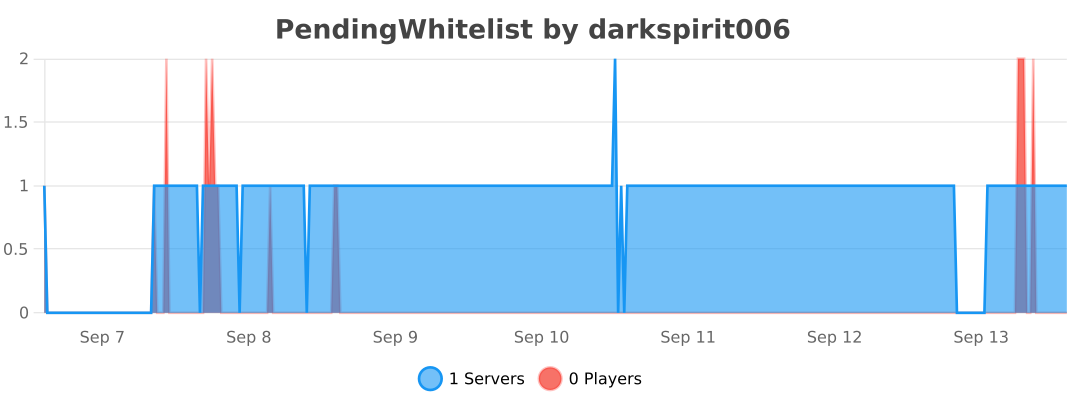
PendingWhitelist uses bStats for anonymous plugin statistics.
bStats can be disabled through its global configuration.
Support
For bugs and feature requests, open an issue on GitHub.
Source code is available on the GitHub repository.
PendingWhitelist
A small addition to the normal whitelist system that keeps track of the people who tried to get in.