
Compatibility
Minecraft: Java Edition
Platforms


Links
Tags
Creators
Details
Licensed ARR
Published last year
Updated 11 months ago
TCRtpZone - Dynamic Zone-based Random Teleport Plugin
TCRtpZone is a flexible and configurable Bukkit/Spigot/Paper plugin that allows you to designate specific areas and automatically teleport players within those zones to a predefined, random location in your world. It's ideal for combat arenas, event zones, or any area from which you want players to be automatically moved.
Key Features:
- Zone-based Teleportation: Create multiple RTP (Random Teleport) zones within your world.
- Timed RTP: Configurable timer for each zone to determine how often teleportation occurs.
- Safe Teleportation:
- The plugin automatically searches for safe locations within the target area, avoiding teleporting players into water, lava, solid blocks, or dangerous blocks (e.g., magma blocks, cacti).
- A "top-down" search mechanism ensures more reliable and safer spawn points.
- Asynchronous Chunk Loading and Location Search: Minimizes server load when searching for new, safe teleport locations.
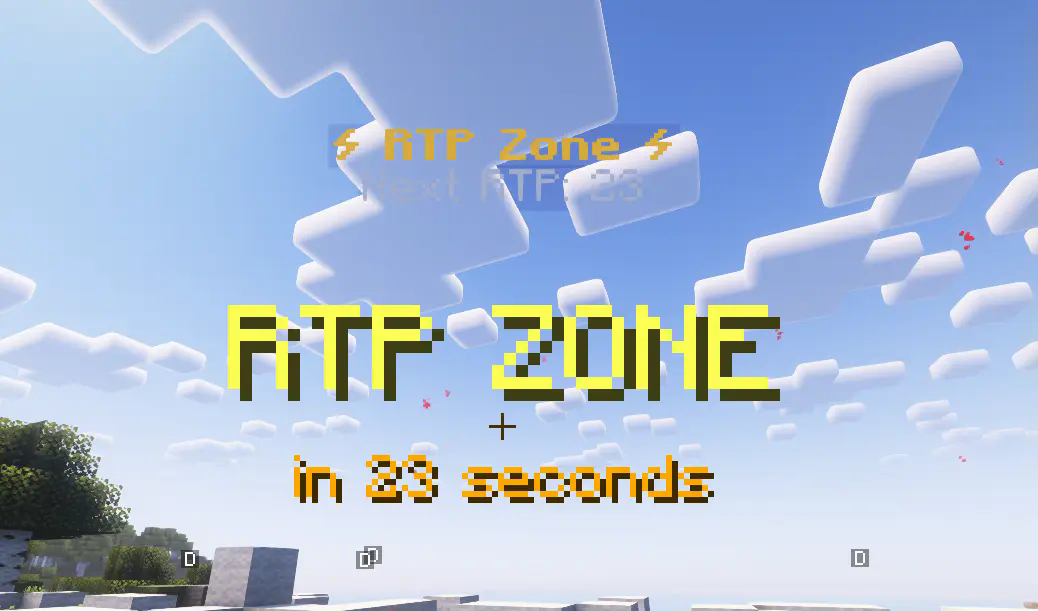
- Hologram Displays: Clearly visible holograms indicate the zone's center and the time remaining until the next teleport. Holograms automatically disappear if a zone is deleted or no longer exists in the configuration file.
- Configurable Boundaries: Set the X and Z axis limits for the RTP target area where players can be teleported.
- Customizable Zone Border Particle Effects:
- Players receive visual feedback (e.g., redstone particles) at the zone border when entering or exiting an RTP zone.
- Particle color, size, density, and display duration are fully configurable in the
config.ymlfile.
- Multi-language Support: Easily customize plugin messages and holograms using the language files in the
lang/folder. (Default languages: Hungarian, English). - Update Checker: Get notified if a new version of the plugin is available on Modrinth (toggleable in config).
- Simple Commands: Intuitive commands for setting up and managing your zones.
Commands:
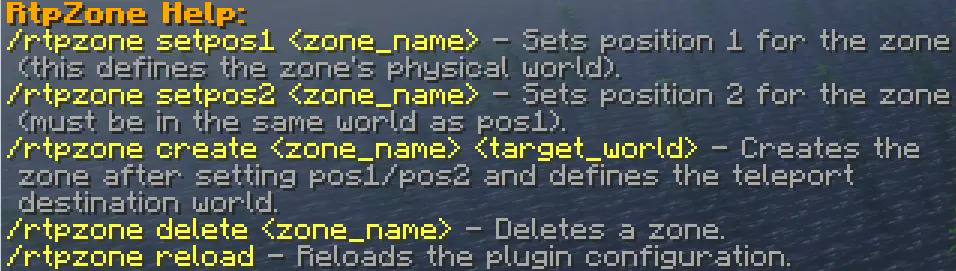
/rtpzone wand: Gives you a selection wand/rtpzone create <zone_name> <target_world>: Creates the specified zone and sets its teleport target world./rtpzone delete <zone_name>: Deletes the specified zone and its hologram./rtpzone reload: Reloads the plugin configuration and language files.
Installation:
- Place the
TCRtpZone.jarfile into your server'spluginsfolder. - Start or reload your server.
- Configure the generated
config.ymlandlang/files to your needs. - Use the commands above to set up your zones.