
Compatibility
Minecraft: Java Edition
Platforms
Supported environments


Tags
Creators
Details
Licensed MIT
Published 4 years ago
Updated 3 days ago
Mark your way through the vast world of Minecraft®™!
Chalk allows you to draw marks for easier navigation in caves or structures, or as decoration





Description in text form
Chalk
- Craftable from a piece of Calcite or found in some underground or village chests- Can be dyed into any color, similar to a leather armor
- Can be eaten, which gives 30 seconds of Strength effect
Drawing
Clicking on a full side of a block will draw an arrow mark- Arrow will be pointed towards the clicked position on a face
- Dot mark is drawn by clicking in the center
Symbols
Various symbols can be drawn by sneak-using the chalk- This will open an interface where a desired symbol can be chosen
- Most special symbols need to be unlocked by completing advancements
Glowing
Marks can be made glowing by applying Glowstone Dust or Glow Ink Sac to them- Glowing marks are quite bright and will slightly light up their surroundings
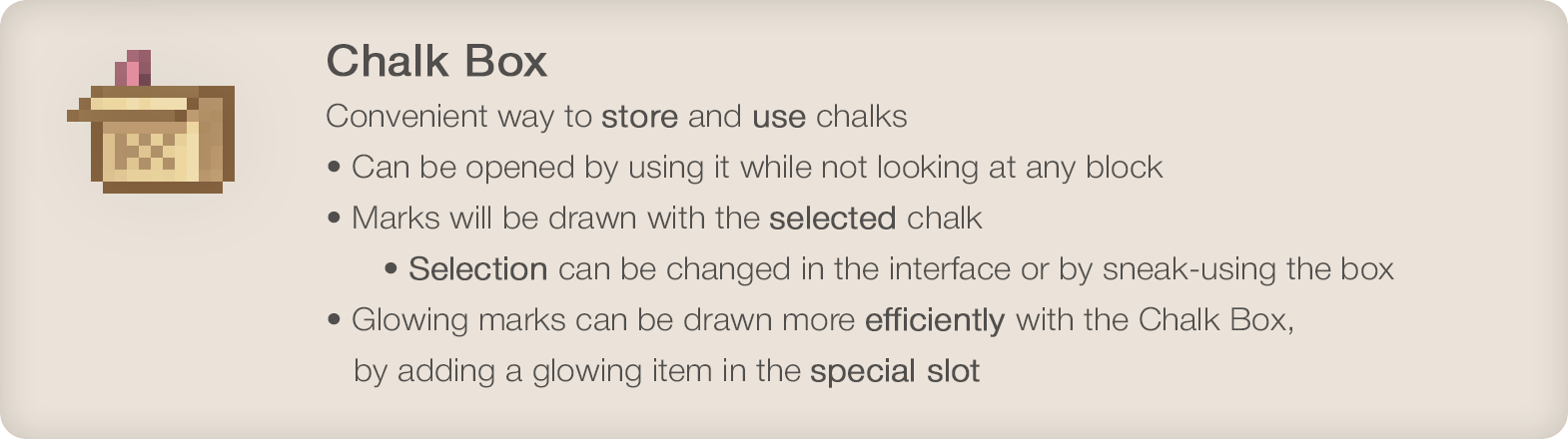
Chalk Box
Convenient way to store and use chalks- Can be opened by using it while not looking at any block
- Marks will be drawn with the selected chalk
- Selection can be changed in the interface or by sneak-using the box
- Glowing marks can be drawn more efficiently with the Chalk Box, by adding a glowing item in the special slot
•
Enjoying the mod? Your support would allow me to continue working on it and on other mods!



•
