All versions
2.6.5
1.21.113 months ago 87.7K
Compatibility
Minecraft: Java Edition
Platform
Supported environments
Changes
[ENG] Atmospherics 2.6.5
New Features
- Added Air Haze.
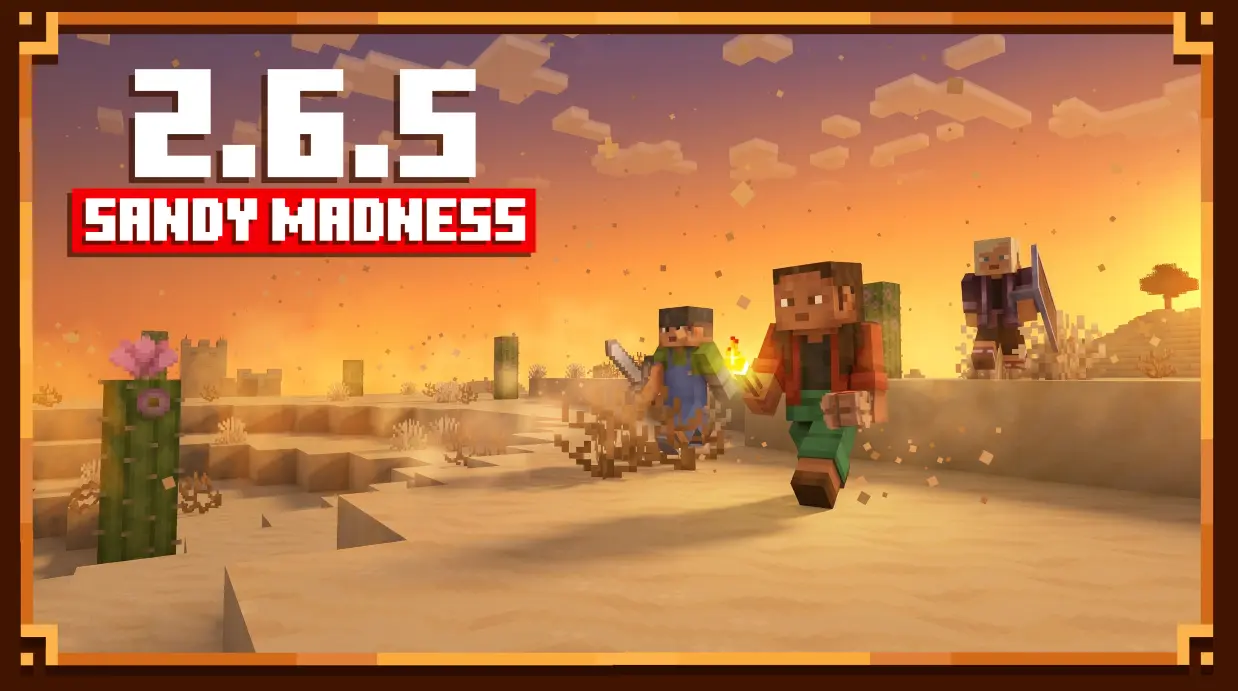
- Added weather storms to desert biomes.
- Added new wind particles.
- Added Sun & Moon rotation controls.
- Added support for a second layer in Story Mode Clouds.
Improvements
- Added a new Sun texture.
- Improved comet visuals.
- Comets now travel at a consistent angle.
- Moved the Meteors option to the Advanced menu.
- Restored the Cloud Night Darkening slider.
Fixes
- Fixed preset importing on macOS.
- Fixed an issue causing extremely dark nights.
- Fixed the Ctrl + Z (Undo) hotkey.
- Fixed menu scaling issues on Full HD displays.
- Disabled lightning flashes in desert biomes during thunderstorms.
- Atmospheric Haze now automatically disables Enhanced Transparency when required.
Changes
- Removed the Fog Density button.
- Various minor tweaks and improvements.
Miscellaneous
- Added new bugs so there will be something to fix in the next update. :)
[RUS] Atmospherics 2.6.5
Новые возможности
- Добавлена Воздушная дымка.
- Добавлены погодные бури в пустынных биомах.
- Добавлены новые частицы ветра.
- Добавлена настройка поворота Солнца и Луны.
- Добавлена поддержка второго слоя для Story Mode Clouds.
Улучшения
- Добавлена новая текстура Солнца.
- Улучшен внешний вид комет.
- Теперь все кометы летят под одним углом.
- Настройка метеоров перенесена в меню «Дополнительно».
- Возвращён ползунок «Ночное затемнение облаков».
Исправления
- Исправлен импорт пресетов на macOS.
- Исправлена проблема с чрезмерно тёмными ночами.
- Исправлен хоткей Ctrl + Z (отмена действия).
- Исправлены проблемы с масштабированием интерфейса на Full HD мониторах.
- Отключены вспышки молний в пустынных биомах во время грозы.
- Для Воздушной дымки добавлено автоматическое отключение «Улучшенной прозрачности» при необходимости.
Изменения
- Удалена кнопка настройки плотности тумана.
- Внесены различные мелкие улучшения и изменения.
Прочее
- Добавлены новые баги, чтобы было что фиксить. :)