
Compatibility
Minecraft: Java Edition


Tags
Creators
Details
Licensed ARR
Published last year
Updated last month
⚫ Blackened Netherite
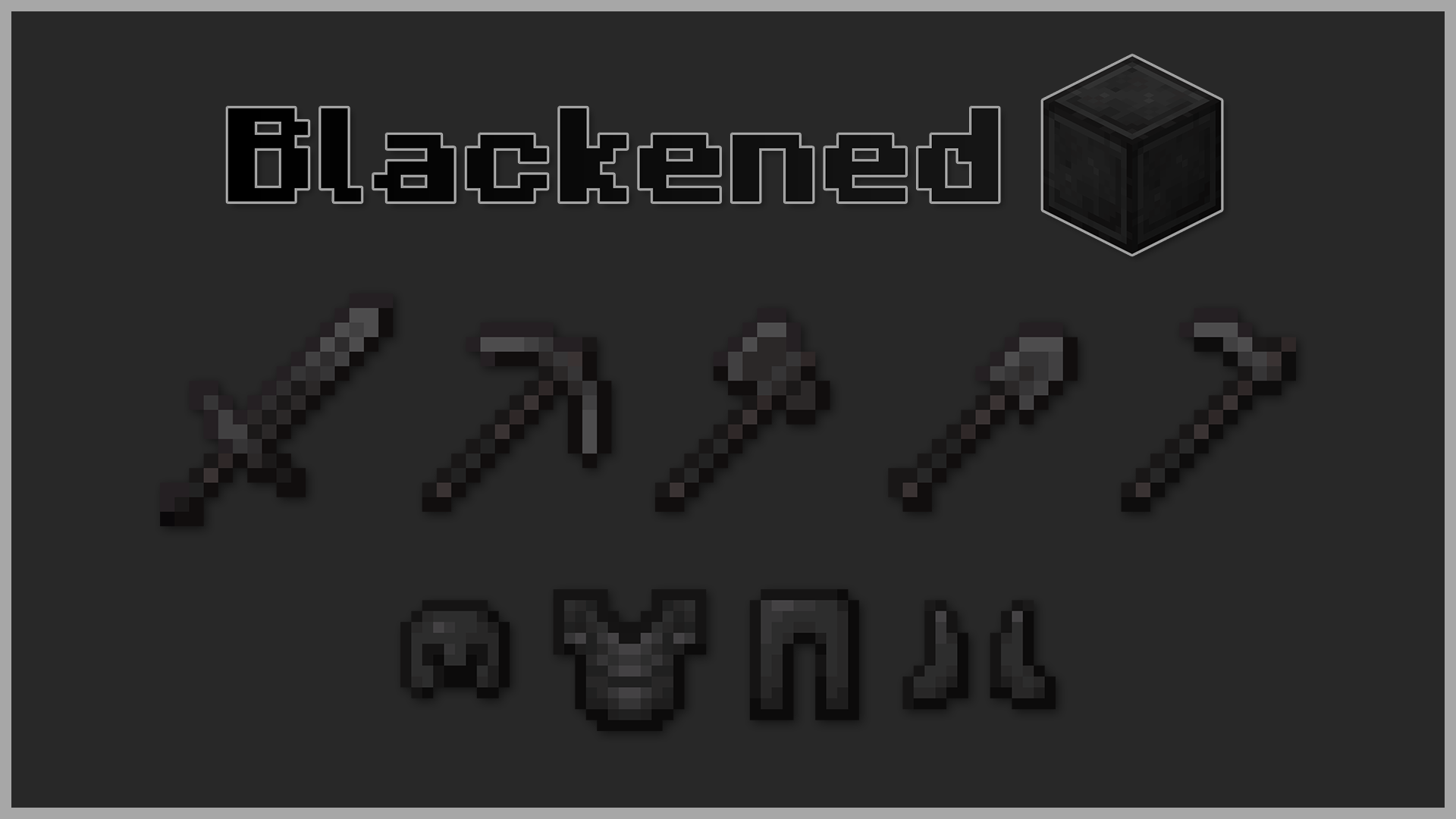
Blackened Netherite or Black Netherite gives Minecraft’s toughest material an even darker identity. Every netherite tool, block, and piece of armor now carries a bold black finish for a more menacing look 😨
🔍 What’s Inside
- ⚔️ Armor and weapons retextured with a pitch-black style
- 🪓 Tools and blocks refined into a deeper, shadowy tone
- 🎨 Subtle yet powerful visual tweak
🛠️ Installation
- Download the
.zipfile. - Open Minecraft → Options → Resource Packs → Open Pack Folder.
- Move the
.zipinto theresourcepacksfolder. - Select Blackened Netherite in-game and click Done.
Step into battle with the darkest version of Netherite. 🖤