
Compatibility
Minecraft: Java Edition


Tags
Creators
Details
⚠️ ❗READ WHOLE DESCRIPTION ❗ ⚠️
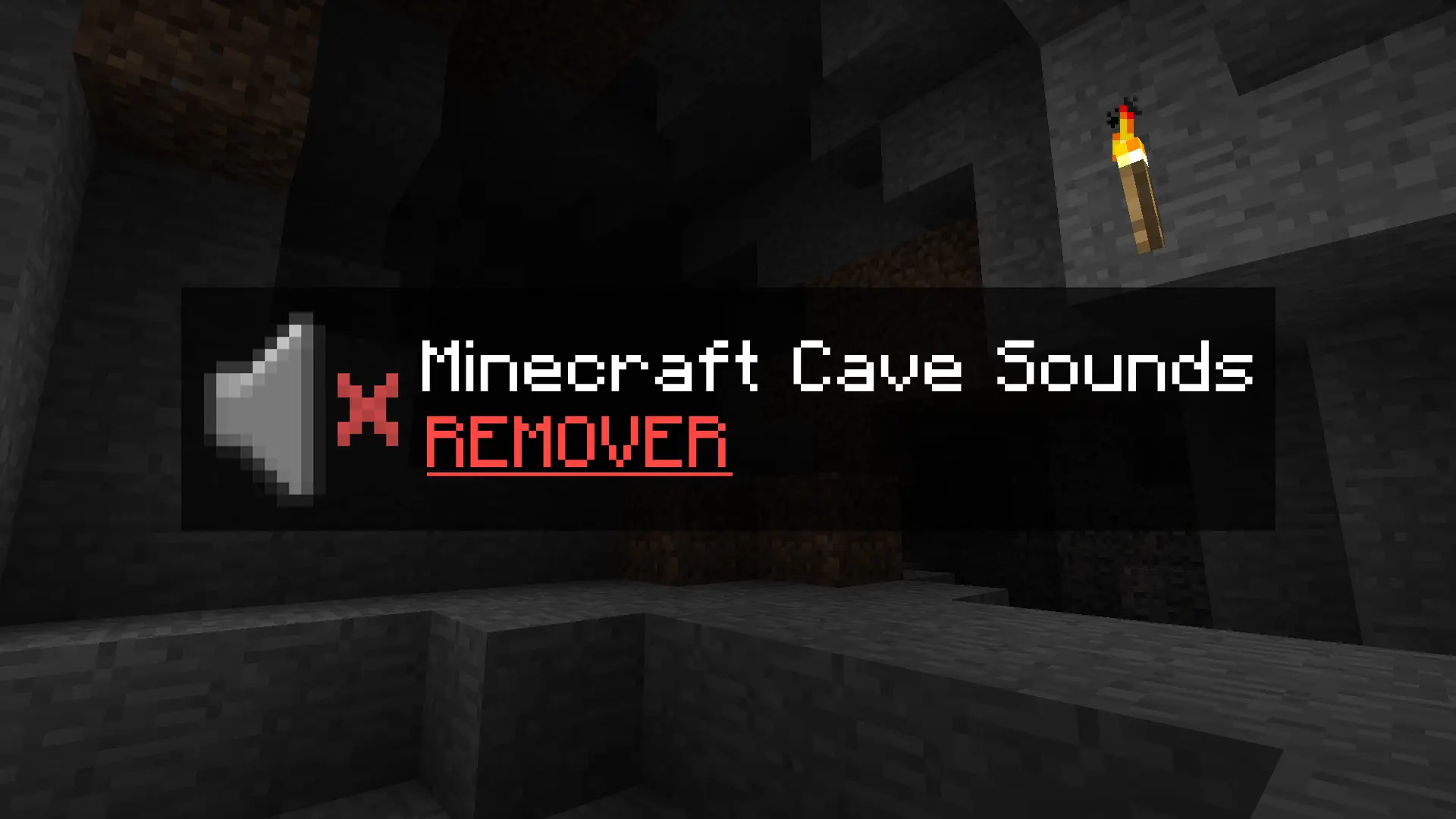
This small resource pack removes the creepy cave sounds when playing Minecraft Beta 1.7.3 (and other older versions).
What does it actually do?
It doesn’t delete any files – I simply modified the original
cave#.ogg
sound files so that they have 0% volume.
That means the sounds still technically play in the background, but you won’t hear anything. The game functions completely normally, and nothing will break.
Who is this pack for?
- Players who are afraid to play older versions because of the eerie cave sounds.
- Those who are tired of constantly hearing the ambient noises underground.
- Anyone who just wants a peaceful, classic experience without the creepy atmosphere.
How to install:
Scroll down below to find simple installation instructions.
INSTRUCTIONS:
Open your game’s version folder:
%appdata% > .minecraft > resources > sounds3 > ambient > cave
%appdata% > .minecraft > resources > newsound > ambient > cave
Once you’re inside the cave folder, the next step is simple — download the new file and replace your current ambient cave
.ogg
files with the ones you just downloaded.
Using PrismLauncher or MultiMC?
If you’re using Prism Launcher or MultiMC, the process is also simple and almost identical:
Right-click on your selected version and choose “Open Folder.” You should see a few items, including:
- Minecraft (Folder)
- Instance
- mmc-pack
What you need is to visit Minecraft (Folder).
Then it's the same like previous Instruction.
Resources > Sounds3 > Ambient > Cave
Resources > newsound > Ambient > Cave
If you are in Cave Folder again do the same, just simply replaced your current sounds to new that you just downloaded.
That’s everything!