
Compatibility
Minecraft: Java Edition


Tags
Creators
Details
One of the many languages supported by Minecraft is called "LOLCAT (Kingdom of Cats)". The language is meant to be a joke, and is written in catspeak, but some people may want to use the language without having to adjust to nonsensical block and item names.
This resource pack solves that issue, setting the "English (United States)" language to use the LOLCAT menu text but the English block names, item names, and subtitles.
Installation Guide
After choosing a version from this project page, you should be left with a .zip file. Do not unzip it. Navigate to your resource packs folder which can be found in the settings with:
[ESC] -> "Options..." -> "Resource Packs..." -> "Open Pack Folder..."
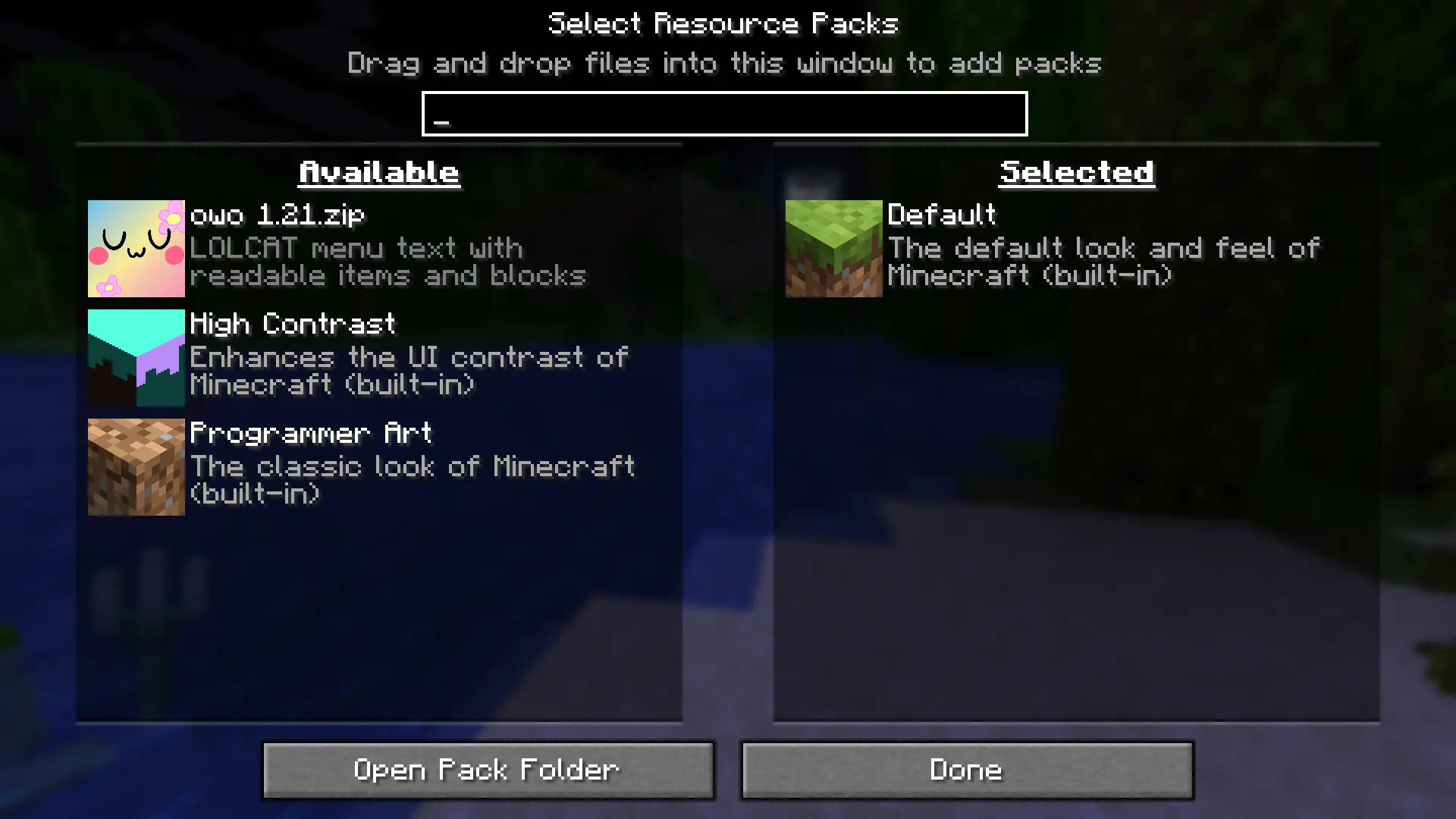
Hover your mouse on the pack icon and click on the arrow, and click "Done" to enable the language pack.