
Compatibility
Minecraft: Java Edition


Tags
Creators
Details
Licensed CC-BY-4.0
Published 8 months ago
Updated last month
🐻❄️ Polar Bear Hotbar Selector
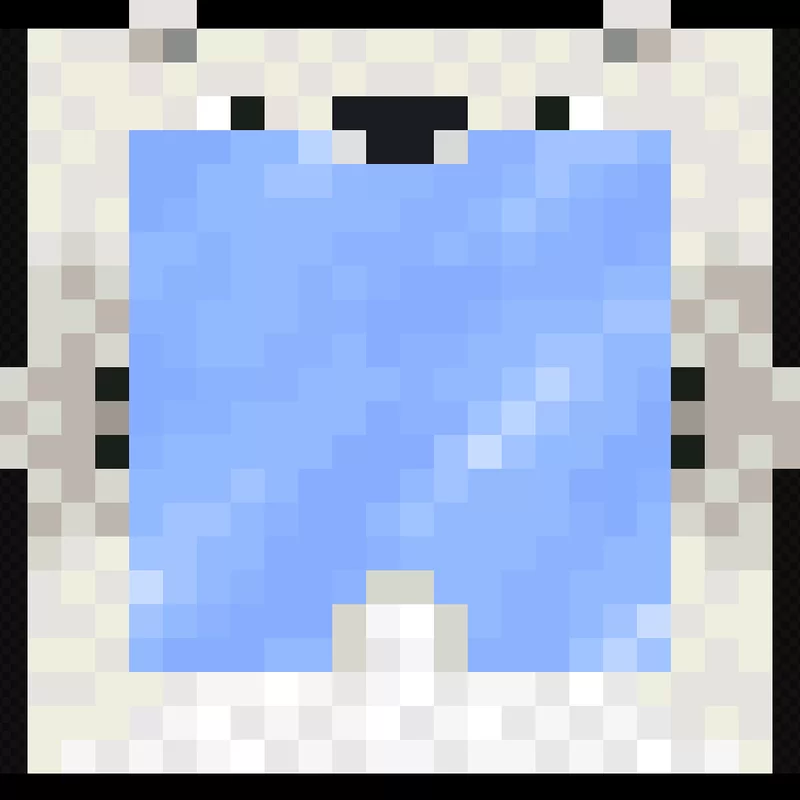
Give your Minecraft HUD an adorable, arctic touch! This lightweight GUI tweak replaces the default vanilla hotbar selection box with a cute Polar Bear that slides across your hotbar as you switch items.
📦 How to Install
- Download the version corresponding to your Minecraft release.
- In Minecraft, open Options -> Resource Packs -> Open Pack Folder.
- Drop the downloaded
.zipfile into the folder. - Move Polar Bear Hotbar Selector to the right column and place it at or near the top of your active packs list.
📜 Credits & Attribution
- Original Creator & Artist: Tgw Creeper
- Original Project: original version
The original pack was designed for legacy Minecraft versions. This project updates the pack structure, metadata, and asset layout to ensure compatibility with modern Minecraft Java releases. All original pixel art belongs to Tgw Creeper.