
Compatibility
Minecraft: Java Edition
Platforms


Tags
Creators
Details
About
Solar Reimagined is a lightweight Vanilla+ shader designed to enhance Minecraft's natural beauty while staying true to its original style. It delivers improved lighting, atmosphere, and subtle visual effects while maintaining excellent performance, making it a great choice for both lower end PCs and players who simply prefer higher FPS.
Solar Reimagined is actively developed and receives regular updates with new visual improvements, performance optimizations, bug fixes, compatibility updates, and community requested features.
Have an idea, feature request, or found a bug? I'd love to hear from you! Send me an email and I'll do my best to respond as soon as possible. Community feedback plays a big role in shaping future updates.
Contact: thorthor1130@gmail.com
Preview
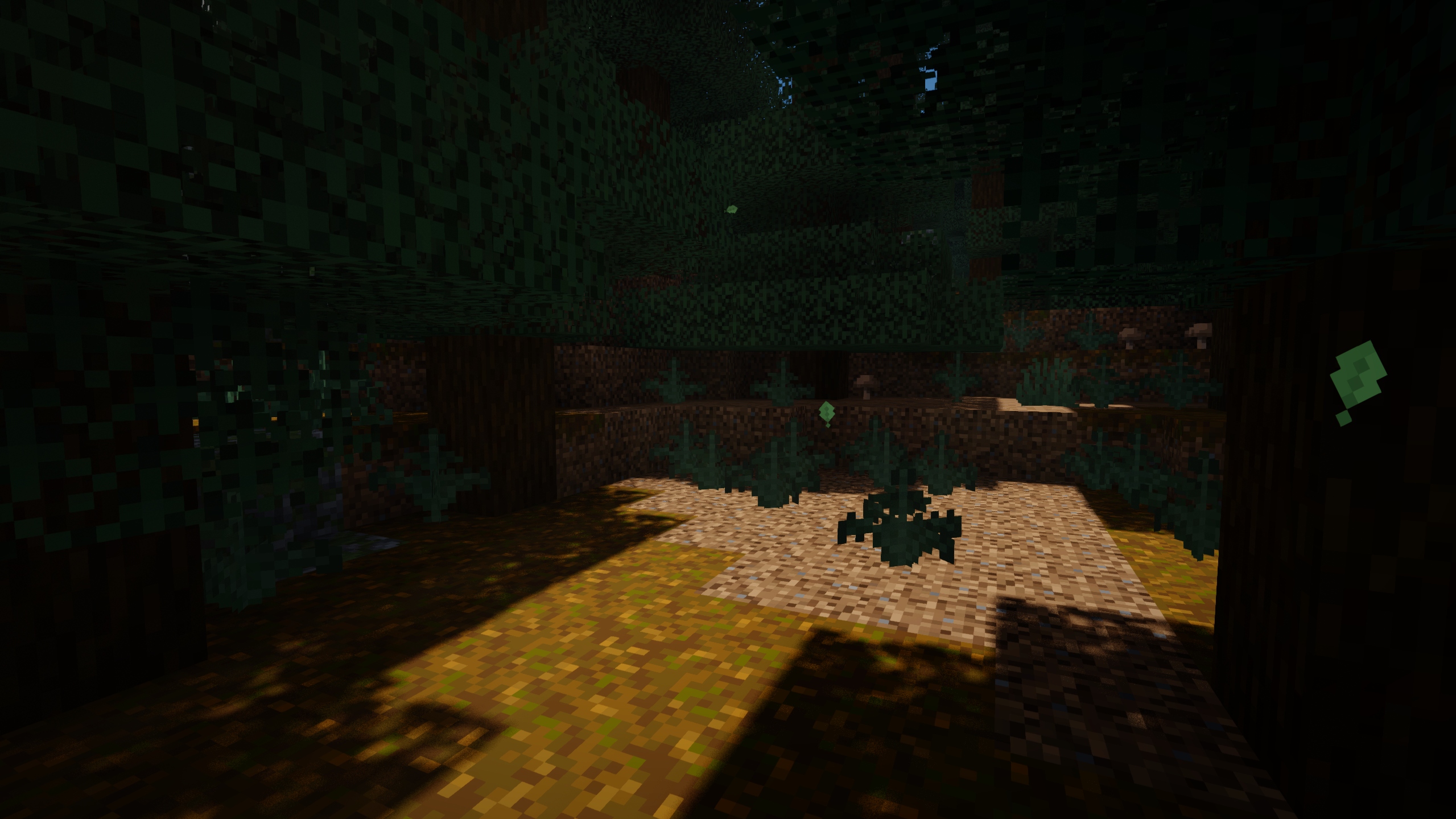
Looking for more? Visit the Gallery to see additional screenshots from different biomes, dimensions, weather, and times of day.
On The Horizon (Next update)
Improvements:
- Will Improve water reflections to create a smoother, more natural appearance and reduce the blocky look
Fixes:
- Fixes plant sway issues on certain blocks
- Fixes cactus shadow rendering issues
- Fixes render issues affecting certain entities.
Installation
- First you need to install the Iris mod to be able to load shaderpacks.
- Then you need to launch the game, and get to the Shaderpacks/Shaders menu in Video Settings.
- Open the shaderpacks folder by clicking the button in the menu.
- Download Solar Reimagined and put it in the shaderpacks folder. (Please don't unzip the file)
- Get back in the game, and choose Solar Reimagined in the shaderpacks menu. (Refresh the menu if it doesn't appear)