![FlickView [SnapView]](https://cdn.modrinth.com/data/RoFWvfbW/8d7500df3666c43d936634a1368e102a4ef9ecf5_96.webp)
Compatibility
Minecraft: Java Edition
Platforms
Supported environments


Tags
Creators
Details
Licensed ARR
Published last year
Updated 3 days ago






FlickView - Adjust your view with precision
FlickView makes camera turns and character spins easy to control, with adjustable angles, optional smooth rotation, and simple in-game settings.
✨ Features
- Yaw Rotation
- Turn your view by 180°, 90°, or a custom angle with a single key press.
- Repeated presses replace an unfinished smooth turn instead of queuing more turns.
- Pitch Rotation
- Press once to move to your chosen pitch; press again to return to the starting pitch.
- Smooth Rotation
- Enable smooth yaw turns and adjust their speed. Pitch changes always ease smoothly.
- 360 Spin
- Toggle continuous rotation with one key.
- Choose the rotation direction and adjust its speed in Settings.
- Spin Mode
- Camera + Character: rotate the camera together with the character. This is the default mode.
- Character Only: spin the character while looking around normally. Use third-person view to see the spin.
- Auto Sneak Spin
- Optionally alternate crouching while spinning. Your own crouch input remains available.
- Spin Counter
- Track accumulated full rotations with an optional on-screen counter.
- Choose from six screen positions.
- In-game Settings
- Adjust angles, speed, direction, spin mode, counter placement, and status messages.
- Save changes with Done, discard edits with Cancel, or stop motion and prepare defaults with Reset.
- Client-side Only
- Install FlickView on your client. No server installation is required.
🎬 Preview
360 Spin

Yaw Rotation with Smooth Rotation Enabled
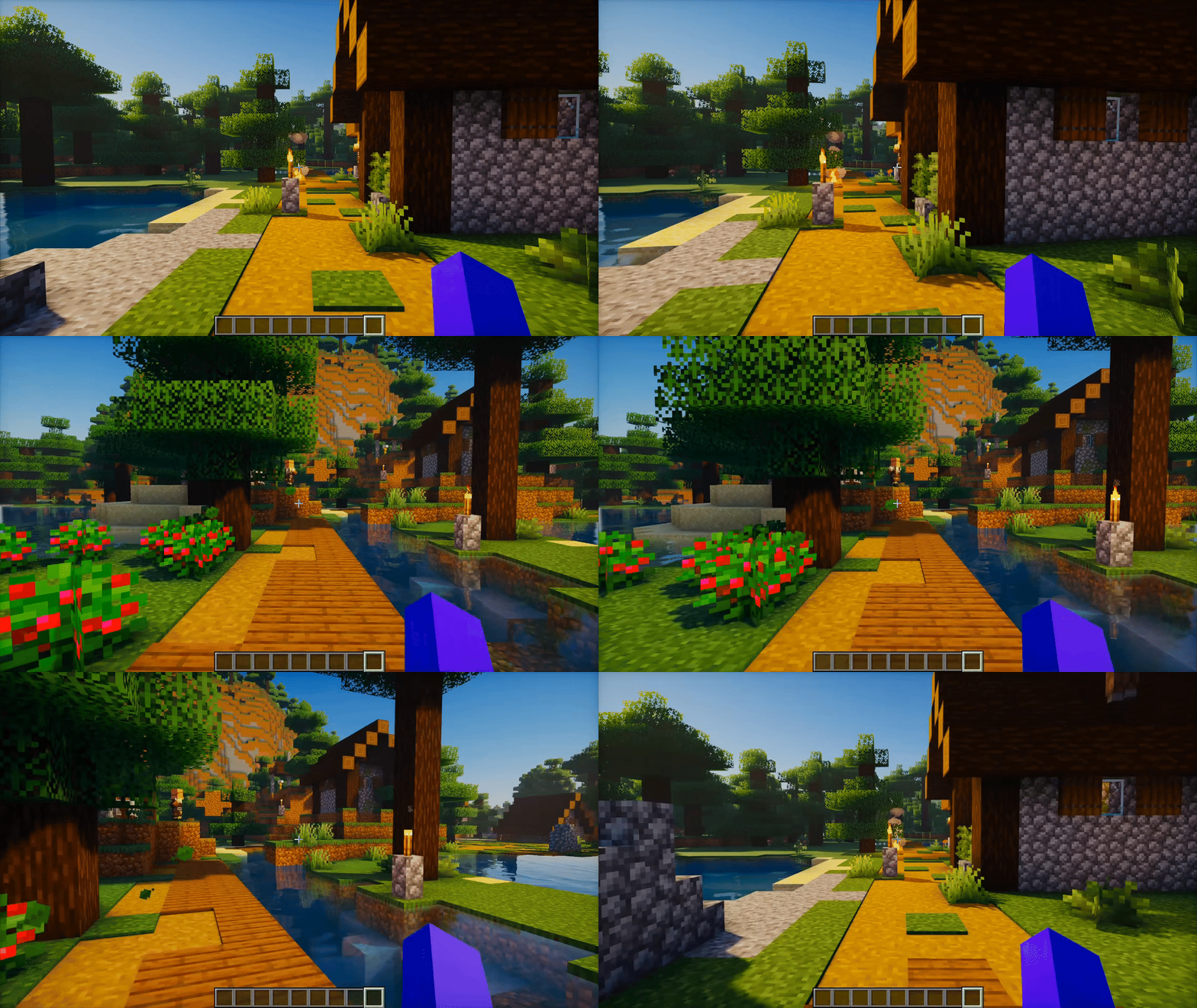
Check the Gallery for more previews.
📖 How to Play
- Press F6 to open Settings and adjust FlickView to your preference.
- Press K to enable or disable FlickView.
- Press U to move to your chosen pitch. Press it again to return to the starting pitch.
- Press Y to turn your view by the configured yaw angle.
- Press I to start continuous spin. Press it again to stop.
Rebind these keys in Minecraft's Controls menu. Existing saved keybindings are preserved when updating.
📜 License and permissions
- All Rights Reserved (ARR). Standalone redistribution and re-uploads require permission.
- Modpacks are allowed when the original mod is unmodified, credited as FlickView by Zynwro, and linked to the official project page.