
Compatibility
Minecraft: Java Edition
Platforms
Supported environments


Tags
Creators
Details

360° Spin
Perform continuous camera spins with one key. Toggle on/off instantly, adjust spin speed, and choose between left or right rotation. Optional Auto Crouch Spin adds timed crouch pulses for PvP tricks and cinematic style.

Keybind Settings
All default keybinds for FlickView, including 360° Spin, Pitch Flick, and Yaw Flick. Easily customizable from Minecraft’s Controls menu.
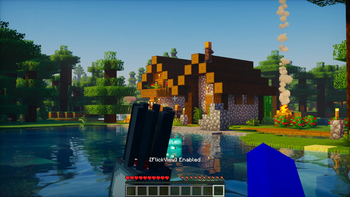
FlickView Enabled
Example of FlickView running in-game. The mod shows a clear status message [FlickView] Enabled when activated, letting you know it’s ready for spins and flicks
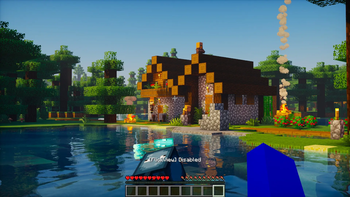
FlickView Disabled
Indicates that FlickView has been turned off. When [FlickView] Disabled appears, the mod is no longer active and camera flick/spin actions are paused.
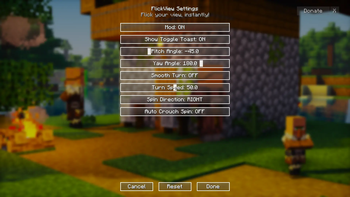
FlickView Settings
Full configuration menu for FlickView. Adjust pitch and yaw angles, enable smooth turns, change spin direction, set turn speed, or toggle auto crouch spin. Gives complete control over how flicks and spins behave.
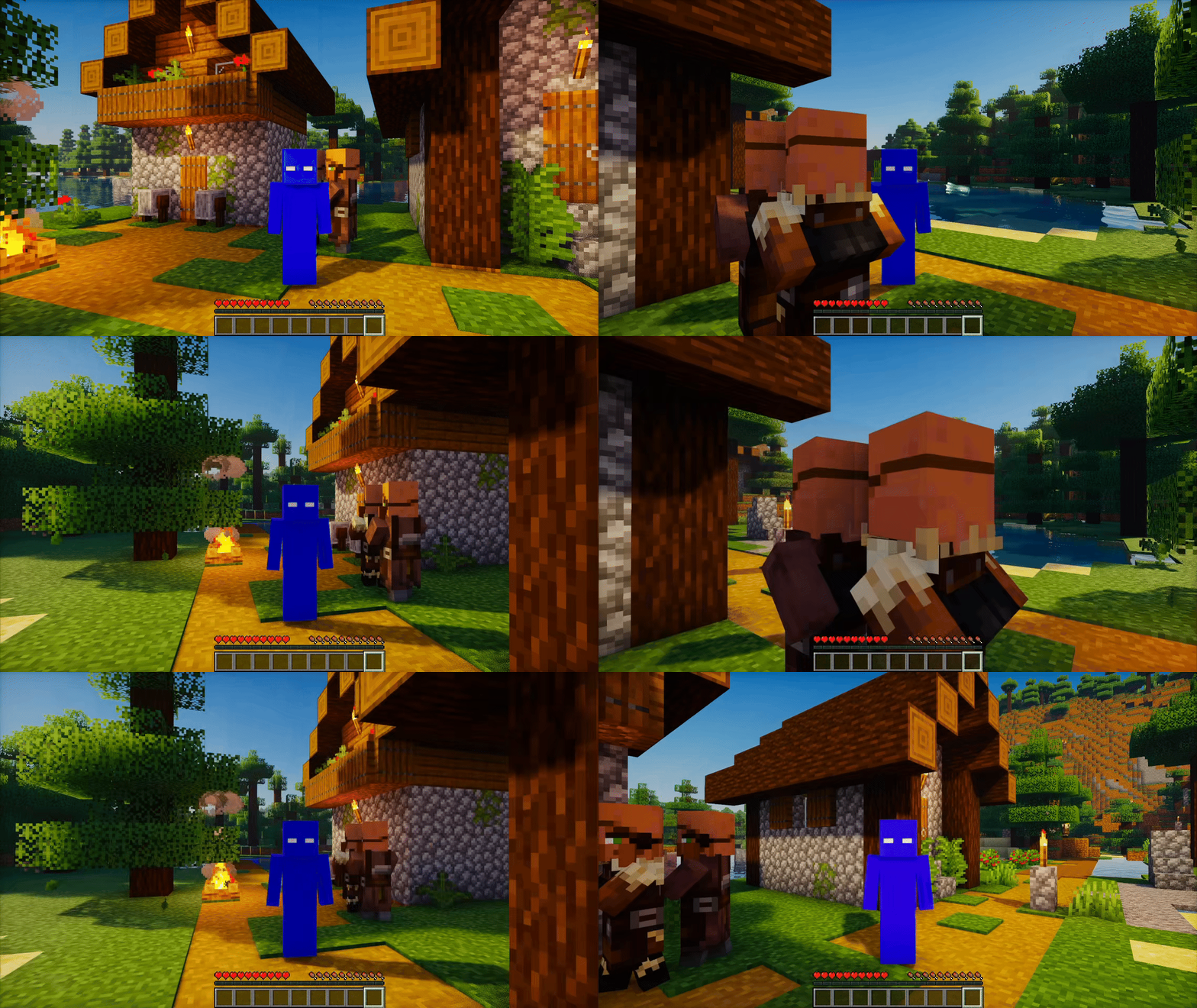
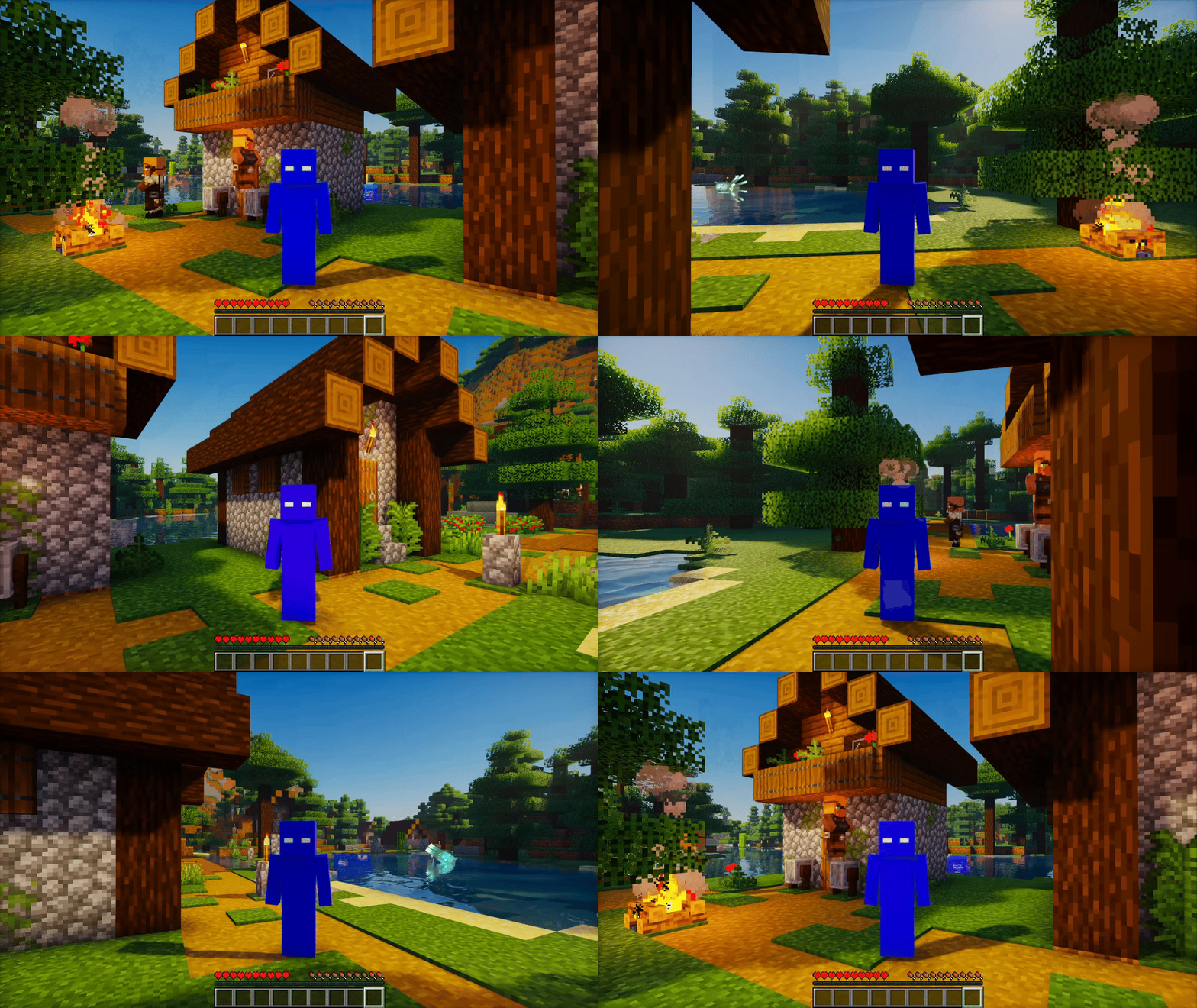
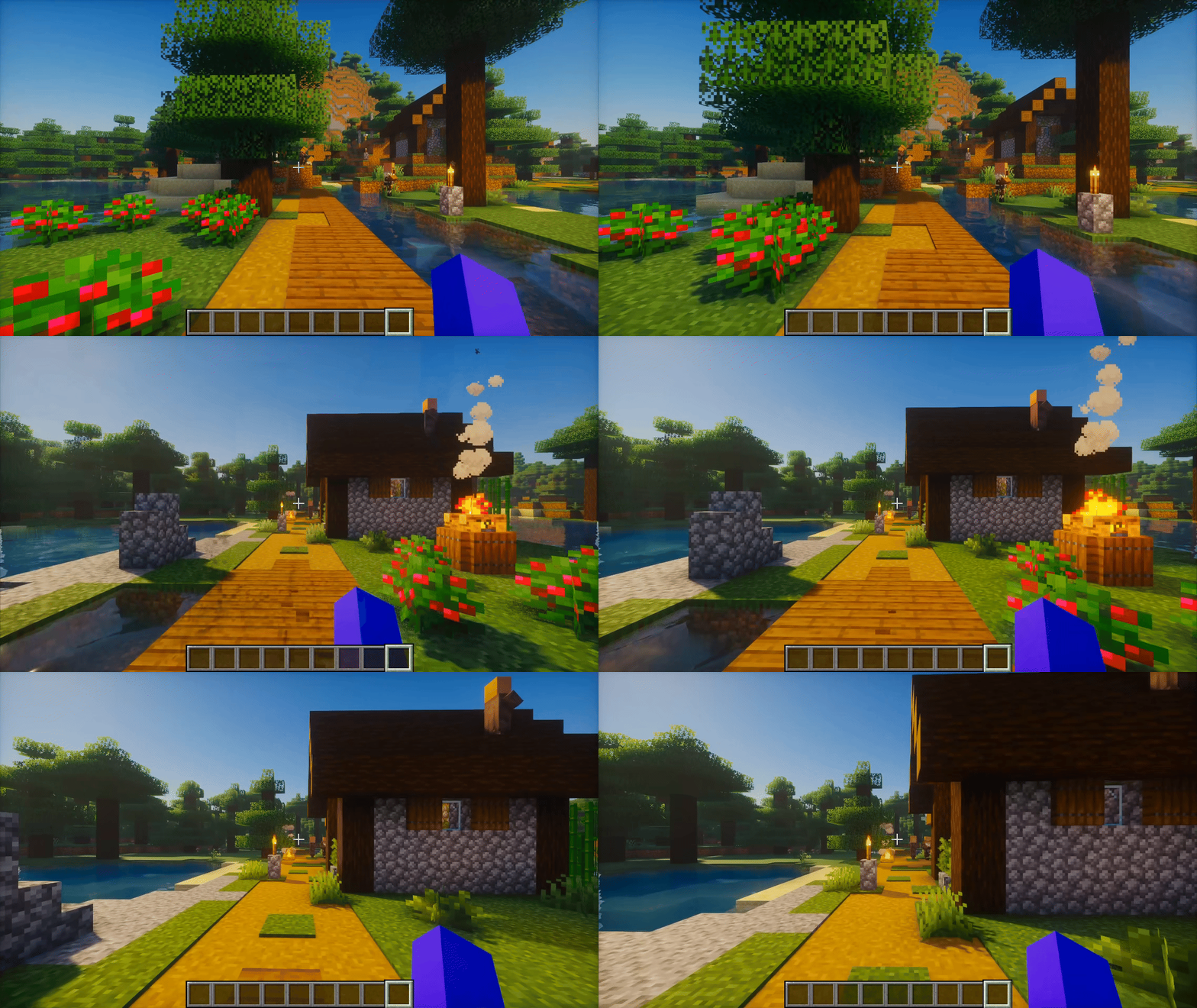
360° Spin Right
Continuous spin activated in the right (clockwise) direction. Speed is fully adjustable, from slow cinematic turns to ultra-fast rotations.
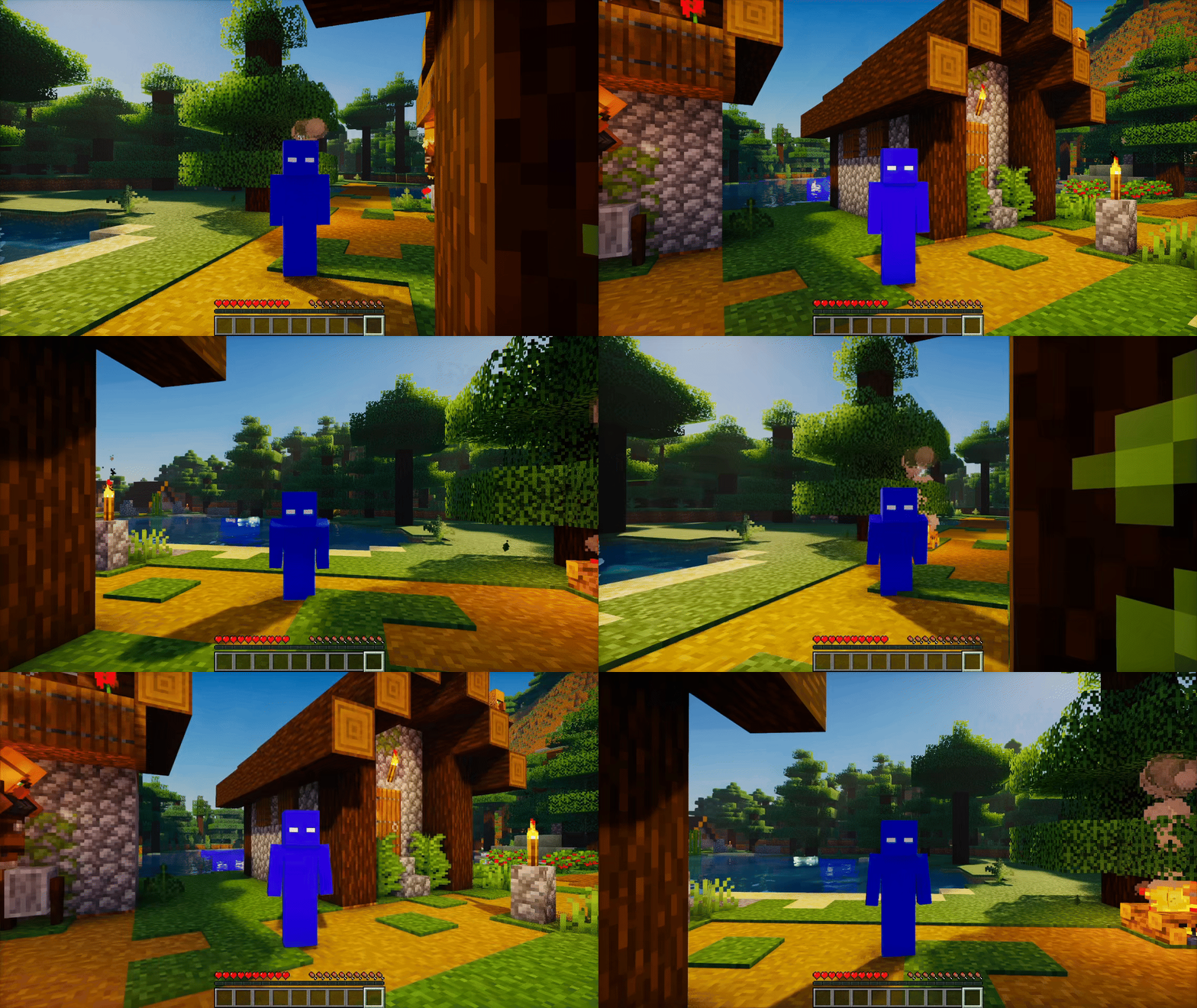
360° Spin Left
Continuous spin activated in the left (counter-clockwise) direction. Fully adjustable spin speed lets you choose between smooth cinematic turns or rapid rotations.
360° Spin with Crouch
360° Spin combined with Auto Crouch pulses. While spinning, the mod automatically toggles crouch at timed intervals, creating dynamic movement.
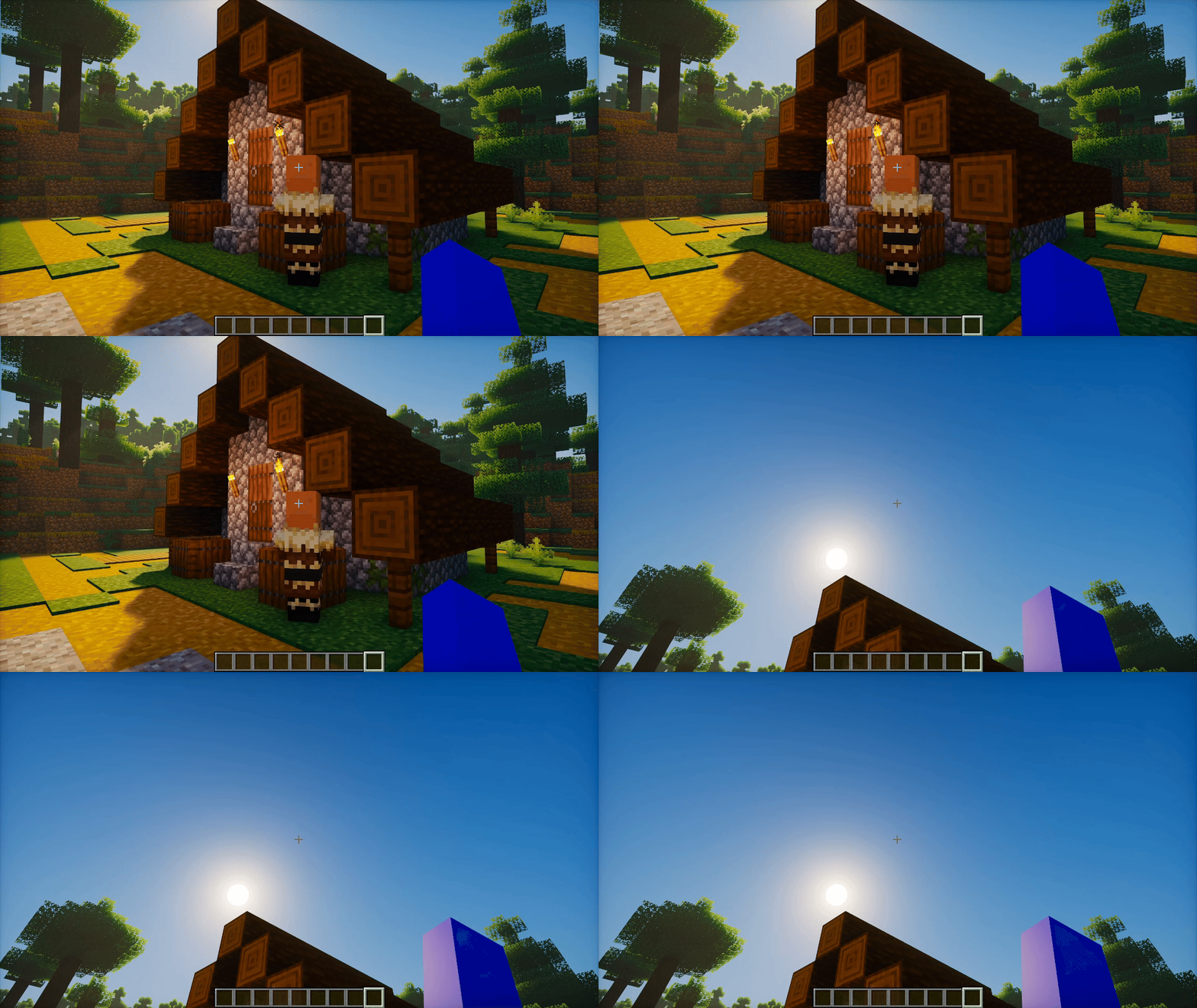
Pitch Flick (U)
Pitch Flick triggered with U. The camera jumps to your preset vertical angle (default –45°) for quick perspective shifts. Press U again to return smoothly to your baseline view.
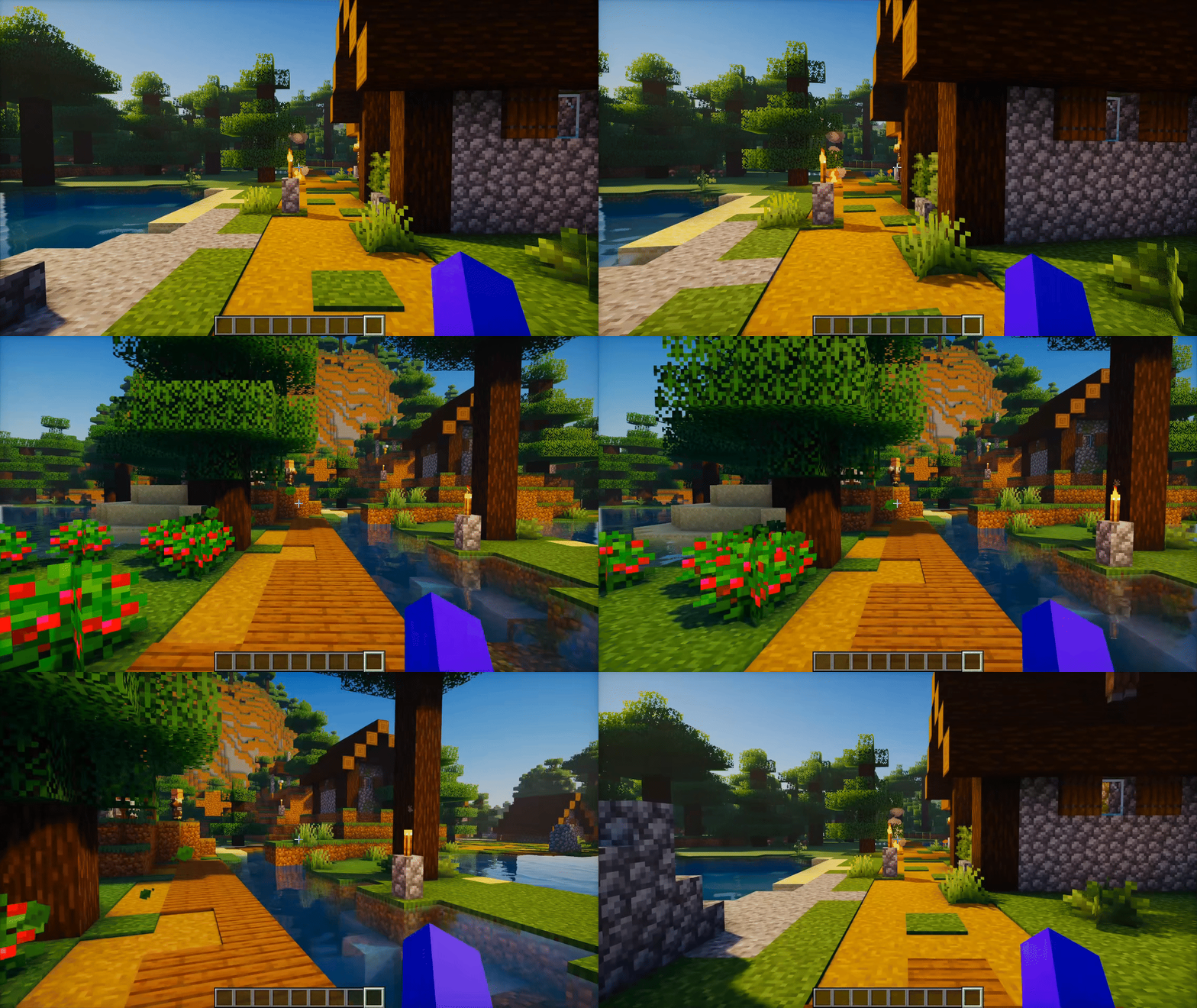
Yaw Flick with Smooth Turn ON
Yaw Flick activated with Smooth Turn enabled. Instead of snapping instantly, the camera eases into the new angle for a more natural, cinematic rotation. Perfect for clean movement or content creation.
Yaw Flick with Smooth Turn OFF
Yaw Flick executed with Smooth Turn disabled. The camera snaps instantly to the configured angle, giving fast and precise view changes ideal for PvP and quick reactions.