
Compatibility
Minecraft: Java Edition


Links
Tags
Creators
Details
Licensed ARR
Published 3 months ago
Updated 2 weeks ago
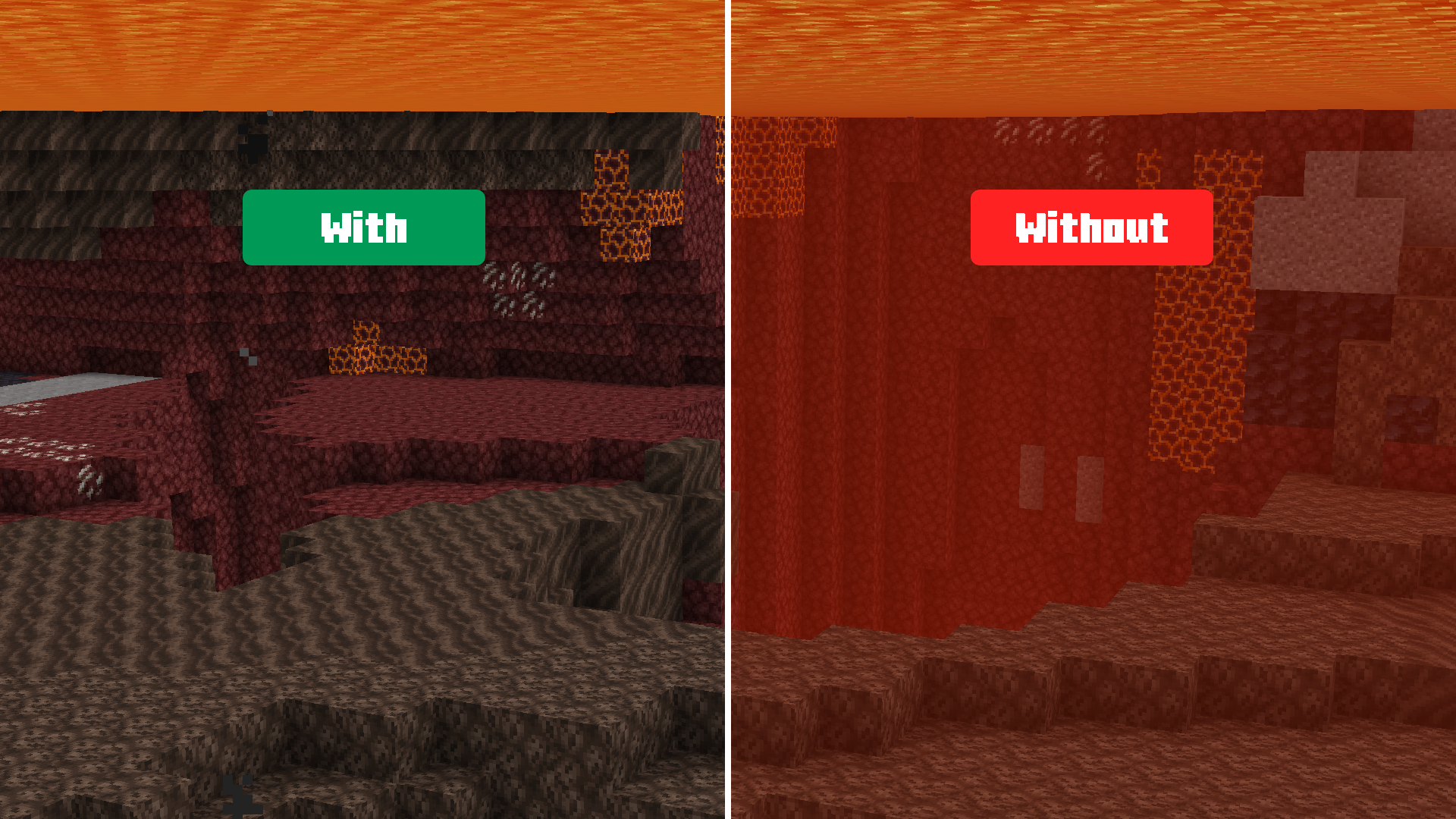
ChillByte – Clear Lava is a lightweight clear lava texture pack that removes the orange fog when you are inside lava, allowing you to see what's inside clearly.



✨ Features
- Removes the orange fog overlay when inside lava
- Gives you a clear, unobstructed view of everything inside lava
- Lightweight client-side resource pack
- No performance impact
- Works with Vanilla and OptiFine (For Sodium, check below)
📦 Installation
- Download the
.zipfile - Open Minecraft → Options → Resource Packs → Open Pack Folder
- Paste the
.zipfile into the folder - Close and re-open the Resource Packs menu
- Enable ChillByte – Clear Lava from the list
📸 Screenshots
| With | Without |
|---|---|
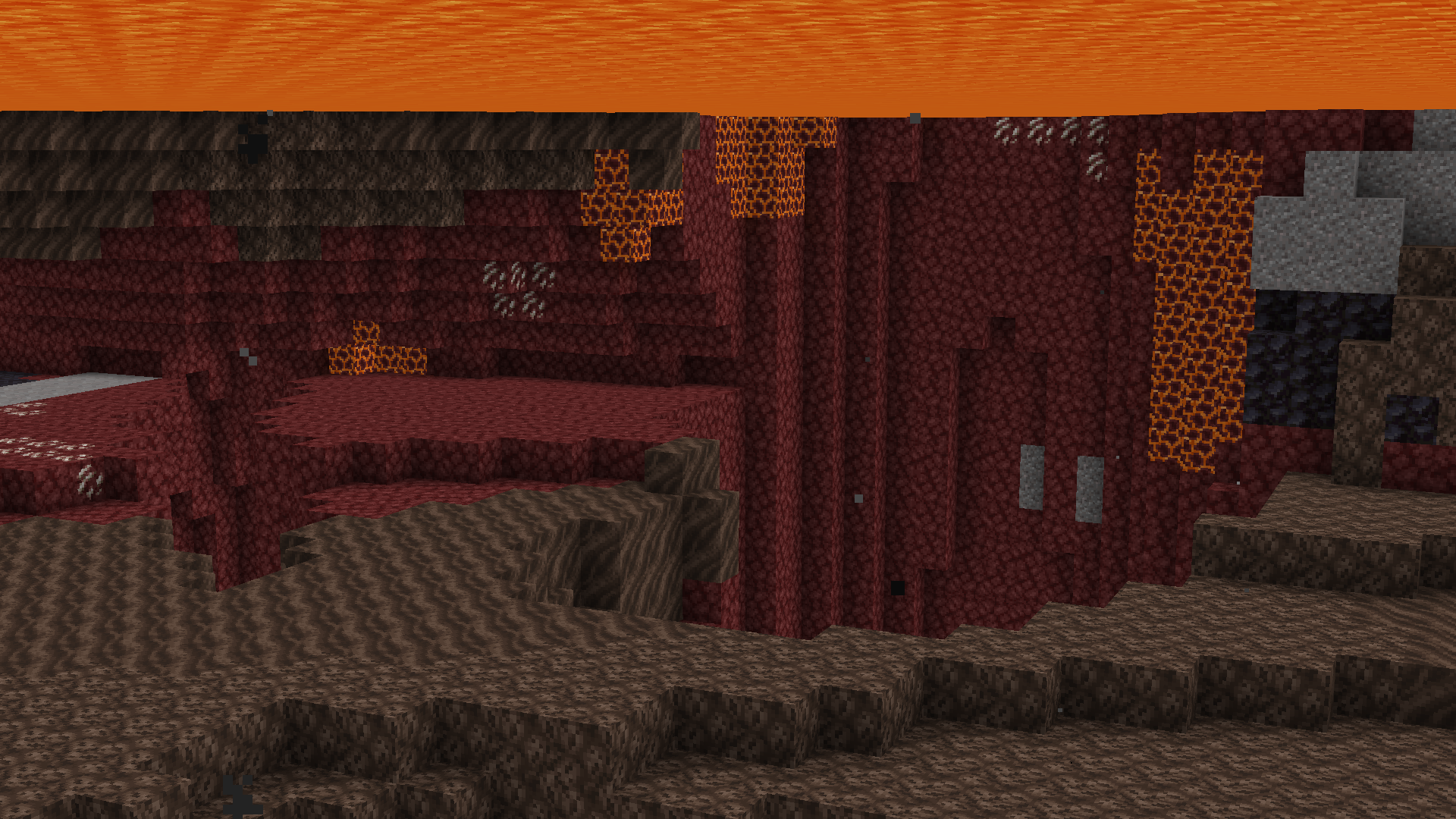 |
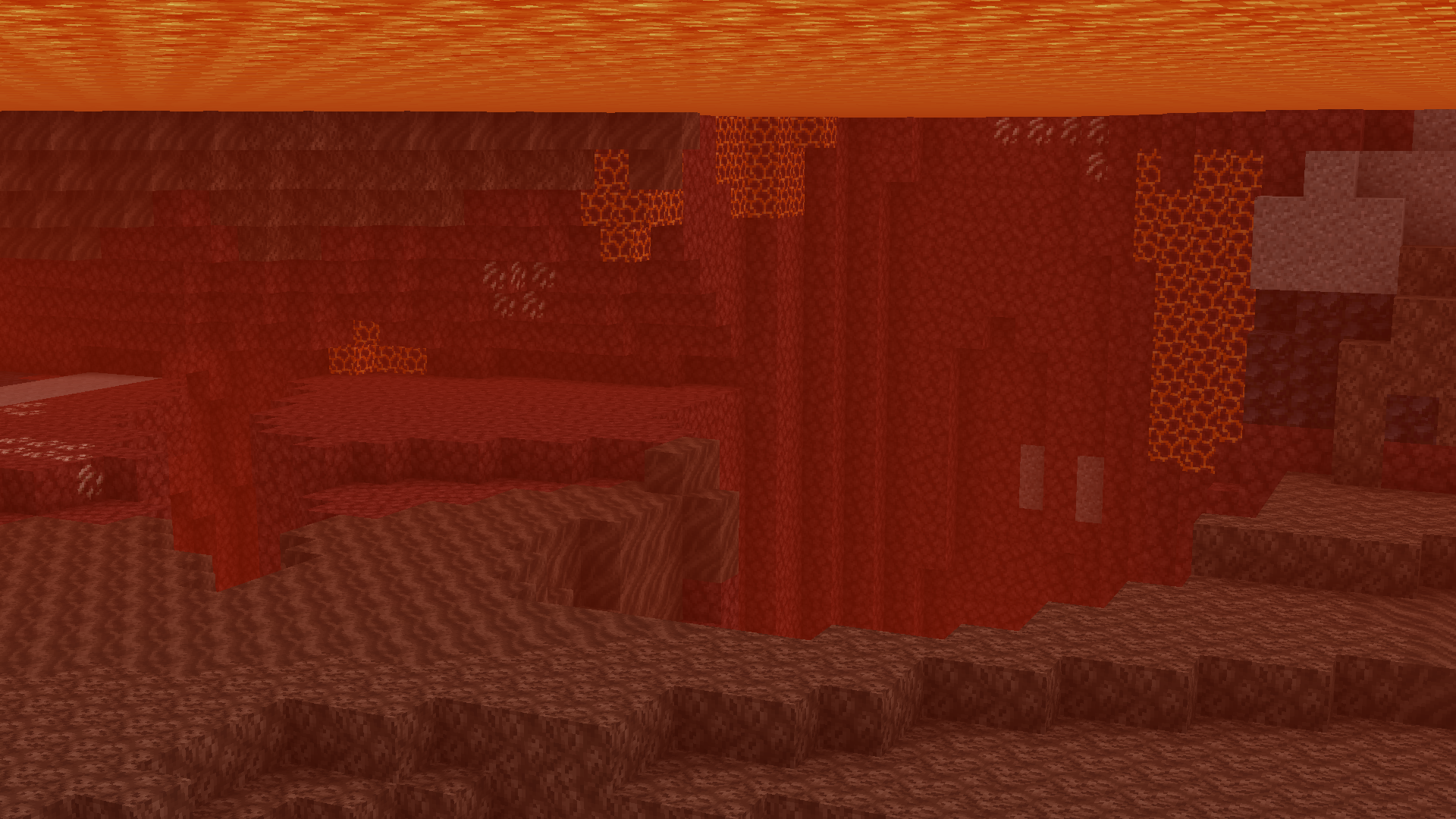 |
| View Full Size | View Full Size |
🧩 Compatibility
- Minecraft 1.21.11+
- Works without any mods
- NOT compatible with Sodium
Removing Lava Fog with Sodium
- Download Sodium Extra and install it alongside Sodium.
- Open Video Settings, then navigate to the Render tab under Sodium Extra settings.
- Enable Advanced Fog Settings and click Apply.
- Scroll down, enable Protected Gameplay Fog, and drag the Lava Fog slider all the way to the left until it displays OFF.
- Click Apply to complete the process. The lava fog will now be completely removed!
| Step 2 | Step 3 | Step 4 |
|---|---|---|
 |
 |
 |
| View Full Size | View Full Size | View Full Size |
📁 The Collection
Any pack downloaded from PrecisionZero or ChillByte will completely work with all other packs from us. Our texture packs are designed in a way that no pack would clash with each other, ensuring a reliable and seamless experience.
Discover the PrecisionStudios Collection
 |
 |
📧 Contact
For any concerns regarding ChillByte – Clear Lava, contact me at: precisionzero.creator@gmail.com
🔒 License
Licensed as All Rights Reserved (ARR) under PrecisionZero