
Compatibility
Minecraft: Java Edition


Links
Tags
Creators
Details
What is this?
- Does not replace existing textures or models of the vanilla game.
- For modded and/or data pack container GUI customization.
- Turns item stacks into modular GUI sprites through
item_modelandcustom_model_data. - An item model definition as an example or for direct use.
GUItem
Based on the container GUI customization concept of covering inventory slots with item sprites.
A simple implementation of the customizable modular GUI sprite via the item model definition.
The item model is a composite of "layer" models stacked in order:
- Foreground: Graphics that must be shown, even if they cover item sprites.
- Icon: Graphics of symbols or expressions.
- Button: Informs that it can be interacted with to trigger something.
- Slot: Informs that it can interact with or preview an item stack.
- Pattern: Graphics of implicit information.
- Field: Graphics to declare the region or section.
- Background: The bottom layer that can be displayed.
Each layer has template models in various forms and can create child models by assigning textures.
Here is an example /give command to get a "check mark button" by using the provided item model definition: /give @s minecraft:recovery_compass[minecraft:item_model='guitem:gui_stack',minecraft:custom_model_data={"strings":["","","","","button","check_mark",""]}]
Demonstration
The GUI elements used in the sprites shown in this section are also provided in the pack.
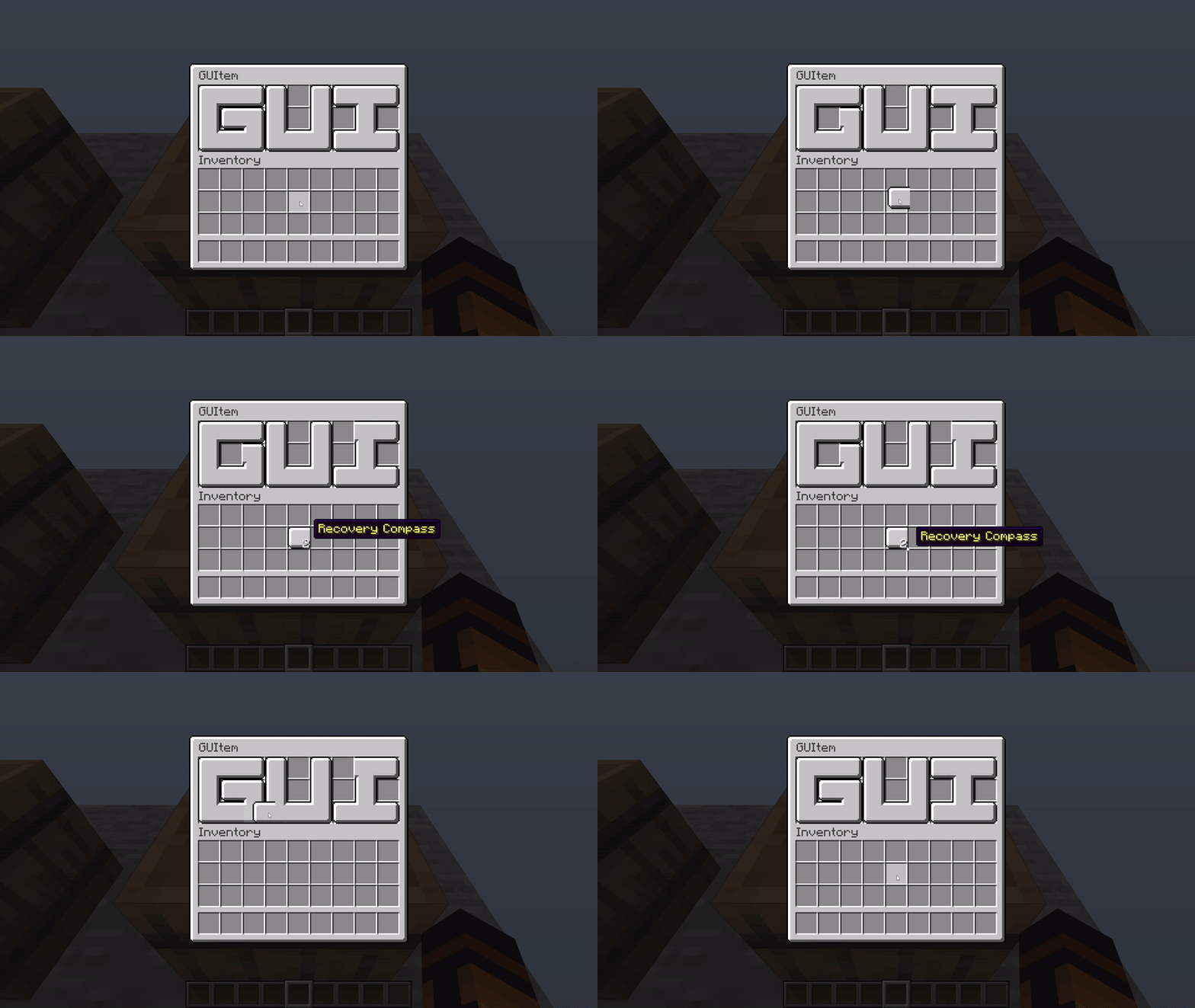
Most pieces are designed to fit a whole slot size:
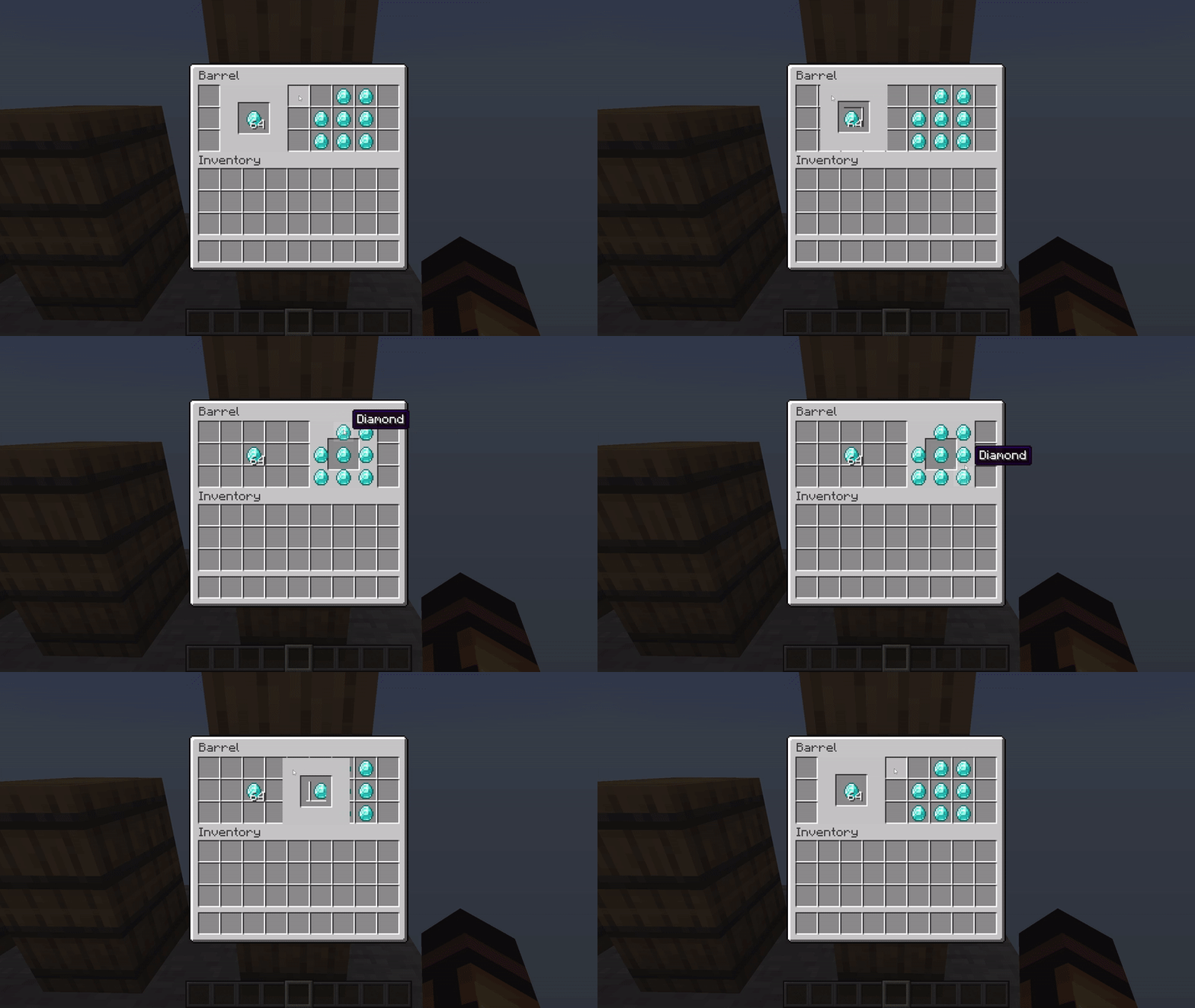
Some pieces have a greater cover area that extends to other slots, representing a complete element or being a foreground/background to the others:
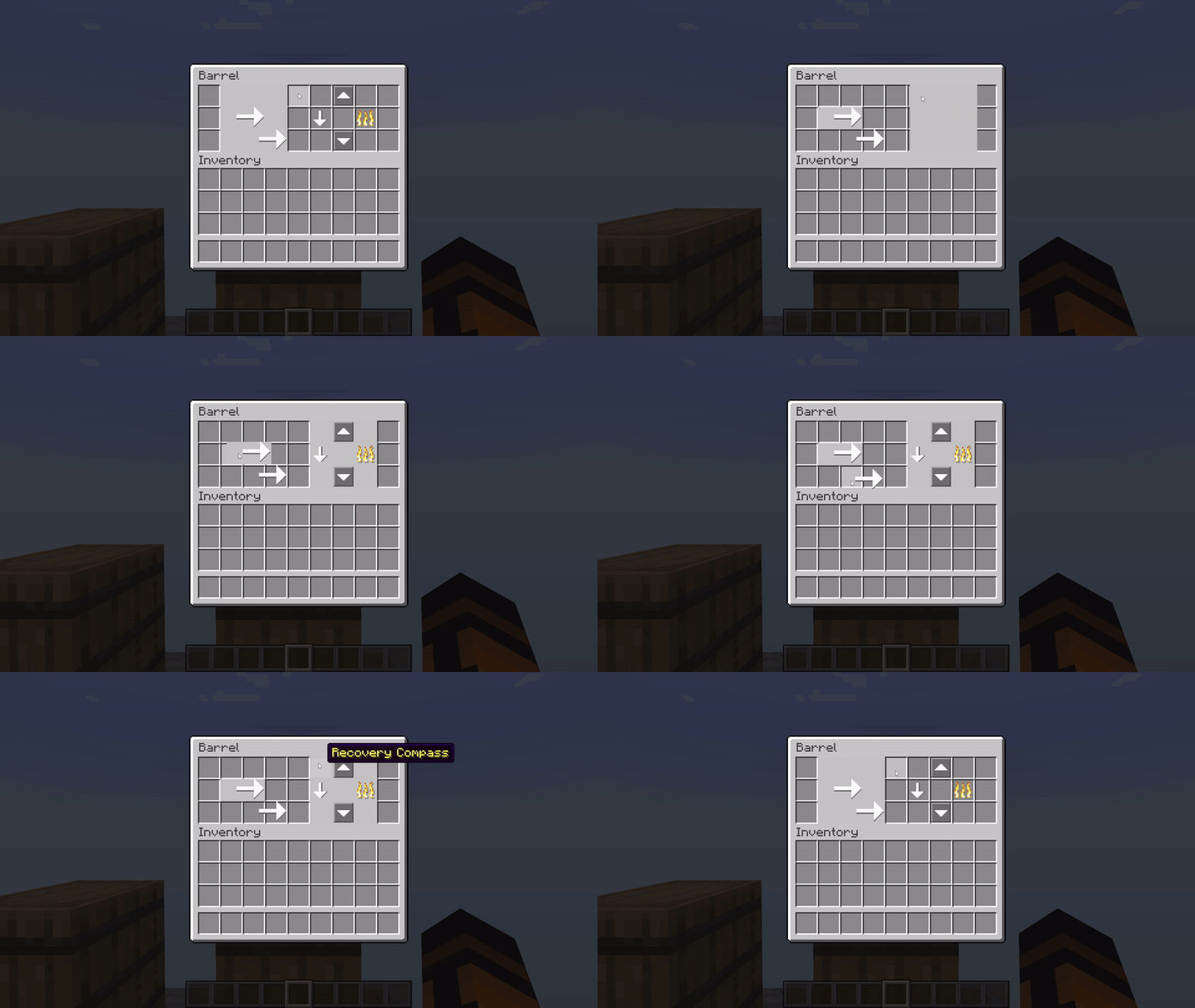
Play with oversized items with caution! They may have their own rules for covering items:
Reminder
- The item model definition, after Minecraft 1.21.6, added
oversized_in_guito control whether the model can exceed a slot (true) or be trimmed to slot size (false, default). - Try combining with the custom fonts as well. Although editing the container name requires reopening the UI, it's still a great option for static content, while modeled items help with dynamic content.
Known Issues
- Item models are rendered slightly dim.
- It seems like this upstream issue is fixed along with the lightmap algorithm changes made in Minecraft 26.1 snapshot 1.
- Oversized models sometimes have a smaller UV area, resulting in the wrong scaling of the texture.
- Some oversized models are missing their top row of pixels (GUI scaled).
Compatibility Info
- namespace:
guitem - atlases directory:
gui_item