



GUI update
This update fixes some visible bugs in the graphical interfaces and also adds new features.
Graphic NBT editor (editor for additional block data)
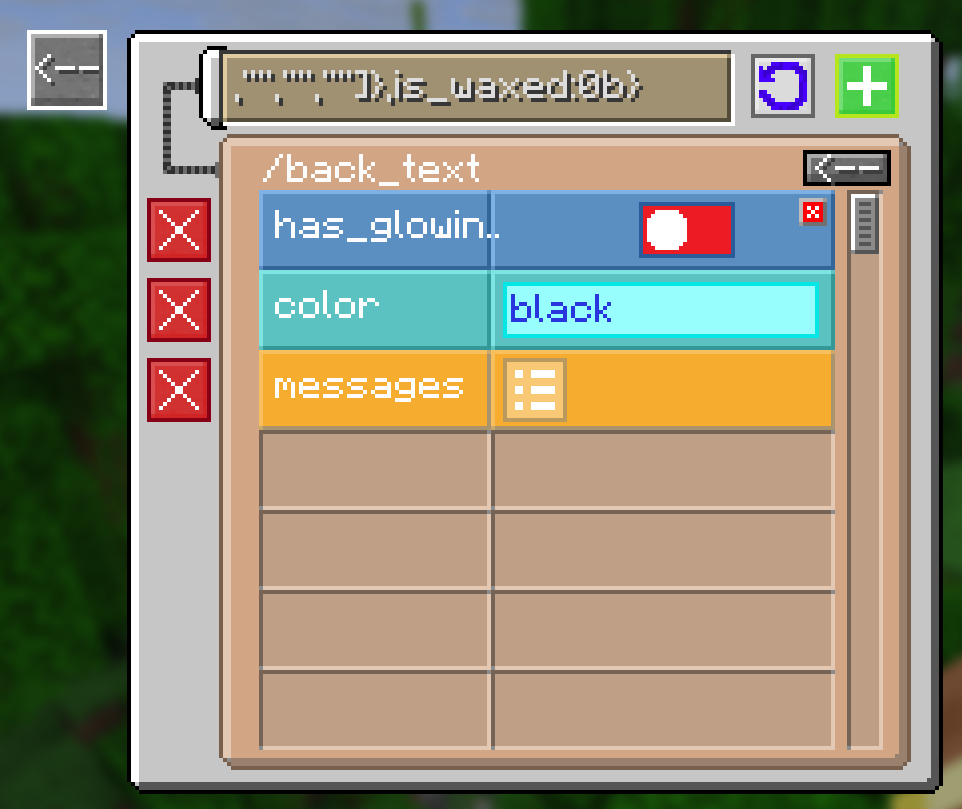
- In this version, the NBT field in the block settings has been moved to a separate GUI, which allows you to edit it as a set of "tiles" with settings and separate "folders", as if you were using NBTEditor, but only inside the game, for convenience, some tags will be shown in a more appropriate form, for example, ByteTag in the context of a logical value.
- The new system automatically draws an error on the screen if a tag in a block has not been loaded (when the tag is not appropriate for the block), so you will always know whether the NBT changes have been applied to the block from the editor.
New options for config
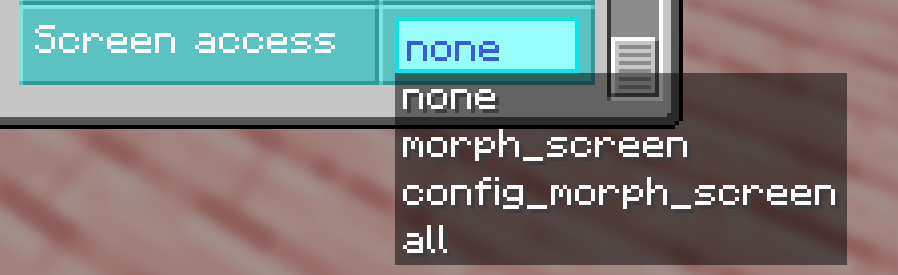
- "ScreenAccess" allows you to set the level of access to interfaces for players without operator rights, you can disable the block setup menu for players, as well as the menu for selecting new blocks, or you can completely disable the GUI and use the command.
- The "offUnbreakableBlocks" option allows you to block the transformation into unbreakable blocks, such as bedrock, barrier, command block, portal block, and the like.
Icons for invisible blocks
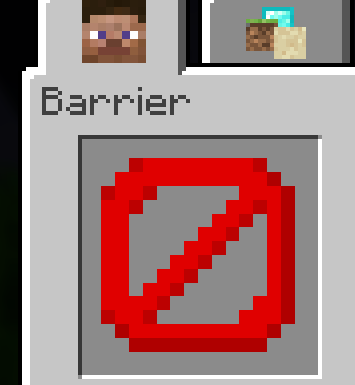
- For blocks that are not visible as a block but are visible as an item, such as a barrier, light, empty block, etc., large icons will be displayed.
Bug fixes
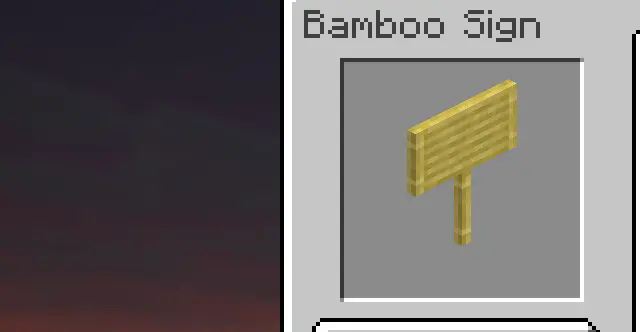
- Now the lighting level of the blocks in the GUI will not depend on the time of day
- The blocks in the GUI will be sorted according to the order of the creative inventory. Unsortable and technical blocks (for example, portal blocks) will still be in the operator tab at the bottom.
- The light will be evenly distributed across the blocks, making the block entities slightly lighter.
- NBT tag is no longer reset when changing block properties.
- On some versions (especially fabric), fire overlay rendering would not be disabled when the player was ignited while morphing was enabled.
- The overlay of cracks when a player's block is destroyed is now determined by the broken block itself, and not the main one (previously, for example, when breaking the upper half of a door, you did not see cracks on the screen)
- Updated to 1.21.7
Functional update:
- Now you can interact with blocks by right-clicking, as it happens with vanilla blocks. The mod will support the functionality of most mod blocks, not just vanilla ones. Also, the blocks support tick, due to which the functionality of such blocks as: furnace, potion brewer, campfire (cooking food) and the like will also work.
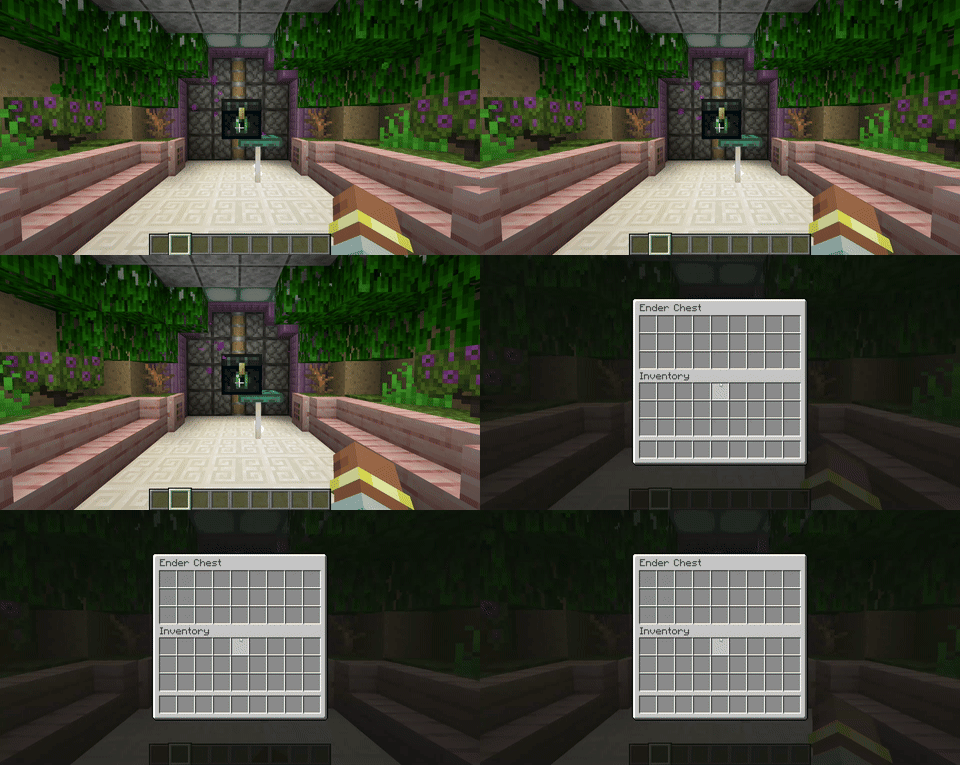
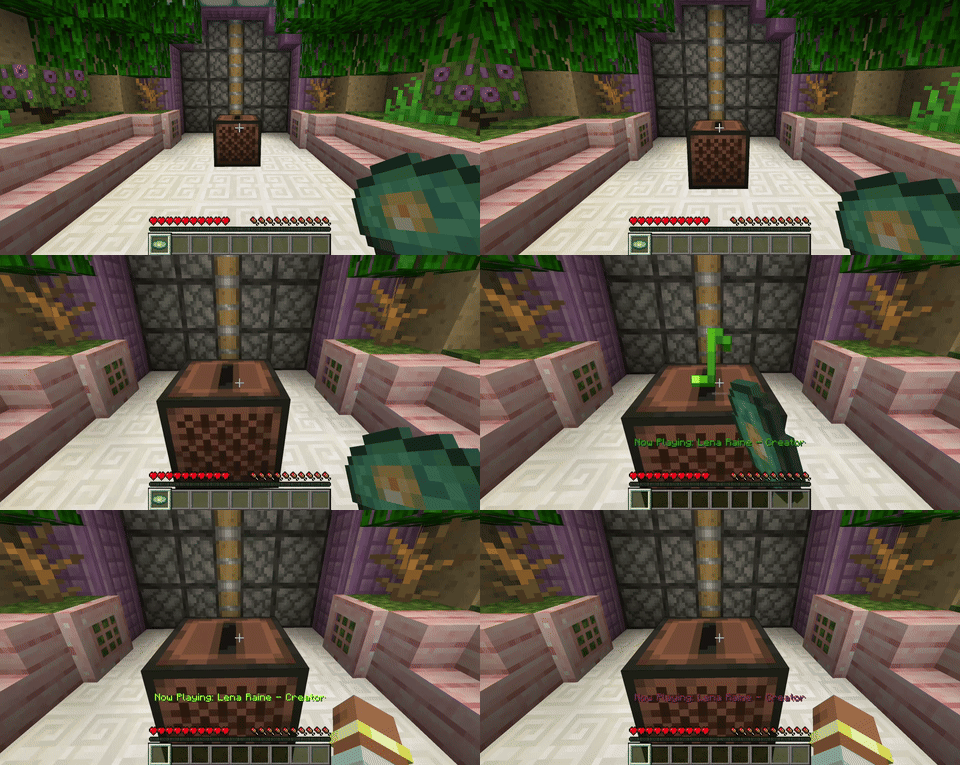
- If this function is inconvenient, you can disable it in the configuration, there are 3 modes:
- DISABLED - interaction with blocks does not work
- VANILLA - only vanilla blocks work
- ALL - all blocks work, including those from other mods
- You can also set the placement mode on transformed players:
- DISABLED - nothing can be placed on the player
- OUT - when clicking on a transformed player with a block, the block will be placed in the world at the closest position from the click location, if any
- IN - the block will be placed in the player's internal coordinate system, this allows the creation of buildings on transformed players from more than 1 block, from the central block of the player there is space of 15 blocks in XZ, as well as 31 blocks up in Y, nothing can be placed below the transformed player.(parameter under development, may contain bugs, especially when placing many blocks, or when working with functional blocks close to the edge of the 15x31x15 area of the internal coordinate system)
Bug fixes:
- Hitting a player who was turned into a block with a projectile could cause crashes or graphical errors.
- The block destruction system should work more reliably (especially the destruction animation, swing hand), since it now works using the vanilla system, and not the custom one.
Changes:
- Now the "multiblock" function has been removed, it is always enabled by default, and when turning into a multiblock (e.g. door, bed), the second half will be loaded automatically
- Porting to 1.21.5 neoforge