
Compatibility
Minecraft: Java Edition
Platforms
Supported environments


Tags
Creators
Details
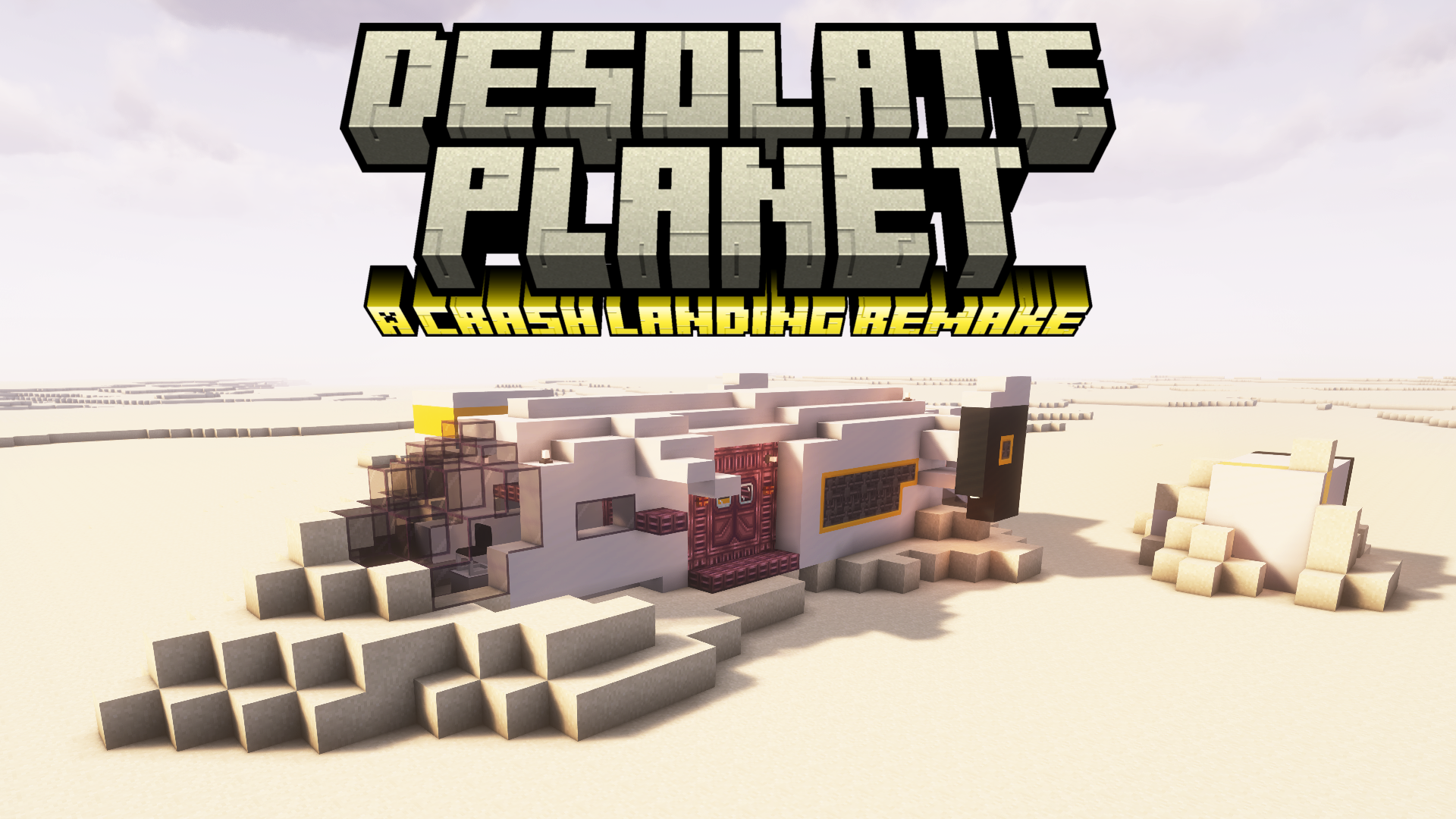


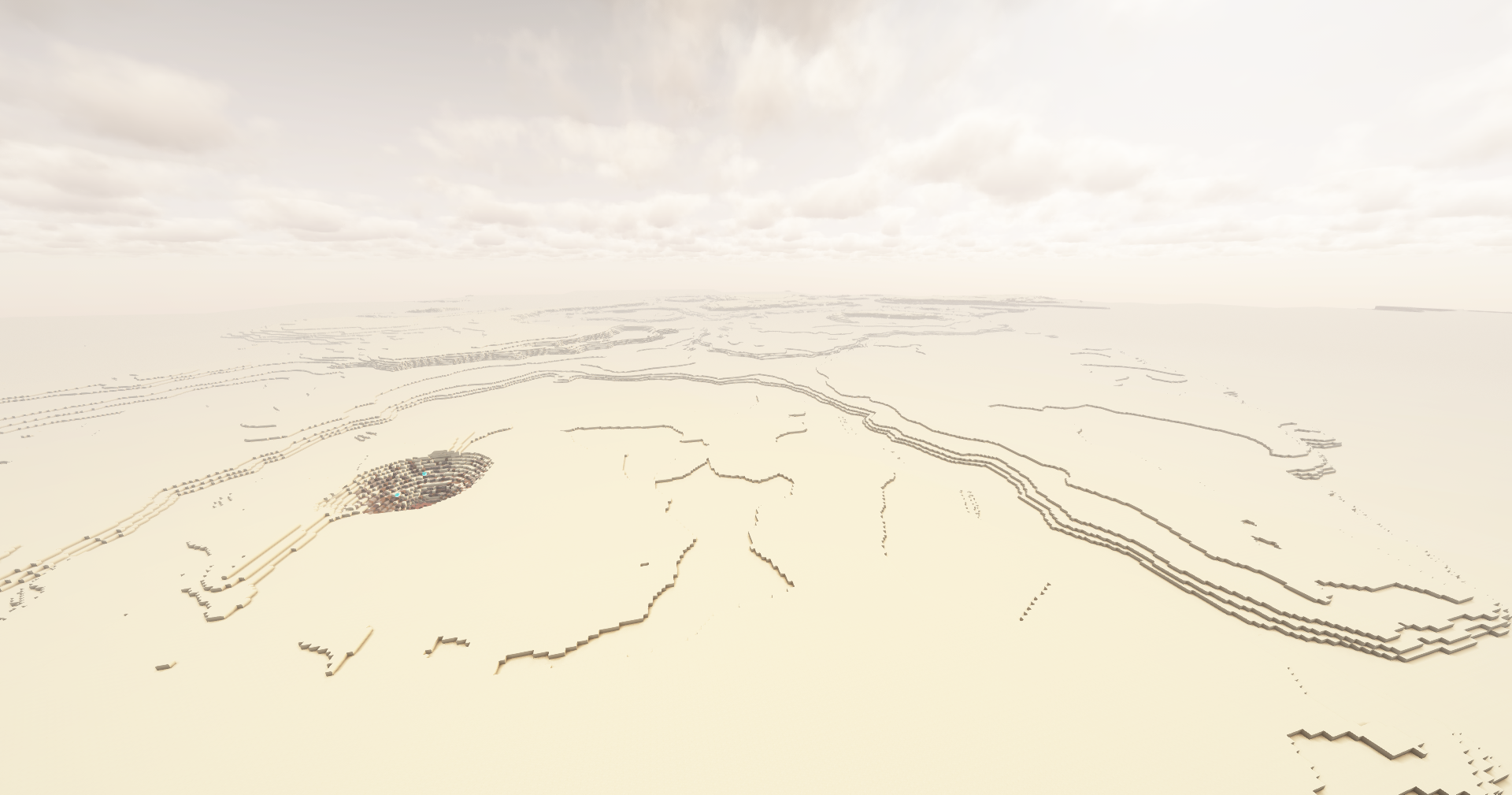
You have survived a crash landing on Planet T4L0S, an uncharted planet in the Varkin system. Preliminary scans indicate an arid environment with pockets of elevated radiation, high mineral content, and subterranean hydrocarbon reservoirs.
You will need to brave the blazing heat, find sources of food and water, scour the planet for resources, build up technology, and search for a way to escape the planet.
Desolate Planet is a challenging, quest-based modpack where you must struggle for survival on a dust planet with limited resources. The map is set to hardcore, you must use the Sync mod to build yourself more lives.


This pack is still under development. This version will still have bugs, and feedback is welcome.
Reach us directly on the Discord server: https://discord.gg/4en3SpWtJg
Or through the Subreddit: https://www.reddit.com/r/CrashLanding2Modpack
FAQ
Q: How do I install the modpack?
A: Download the Modrinth or Curseforge app, search for the name of the pack, and click install. Make sure you are using 6-8 GB of RAM in the modpack or launcher's settings.
Q: How can I play multiplayer?
A: The e4mc mod is installed. To play multiplayer, simply open your world to LAN, and it will print an address in chat that other players can join with.
Q: How do I set up a server? Do you have a server pack?
A: If you aren't experienced with server hosting, see the answer above. If you are experienced with server hosting, server packs are available alongside most Curseforge releases (Modrinth no longer allows server pack publishing). To download the server pack, visit Curseforge's project files page, select the most recent one, go to the "Additional Files" tab, select the server pack, and click Download.
Once downloaded, unzip the file and run it locally via the run.bat (Windows) or run.sh (Linux/Mac) files. If you use a server hosting provider, upload all the contents of the server pack to your host and find instructions for how to set up a Forge server on that host. These instructions are different for each server host, so find instructions specific to the one you are using.
Q: Why does my game/world gets stuck while loading in?
A: Make sure you have allocated at least 6 GB of RAM to the modpack. I usually recommend 8 GB if your computer has enough.
Q: How can I disable hardcore?
A: I strongly recommend learning to use the sync shells for extra lives, it's what the game was balanced around. If you select the easy route, you'll start with enough power for 3 shells. Follow the steps in the Sync quest for a detailed guide.
However, if you've tried that and still want to disable hardcore, you can edit the hardcore setting in config/globalgamerules-common.toml. On a server, the steps are slightly different. Download this file and replace the files on the server with the files in that zip. I recommend backing up the target files before replacing them.
Q: Why do I have debuffs like weakness, mining fatigue, or hunger?
A: You are likely malnourished. Check your nutrition by clicking the Diet button in your inventory. Aim to get a balanced diet by keeping the four main food groups above 50%. Higher values will give buffs, lower ones will give debuffs. The one exception is the sugars group, which isn't necessary to maintain. The sugars group will give speed buffs at moderate levels, but be careful because you will get debuffs if your meter goes over 80%. Read about the specific buffs and debuffs from the Diet mod on the wiki page here.
Q: How do I update the modpack?
A: In most launchers, open the modpack from your library and click the “Change Version” or “Update” button in the top-right.
Q: Will updating to a new version break my world?
A: Generally no, you won't have any issues. Only major releases break anything and there will be a description of exactly what they break near the start of the changelog. However, it is always a good idea to frequently back up your world.
Q: What is the best power source?
A: The quests include 3 recommended energy sources. The first is the Pitiful Generator, which is powered by burnable fuel and very slow. Once you get oil refining set up, you can use the Compression Dynamo to burn various types of oils. Finally, you can get a Nuclear Reactor in the end-game, which is a highly effective generation method. The quests will guide you through these three recommended methods, but other generators can be built along the way.
Q: Why does the modpack use Hardcore Questing Mode (HQM) instead of FTB Quests?
A: HQM was initially chosen because it was used in the original Crash Landing modpack. We've stuck with the mod both because of that and because FTB quests is licensed in a restrictive way. Due to the FTB team's exclusivity with Curseforge, modpacks using their mods are not allowed on Modrinth. There are a few other quest mods available (Better Questing and Odyssey Quests), but I find the gameplay experience to be lacking a bit compared to HQM and FTB Quests.
Q: How do I get seared bricks/grout for a smeltery?
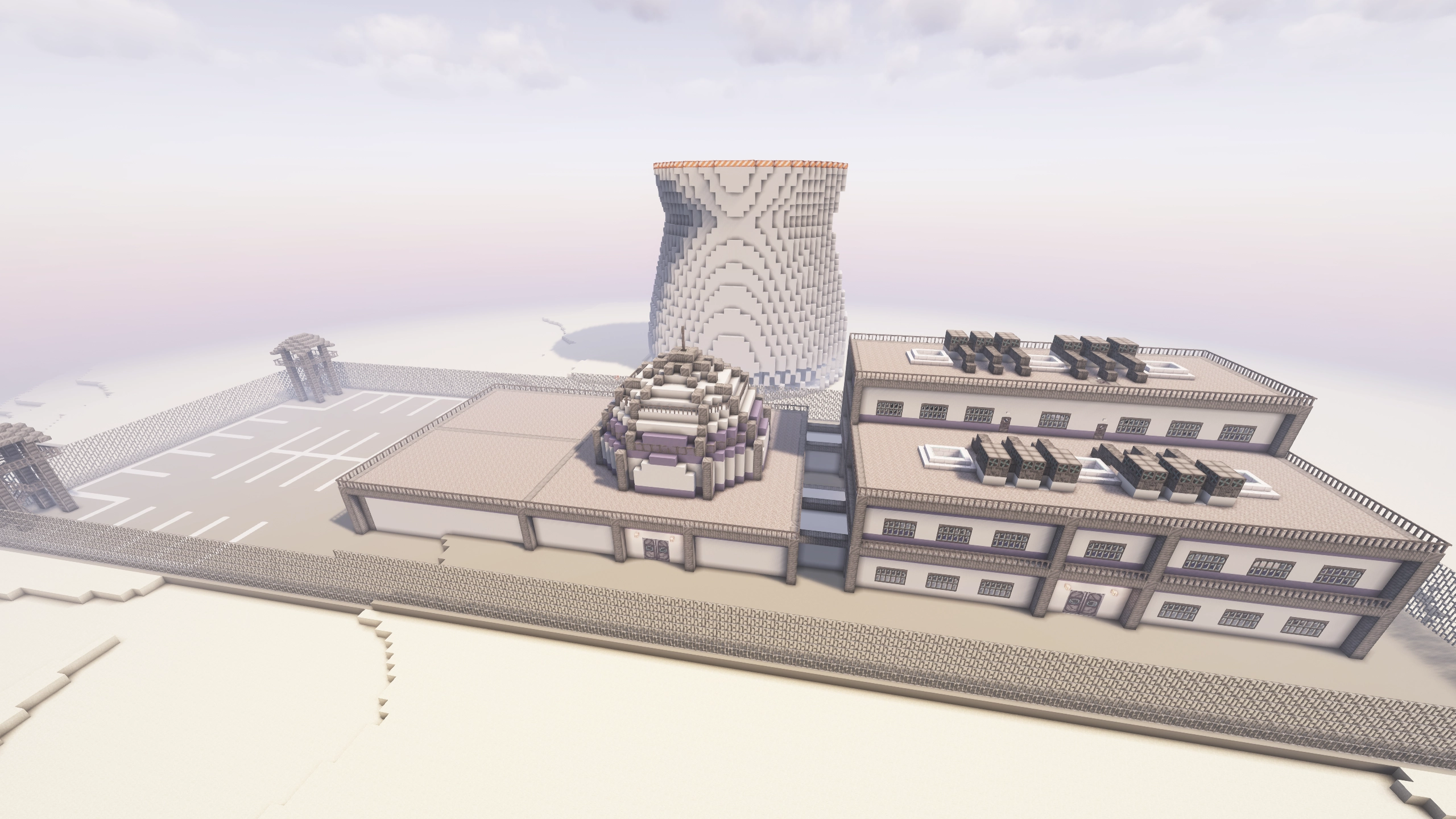
A: There is a Tinker's Construct smeltery building in the cities, containing crumbling seared brick blocks. Break those with a hammer or pulverize them to get seared bricks.
Q: How can I change the thermometer to Celsius?
A: Go to the Options menu, click the Cold Sweat button on the left, and change the units option in the top-left.
Q: Why do structures generate in the same spot on every world?
A: All worlds currently use the same seed, which allows gameplay to be balanced more tightly. This way, we can ensure players spawn in the right biome and that the late-game structures are further from spawn than the early-game ones. Soon we will switch to a different world generation system which allows greater control over biome and structure placement. After that update, a preset seed will still be used, but manually setting a custom seed will no longer completely break the balance of the world.
Q: Can I help develop/contribute to the modpack?
A: Absolutely!
- For simple suggestions, create an issue or let us know on the Discord.
- For simpler submissions like textures, models, buildings, or other small files, you can send those to us and we can do the implementation work for you (if approved).
- For anything more complicated like full game mechanics, complex scripts, or large-scale config adjustments, you can submit a pull request on GitHub. See our Contributing Guide for information about setting up the modpack dev environment on your computer.
Q: Can I help translate the modpack?
A: Absolutely!
- I have done my best to make all text in the modpack translatable through Minecraft's localization files and the modpack was recently translated into Portuguese.
- If you want to translate anything into your language (or correct any existing translations), feel free to send me them via Discord or by submitting a pull request on our Github.
- The following files are available to translate:
Q: Do you have a roadmap/list of planned updates?
A: Yes, the most up-to-date roadmap is in our discord. I have many plans for the future of this modpack and the roadmap details the next 6-8 major updates. Feel free to let me know what you think and what you think the future of this modpack should include.
Credits
Developed by:
Other contributers:
- Nagasakii (Early development work and initial quests)
- QinlingP (Packwiz setup and preset seed mod)
- herobrian903 (Create quest line prototyping)
- Kilometers (Early development work)
- Mei-Nanita (Early recipe work)
- Pand1024 (Early github maintenance)
Original pack developer:
All proceeds from this modpack will be donated to GiveWell.